A Krea alternative for anime: C2Anime for anime video
Krea is a general multi-model creative suite for images, video and 3D. C2Anime is built around a different job: making anime video with a planned screenplay, a cast you design once and reuse, and voiced dialogue. This page explains the difference honestly so you can choose the right tool for your project.
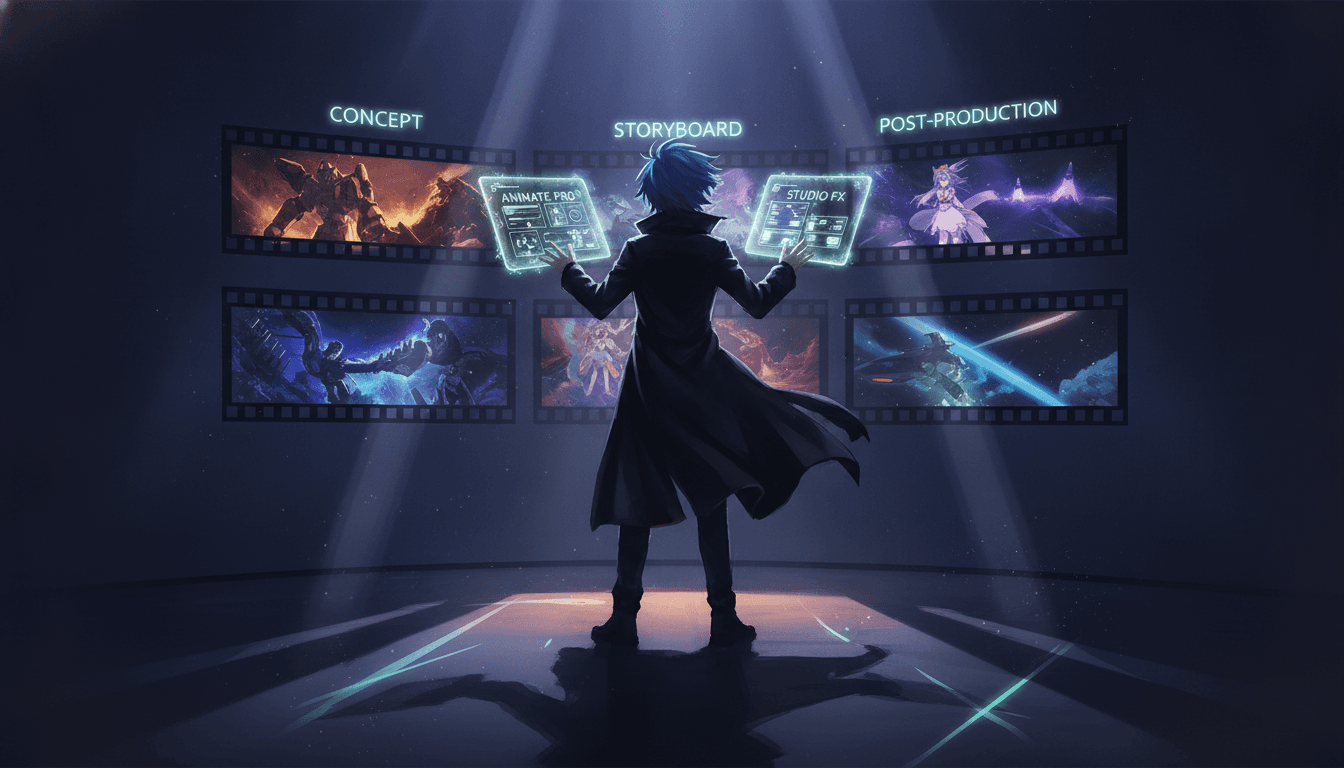
How C2Anime approaches an anime video
C2Anime is an invite-gated Early Access product with paid credit tiers. It runs on Seedance and MiniMax models. The workflow is organised around anime storytelling rather than around picking a model per clip.
Plan the screenplay first
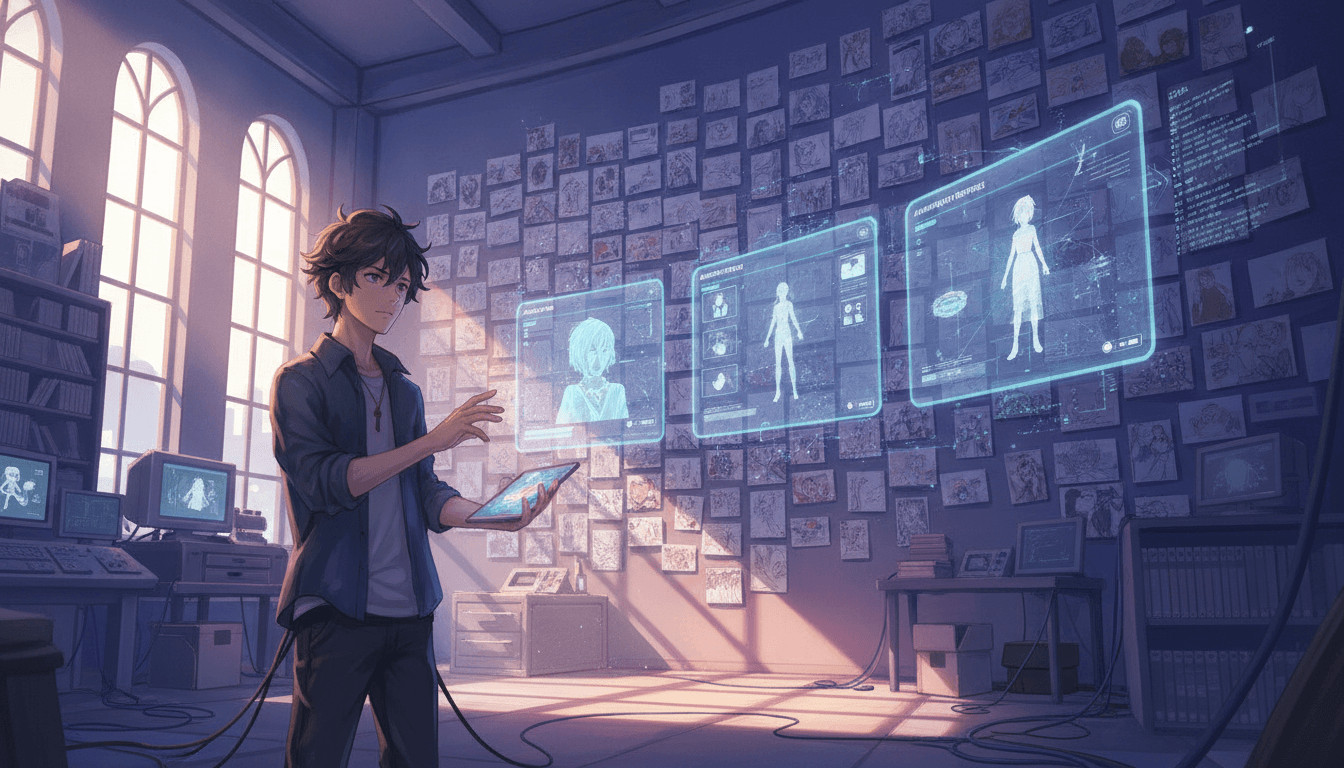
You write and structure the story before anything is rendered: scenes, beats and dialogue. The screenplay is the reference the rest of the project is built against, so shots are not improvised one at a time.
Design and reuse your cast
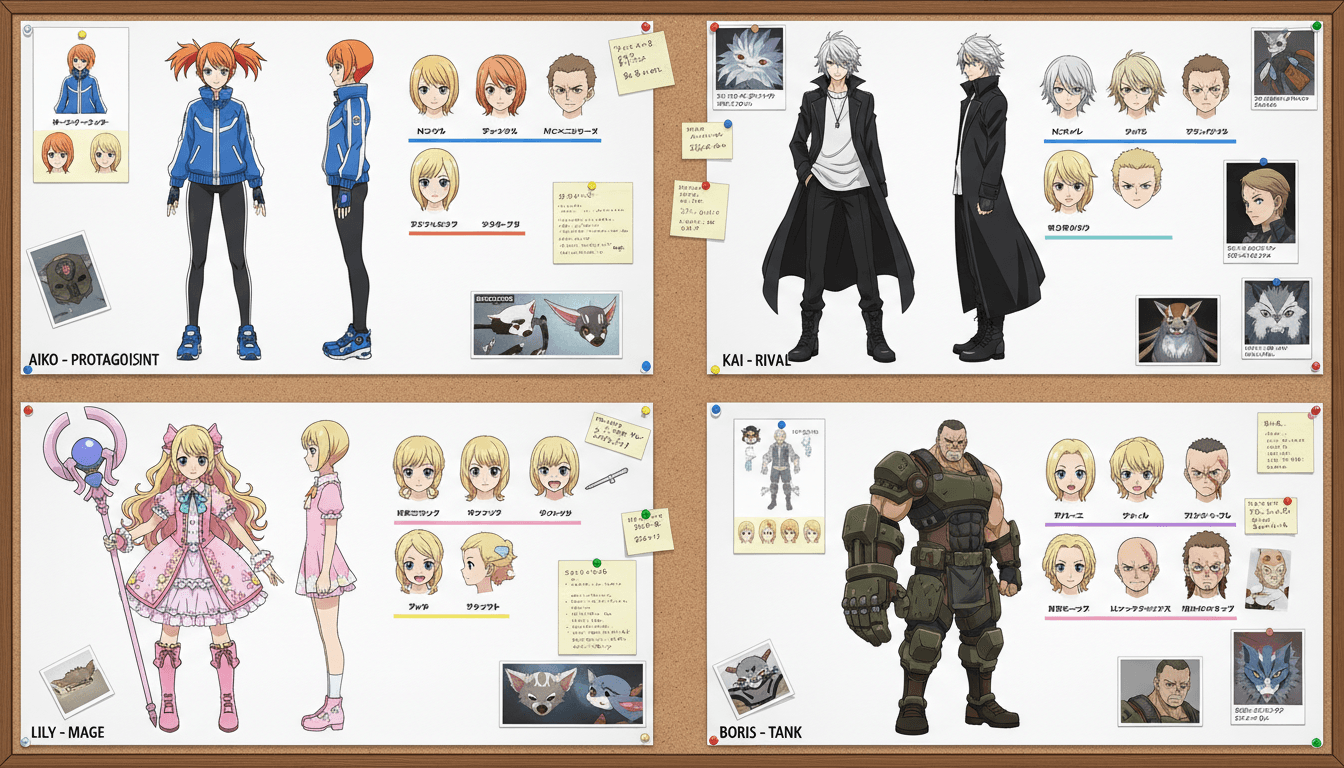
Characters are designed once and saved, then reused across scenes. For anime, where the same cast carries the story, this keeps a consistent look between shots instead of redesigning a face for every clip.
Render voiced scenes
Scenes are rendered on Seedance and MiniMax models, with voiced dialogue built into the output. You review the result against the screenplay and adjust the plan or the cast rather than starting over.
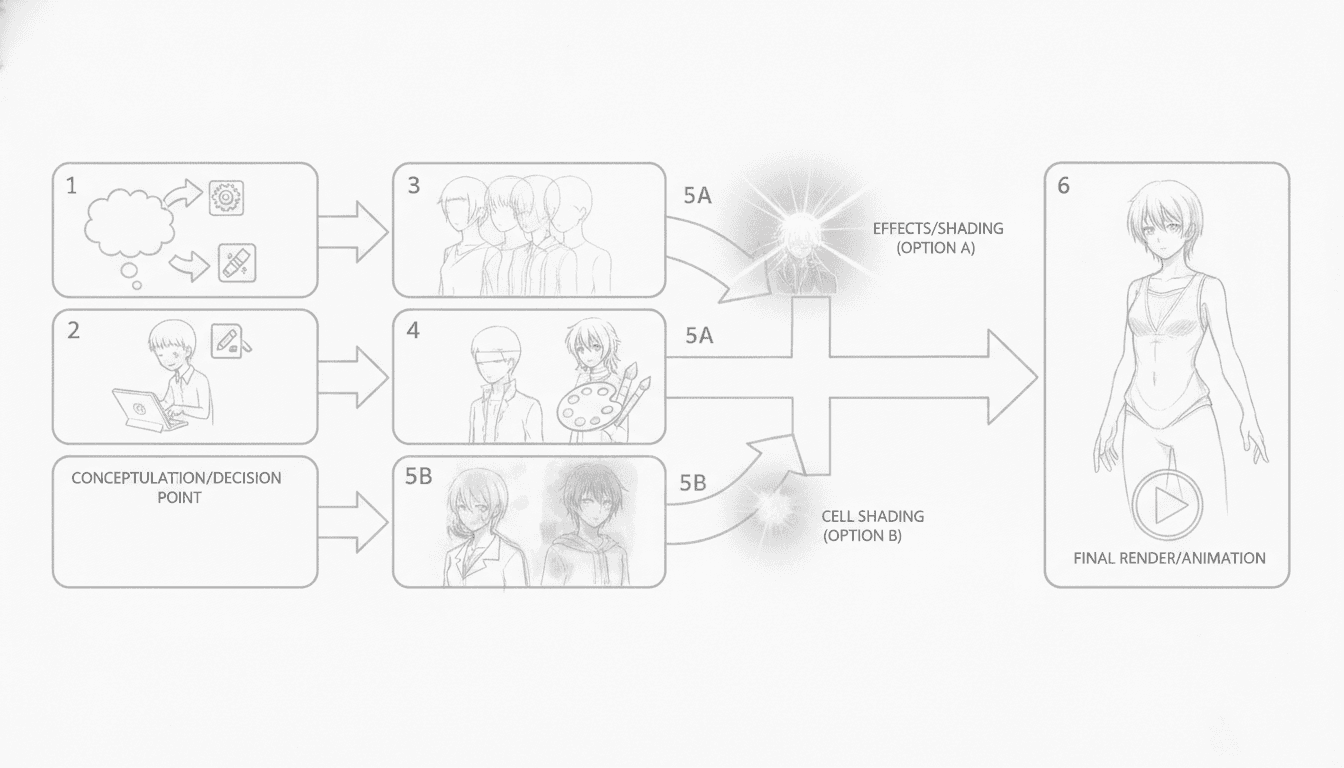
Krea and C2Anime: an honest comparison
Krea is an AI creative suite for images, video and 3D, and it offers a free plan. For video it gives you access to several models and can animate stills. That makes it a flexible general tool: you can move between image work, video clips and 3D, and try different models in one place. If your work spans many styles and formats, that breadth is a real advantage. What Krea is not, by its own description, is anime-specific. It is a multi-model tool, and the anime workflow — a fixed cast, a screenplay, voiced lines — is something you assemble yourself.
C2Anime is narrower by design. It is a video product for anime, and it runs on Seedance and MiniMax models. Instead of starting from a model list, it starts from an anime story: a screenplay you plan first, a cast you design once and reuse, and dialogue that is voiced in the scene. Those choices matter most when you are making an anime episode or a short with recurring characters, where consistency between shots is the hard part.
Neither approach is better in general. Krea suits creators who want one suite for mixed image, video and 3D work and the freedom to switch models. C2Anime suits creators whose project is anime video and who want the cast, the script and the voices handled inside one anime-focused workflow. The honest answer is to match the tool to the project, not to the marketing.
What choosing C2Anime for an anime project looks like
In practice, an anime project in C2Anime begins with writing. You lay out the episode or short as a screenplay: who speaks, in what scene, and what the beat is. Because the plan exists before rendering, changes are made to the plan rather than to dozens of disconnected clips. This is the part general multi-model tools leave to you.
Next comes the cast. You design the main characters once — their look, their proportions, their defining features — and save them for reuse. Across a series of scenes, the same character is drawn from the same design. For anime, where viewers track a small cast closely, this is the difference between a coherent short and a set of unrelated shots.
Finally, scenes are rendered with voiced dialogue on Seedance and MiniMax models. You review each scene against the screenplay, adjust the cast or the plan where needed, and keep the project moving. C2Anime is invite-gated Early Access with paid credit tiers, so you should expect to request access and budget for credits rather than rely on a free tier.
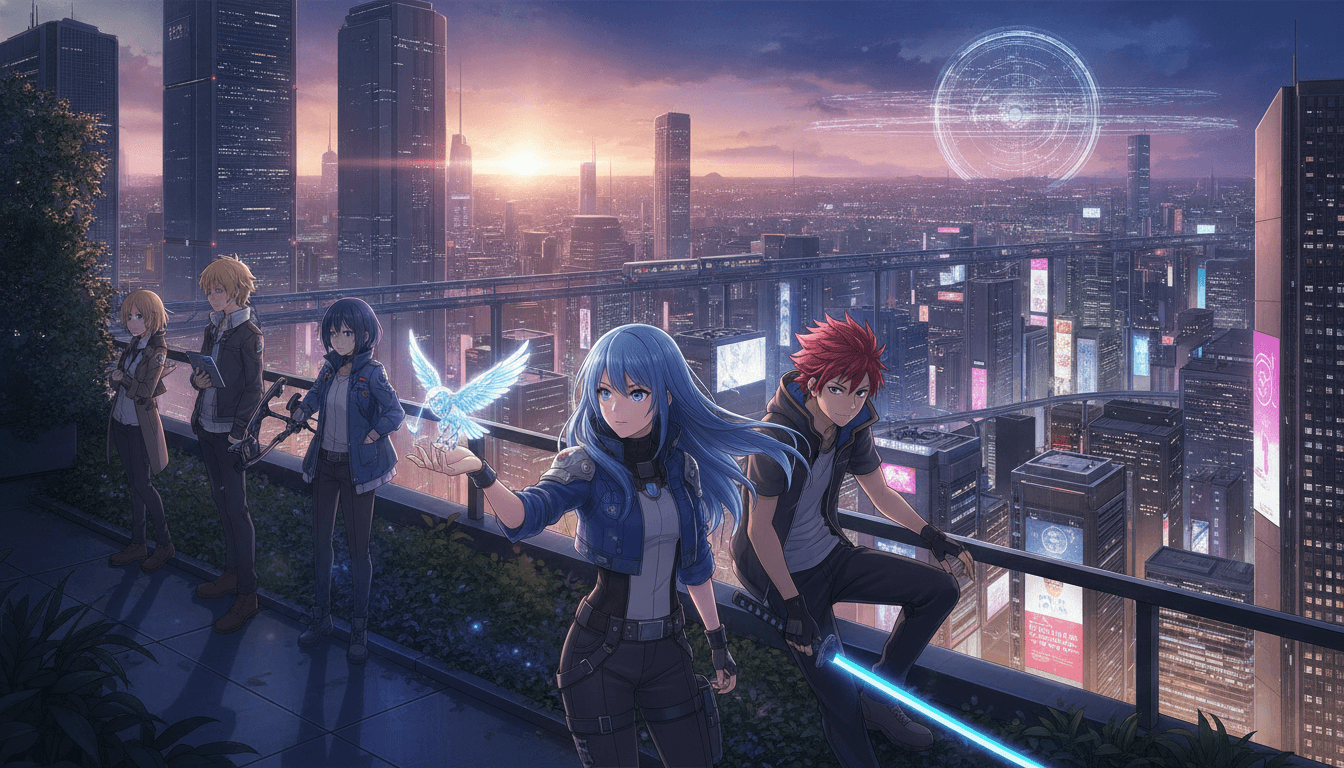
What C2Anime does for anime
A screenplay before rendering
You plan the story — scenes, beats and lines — before any scene is rendered, so the video follows a written plan rather than a series of one-off prompts.
A cast designed once and reused
Characters are designed and saved, then reused across scenes, which supports a consistent look for recurring cast members in anime storytelling.
Voiced dialogue in the scene
Dialogue is voiced as part of the scene, so an anime short can carry spoken lines rather than silent action alone.
Anime-focused video workflow
C2Anime is a video product organised around anime storytelling and runs on Seedance and MiniMax models. It is not a general image, video and 3D suite.
Who each tool tends to suit
Choose Krea if you want one general suite for images, video and 3D, you value a free plan to start, and you are comfortable assembling an anime workflow from multi-model video tools and still animation.
Choose C2Anime if your project is anime video and you want the screenplay, a reusable cast and voiced dialogue handled in one anime-focused workflow, and you are ready for invite-gated Early Access with paid credit tiers.
Try both if you are unsure. Krea's breadth and C2Anime's anime-specific structure answer different needs, and a small test project in each will tell you more than any comparison page.
Frequently asked questions
- Is C2Anime a good Krea alternative for anime?
- It can be, if your project is anime video and you want a screenplay-first workflow, a reusable cast and voiced dialogue. Krea remains a strong general suite for images, video and 3D with a free plan. C2Anime is narrower and anime-focused, so it is a fit for anime projects rather than a replacement for everything Krea does.
- Is C2Anime cheaper or faster than Krea?
- We do not make that claim. C2Anime is invite-gated Early Access with paid credit tiers, and Krea offers a free plan alongside its paid options. Compare current pricing on each product's site for your own use case.
- Does C2Anime produce better anime results than Krea?
- We do not claim that. C2Anime is built around anime storytelling — planned screenplay, reusable cast, voiced dialogue — while Krea is a general multi-model suite. Results depend on your project and how you use either tool.
- What models does C2Anime run on?
- C2Anime runs on Seedance and MiniMax models. It does not use Krea or any other model, and it is a video product, not a picture-book tool.
- Is there a free tier for C2Anime?
- No. C2Anime is invite-gated Early Access with paid credit tiers. You request access and use credits; we do not promise a free tier or unlimited use.
- Can I use Krea to animate anime stills?
- Krea can animate stills and provides access to several video models, so it can be used for anime-adjacent work. It is a general tool rather than an anime-specific one, so the cast consistency and screenplay planning are things you would manage yourself.
- Who should pick C2Anime over Krea?
- Creators making anime video who want the cast designed once and reused, a screenplay planned before rendering, and voiced dialogue in one workflow. If you need images, video and 3D in one general suite, Krea is the broader fit.
Make your anime video with a plan, a cast and voices
C2Anime is in invite-gated Early Access with paid credit tiers. Request access and see whether an anime-focused workflow fits your project.
Start your animeA fair note on comparisons
This page describes Krea only as a general multi-model creative suite for images, video and 3D with a free plan, and C2Anime only as an anime-focused video product running on Seedance and MiniMax models.
We do not claim C2Anime is cheaper, faster or better than Krea. Features and pricing change; check each product's current documentation before deciding.
C2Anime is invite-gated Early Access with paid credit tiers. There is no promised free tier or unlimited use.
Pick the tool that matches your project: a general suite for mixed formats, or an anime-focused workflow for anime video.