Create and save an anime character in the Character Library
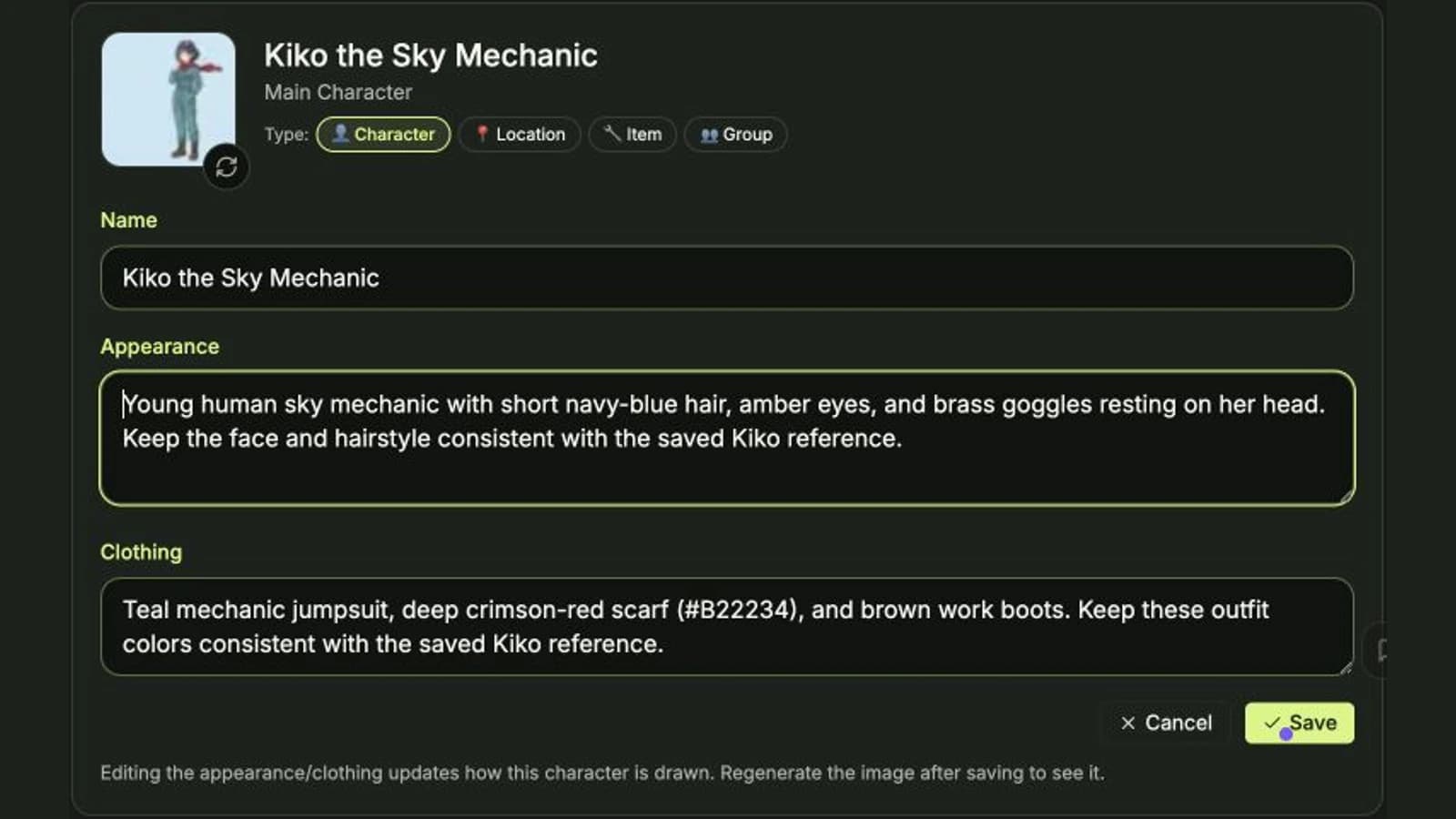
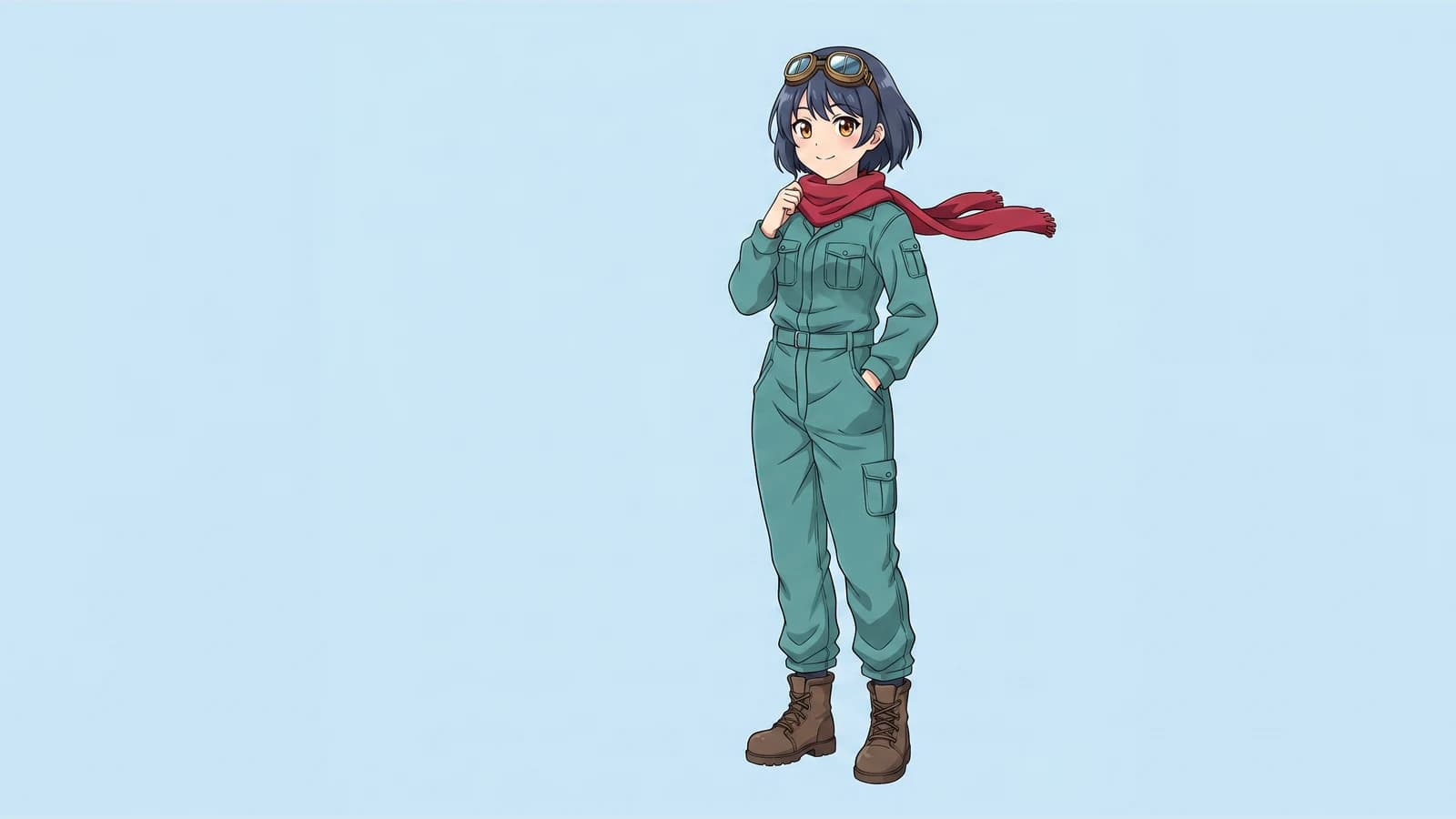
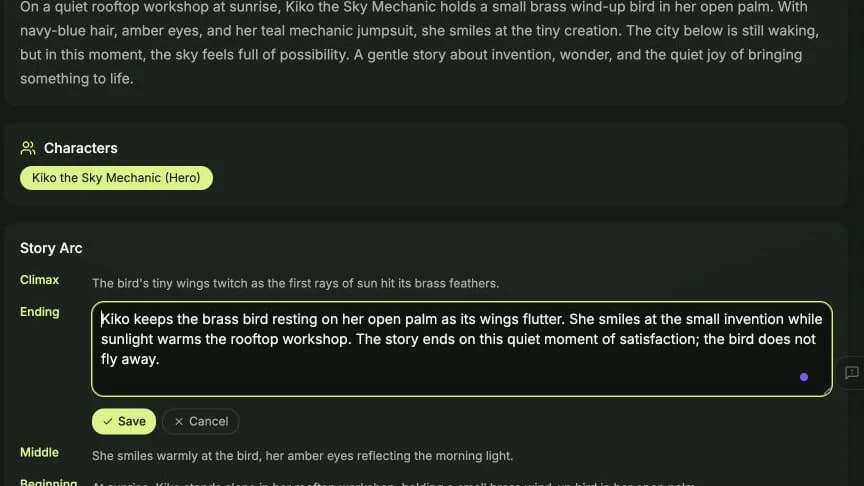
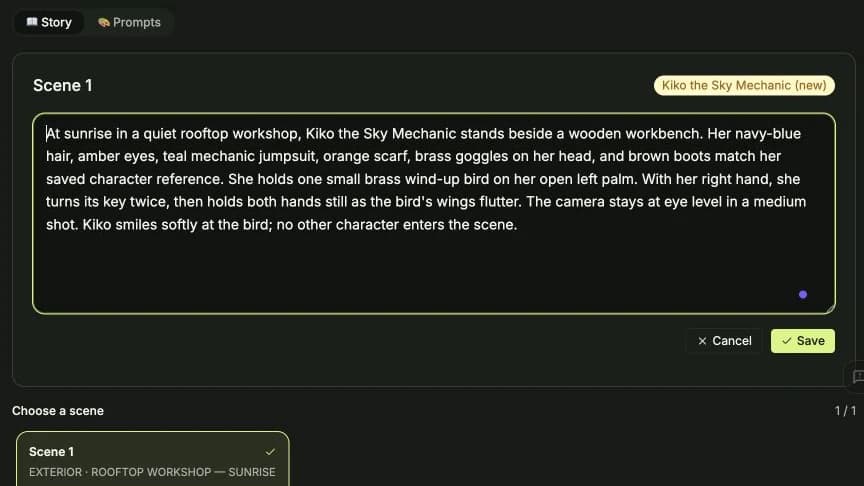
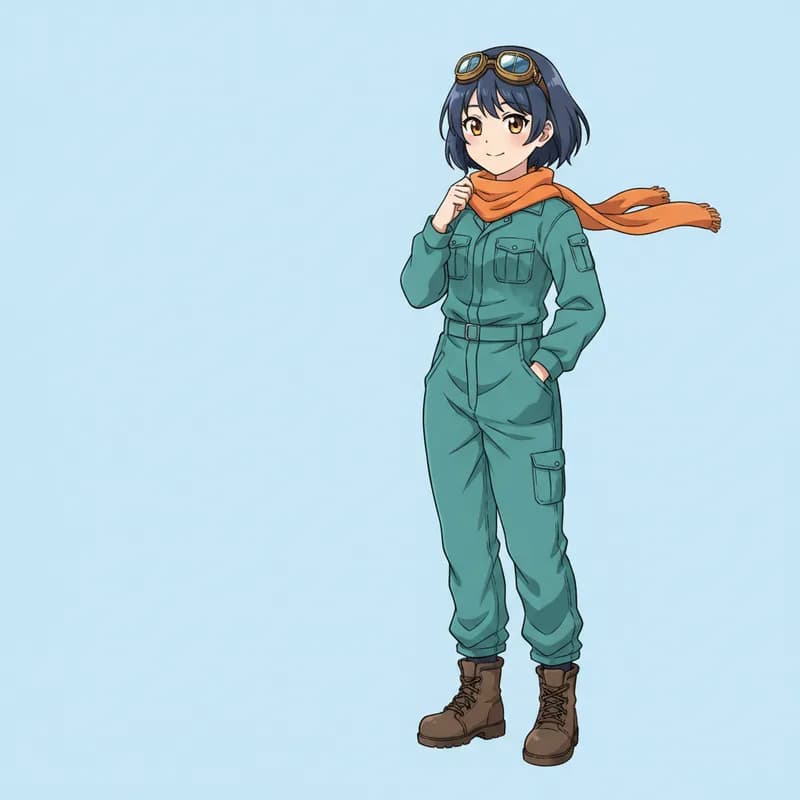
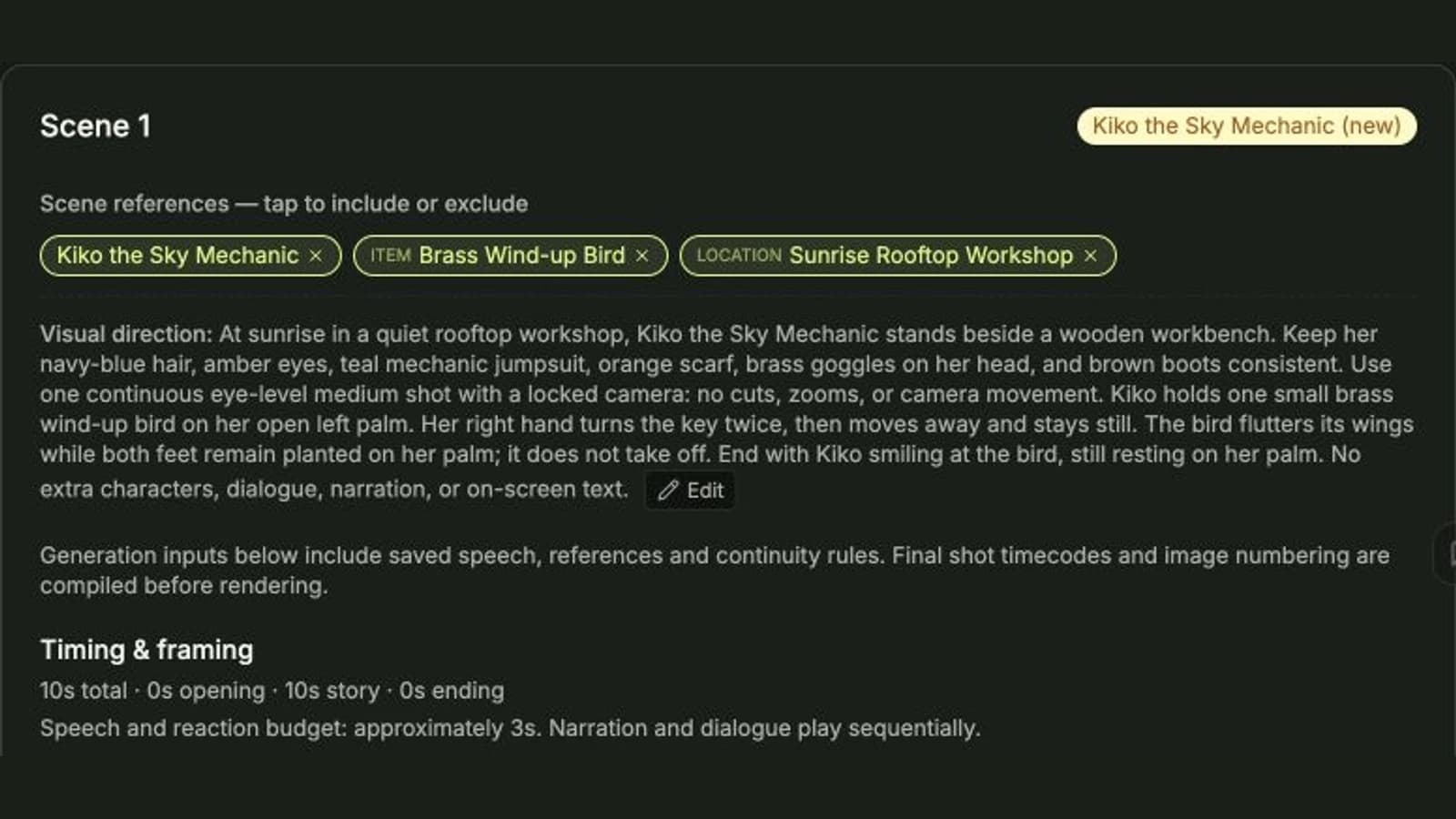
Follow a real UI run: enter Kiko’s description, select Anime, generate for one credit, find the saved character and open the story composer with Kiko selected.
Practical tutorials from our team and the people making anime with C2Anime. Learn a technique, try it, then share what you discover.
Follow a real UI run: enter Kiko’s description, select Anime, generate for one credit, find the saved character and open the story composer with Kiko selected.
Turn a busy robot illustration into a simple visual reference. Define three identity anchors, a clear silhouette and a neutral pose, then inspect the finished character.
Make one railway-platform illustration easier to read. Use a specific subject position, leading lines and restrained lighting, with two original prompt examples and a finished frame.
Learn how to turn “this looks wrong” into a clear, scene-specific correction before spending credits on another generation.
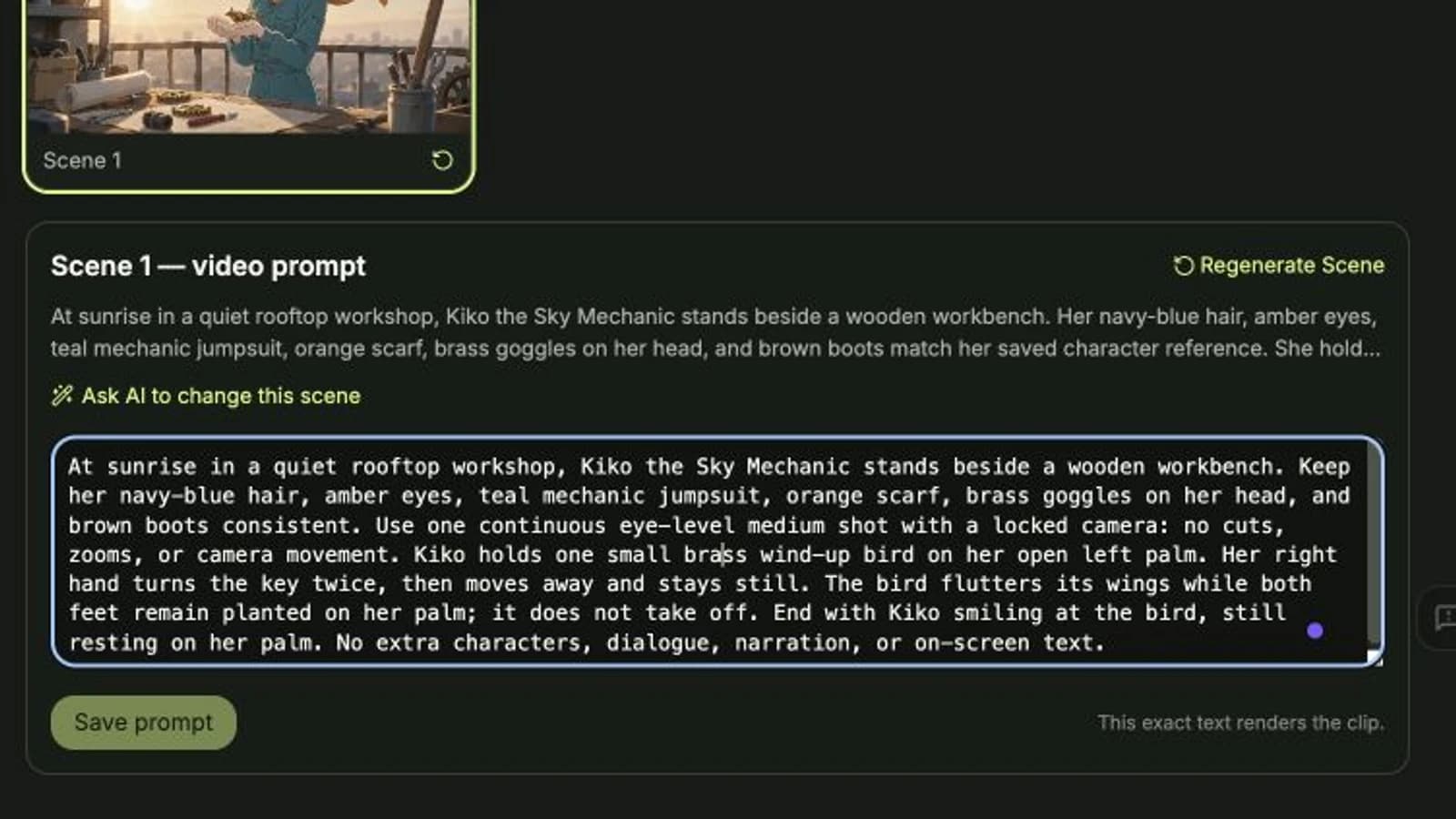
Start with a short story, review the scene plan, and turn it into an anime video. Here is a practical first-run workflow.
Use a concise character description and specific review notes to keep costumes, appearance, and screen position consistent.