How to Make an Anime AMV That Actually Feels Like Anime
An AMV lives or dies on two things: a cast that looks the same in every shot, and a cut that follows the music. C2Anime gives you both — an AI Film Director plans the structure, locks a consistent cast, writes a real screenplay, and renders voiced, dialogue-driven scenes you can cut to your track.
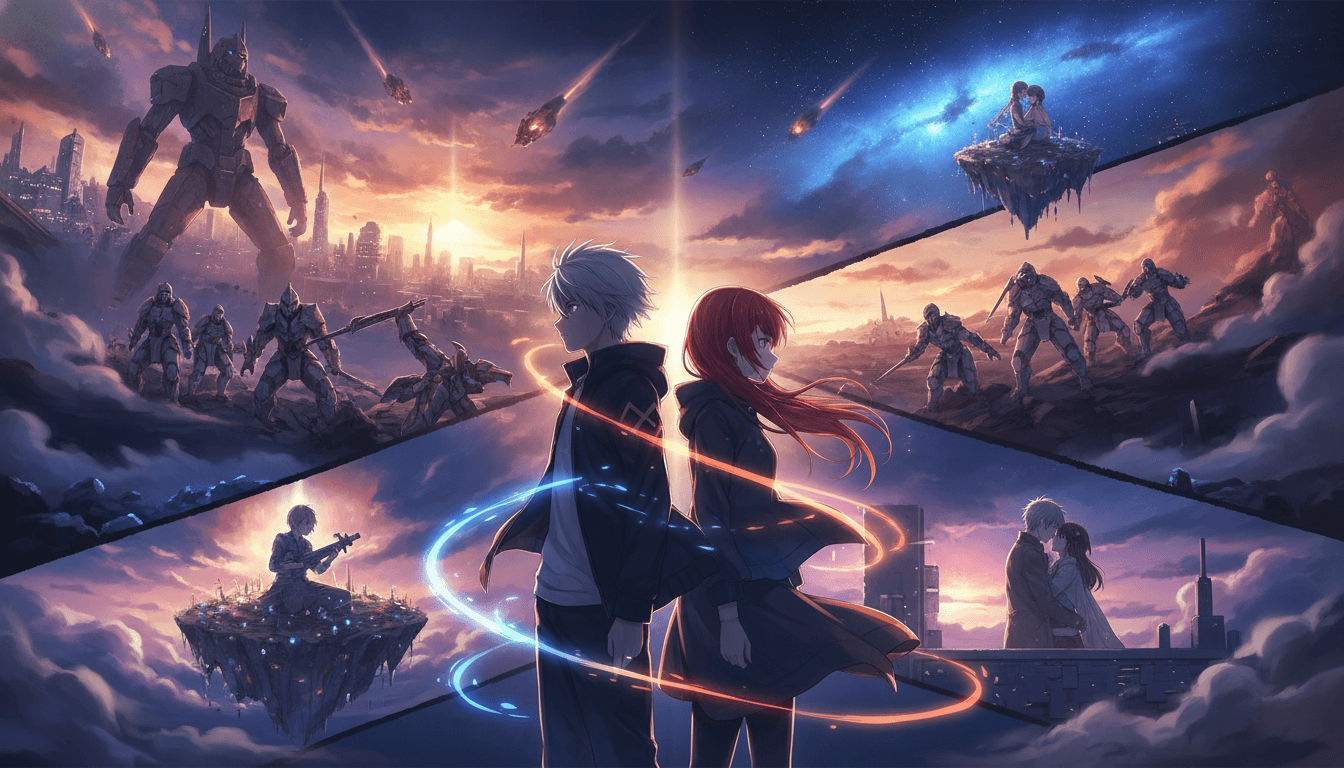
How to Make an Anime AMV in Three Moves
You bring the story and the song. C2Anime handles the structure, the cast, and the rendered scenes — then you edit the cut.
Drop in your story or script
Paste a short story, a synopsis, or a beat sheet. The AI Film Director reads it and proposes a scene structure sized to your runtime — roughly 30 seconds to a few minutes per piece.
Lock the cast and screenplay
The director designs your characters once — same faces, hair, and outfits — then writes dialogue-driven scenes that hold that look across every shot. You review and adjust before anything renders.
Render, then cut to the music
Scenes render as voiced anime video. Export the clips, drop them into your editor, and cut on the beat. For longer AMVs, compose several scenes back to back instead of one long clip.
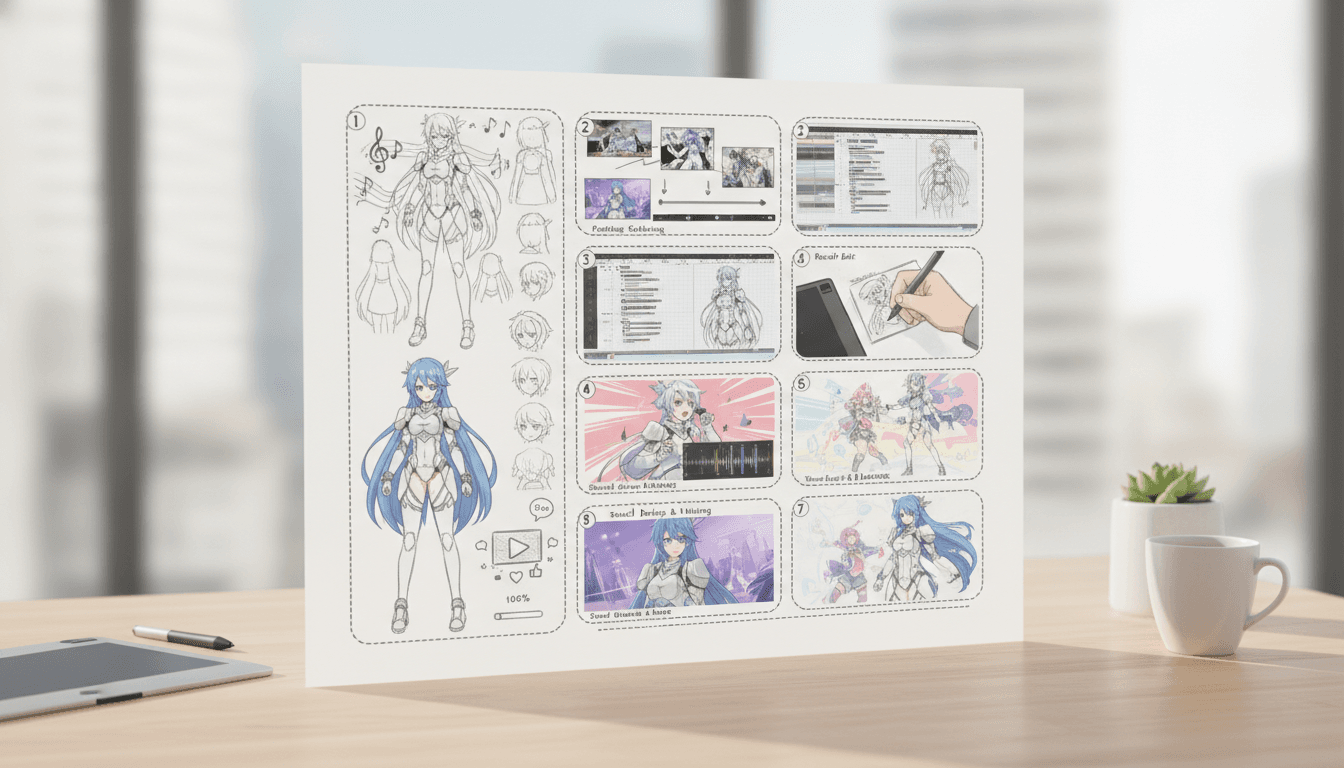
Why Most Attempts at How to Make an Anime AMV Fall Apart
If you have ever tried to learn how to make an anime amv by stitching together clips from different tools, you already know the failure mode: the character's hair changes color between shots, the jacket is a different cut, and the whole thing reads as a slideshow rather than a scene. Consistency is the hard part, and it is the first thing C2Anime solves — the cast is designed once and held across every shot.
The second failure is structure. An AMV is not a random montage; it has an arc that matches the song's build, drop, and outro. C2Anime's AI Film Director plans that structure before a single frame renders, so your cuts have somewhere to go instead of just cycling through pretty shots.
The third is voice. Dialogue-driven scenes give you something to cut against — a line lands on the downbeat, a reaction shot fills the pause. C2Anime renders voiced anime scenes, not silent stills, which is what makes an AMV feel like a trailer for a show that does not exist yet.
A Deeper Look at the Anime AMV Tutorial Workflow
Think of the process as three layers: story, screen, and song. The story layer is your source text — a short story, a chapter, a scene you wrote yourself. Keep it tight. A 60-to-90-second AMV usually needs one clear emotional beat, not a whole arc. If your source is longer, pick the moment with the strongest visual hook and build outward from there.
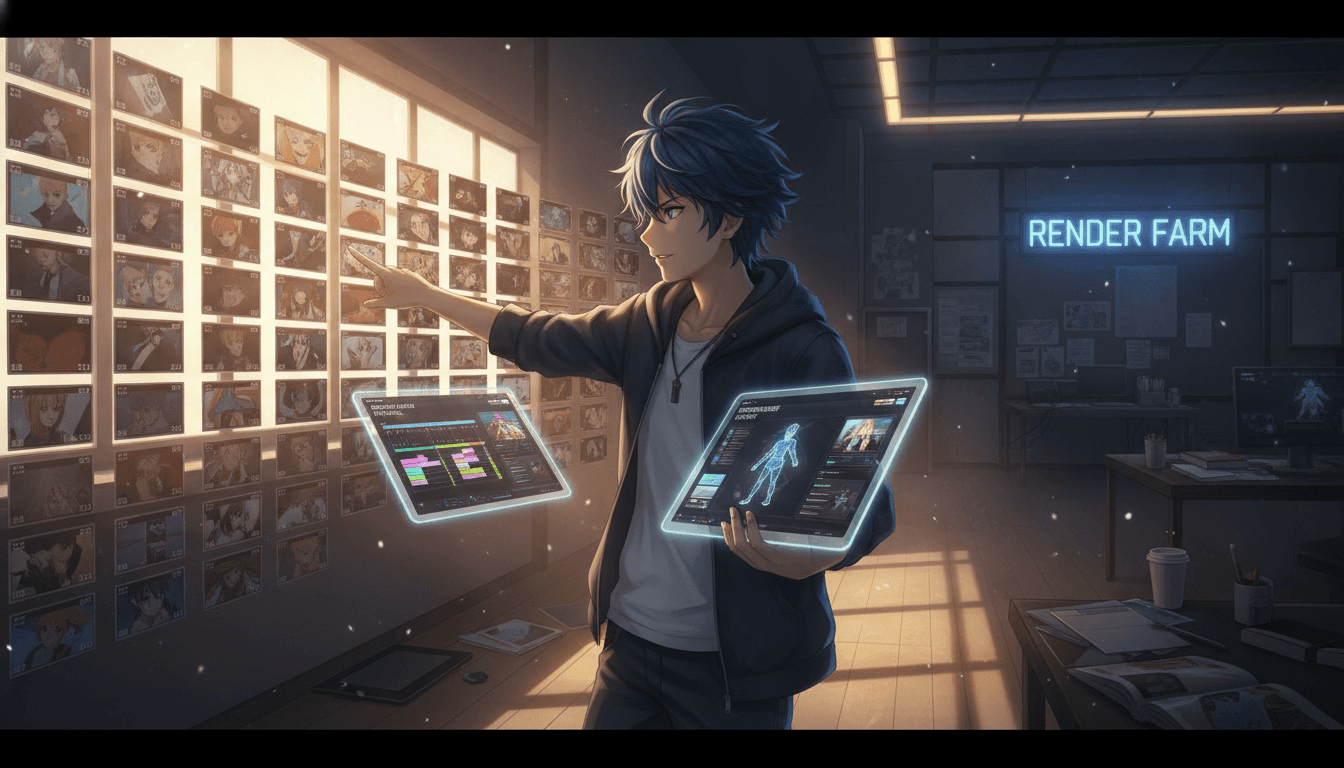
The screen layer is where C2Anime does the heavy lifting. The director breaks your beat into shots, assigns the cast to each one, and writes the lines. Because the cast is locked, a close-up in shot two and a wide in shot seven show the same person. That is the difference between an AMV and a collection of unrelated anime frames.
The song layer is yours. Once scenes are rendered, you cut to the track in your editor of choice. Match hard cuts to drum hits, hold wide shots through verses, and save your fastest cuts for the chorus. If you are making a longer piece, build it from multiple rendered scenes — the platform is designed for short, finished pieces composed together, not one endless clip.
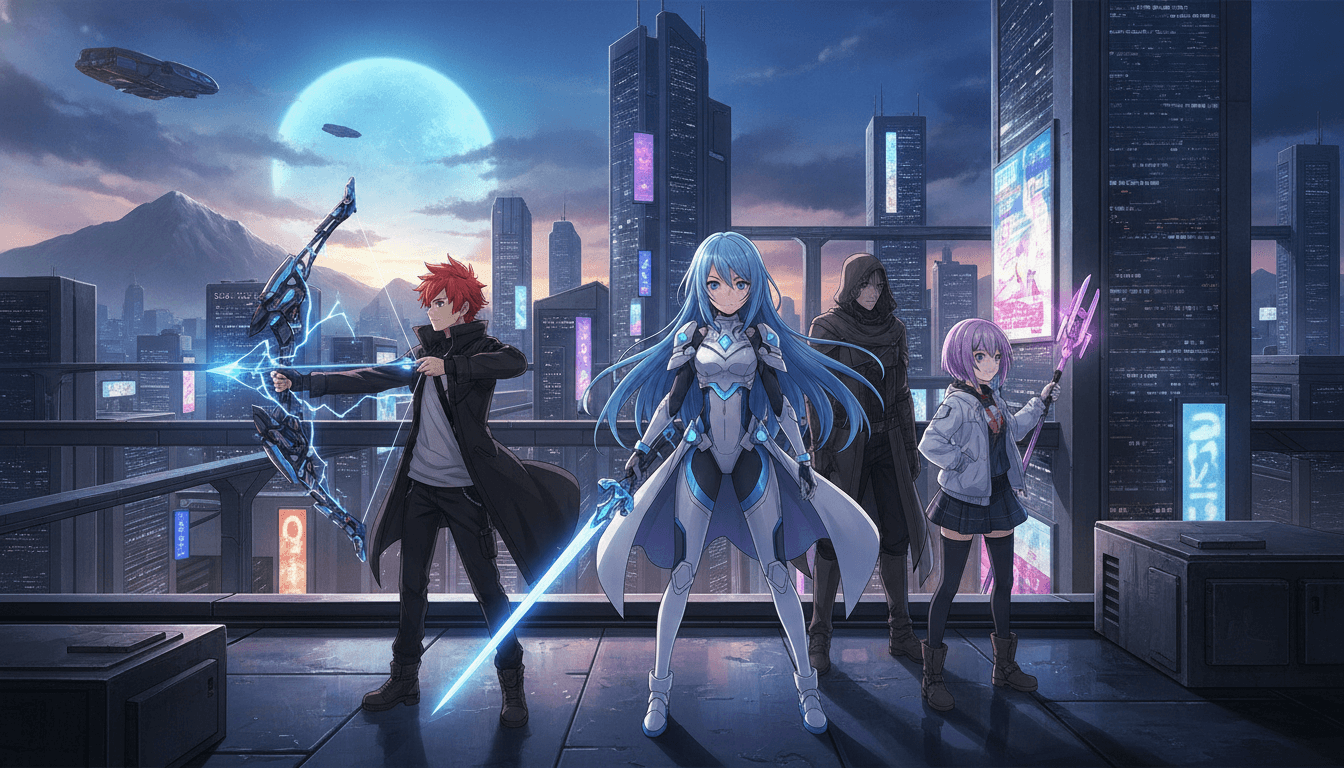
Features That Make the AMV Workflow Practical
Consistent cast across every shot
Characters are designed once and held — same faces, hair, and outfits — so your AMV does not break the illusion between cuts.
A real screenplay, not a prompt
The AI Film Director writes structured, dialogue-driven scenes, giving you lines and reactions to cut against instead of silent visuals.
Voiced anime scenes
Scenes render as video with voice, so a line can land on the beat and a pause can carry the transition.
Built for short-form pieces
The sweet spot is roughly 30 seconds to a few minutes per piece; longer AMVs are composed from multiple scenes, which keeps every cut intentional.
Who This Guide Is For
Trailer and opening creators You want a 60-second hook with a cast that reads as a real show. Structure-first planning and a locked cast get you there without assembling a crew.
Music video editors You already cut to a track. C2Anime gives you voiced, consistent scenes to cut against, so the edit has performance and reaction, not just scenery.
Writers with a story to show You have a short story or script and no animation pipeline. Paste the text, review the screenplay, and render scenes you can turn into an AMV.
FAQ: How to Make an Anime AMV with C2Anime
- Do I need editing experience to learn how to make an anime amv here?
- You need basic editing to cut rendered scenes to your song, but you do not need animation experience. C2Anime handles structure, cast design, and rendering; you handle the final cut in your editor.
- How long can a single piece be?
- The stable sweet spot is roughly 30 seconds to a few minutes per piece. Longer AMVs are composed from multiple rendered scenes placed back to back, rather than one long continuous clip.
- Will the character look the same in every shot when I make an anime amv?
- Yes — that is the core of the product. The cast is designed once with fixed faces, hair, and outfits, and the director holds that design across every shot in the screenplay.
- Can I use my own song?
- You cut the rendered scenes to your own track in your editor. C2Anime produces the video scenes; the music and final edit are yours to handle.
- Is this a free tool?
- C2Anime is invite-gated Early Access with paid credit tiers. There is no free tier and no instant signup — check the pricing page for current access details.
- What if my story is a mystery or true-crime piece?
- Frame it as dramatized and inspired-by. Change or omit names, avoid identifiable real victims, never accuse a named person, and stay general on open or living cases.
- Which models power the rendering?
- C2Anime runs Seedance and MiniMax for scene rendering, paired with the AI Film Director that plans structure and writes the screenplay.
Ready to Make Your AMV?
Bring your story and your track. C2Anime plans the structure, locks the cast, and renders voiced anime scenes you can cut into a finished AMV.
Start your animeHow to Make an Anime AMV: Next Steps
Learning how to make an anime amv is mostly about solving consistency and structure before you touch the timeline. C2Anime handles both: the AI Film Director plans the scenes, designs a cast that holds across every shot, and renders voiced anime video you can cut to your music.
If you are comparing a full anime AMV tutorial to just experimenting, start with a short piece — one emotional beat, one song section, 30 to 90 seconds. Render the scenes, cut on the beat, and see how the cast holds up across close-ups and wides.
For longer trailers and openings, compose multiple rendered scenes rather than stretching one clip. That keeps every cut deliberate and matches how the platform is built to work.
C2Anime is invite-gated Early Access with paid credit tiers — no free tier, no instant signup. Visit the pricing page to see current access, or head to the create page to start your first AMV.