How to Make an Anime Trailer That Actually Holds Together
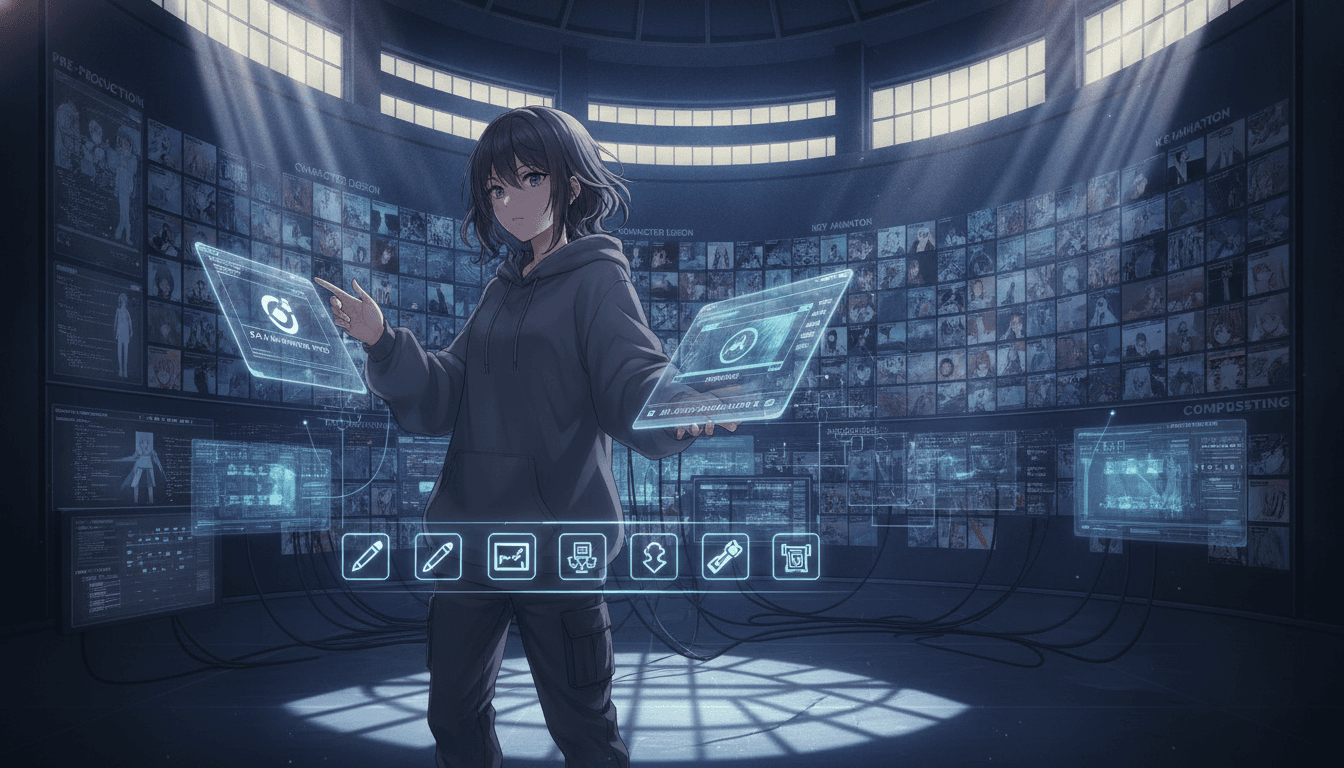
A trailer lives or dies on two things: a clear beat structure and a cast that looks the same in every shot. C2Anime takes your story or script and renders a finished, voiced anime video with a consistent cast, so you can cut a trailer instead of assembling mismatched frames.
How to Make an Anime Trailer in Three Moves
The workflow is the same whether you're cutting a 45-second teaser or a two-minute opening. You bring the story; the AI Film Director handles structure, casting, and rendering.
Drop in your story or script
Paste a synopsis, a full script, or a chapter of your novel. The director reads it for tone and picks out the moments a trailer should lean on: the hook, the turn, the payoff.
Lock the cast and the beats
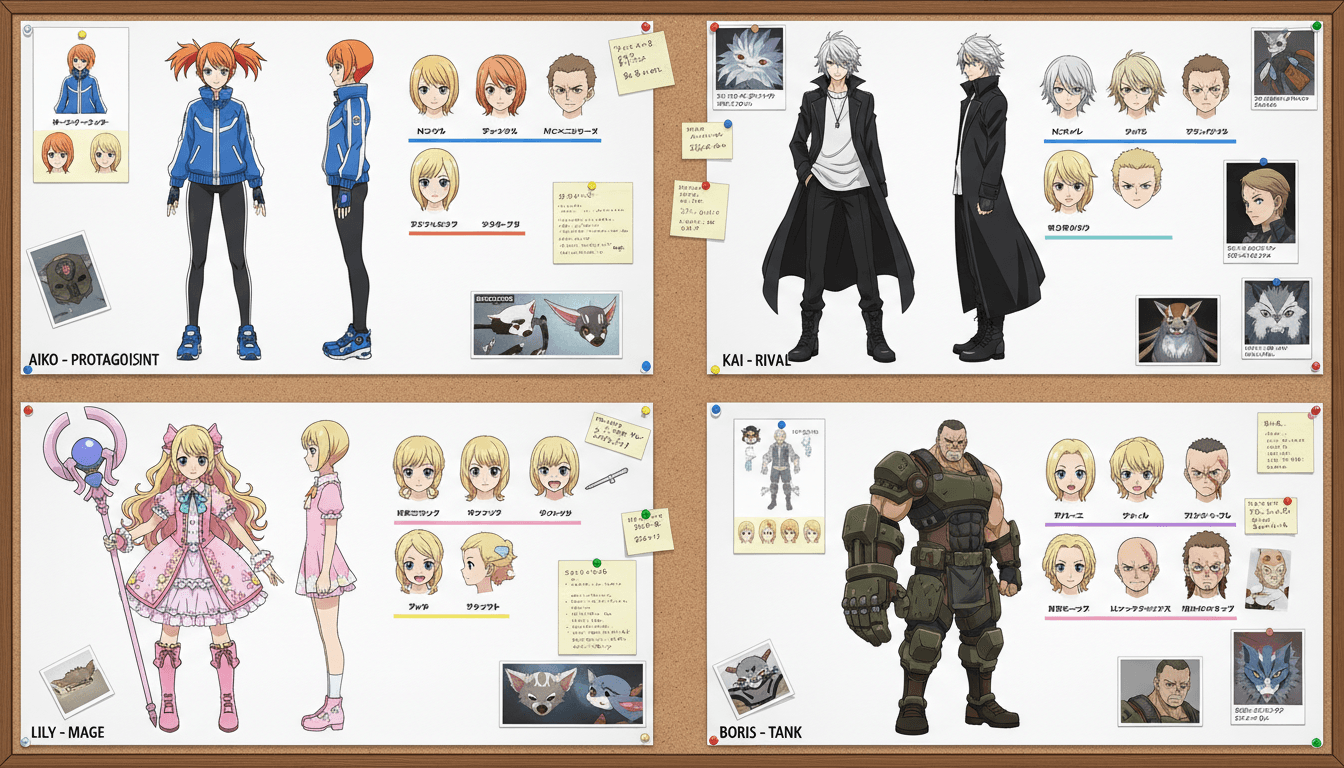
C2Anime designs your characters once — faces, hair, outfits — and reuses that design across every shot. You review the scene plan and screenplay before anything renders.
Render, review, and cut
Scenes render as voiced, dialogue-driven anime clips in the 30-second to few-minute range. Stitch them into a trailer, or export individual beats for an AMV or opening.
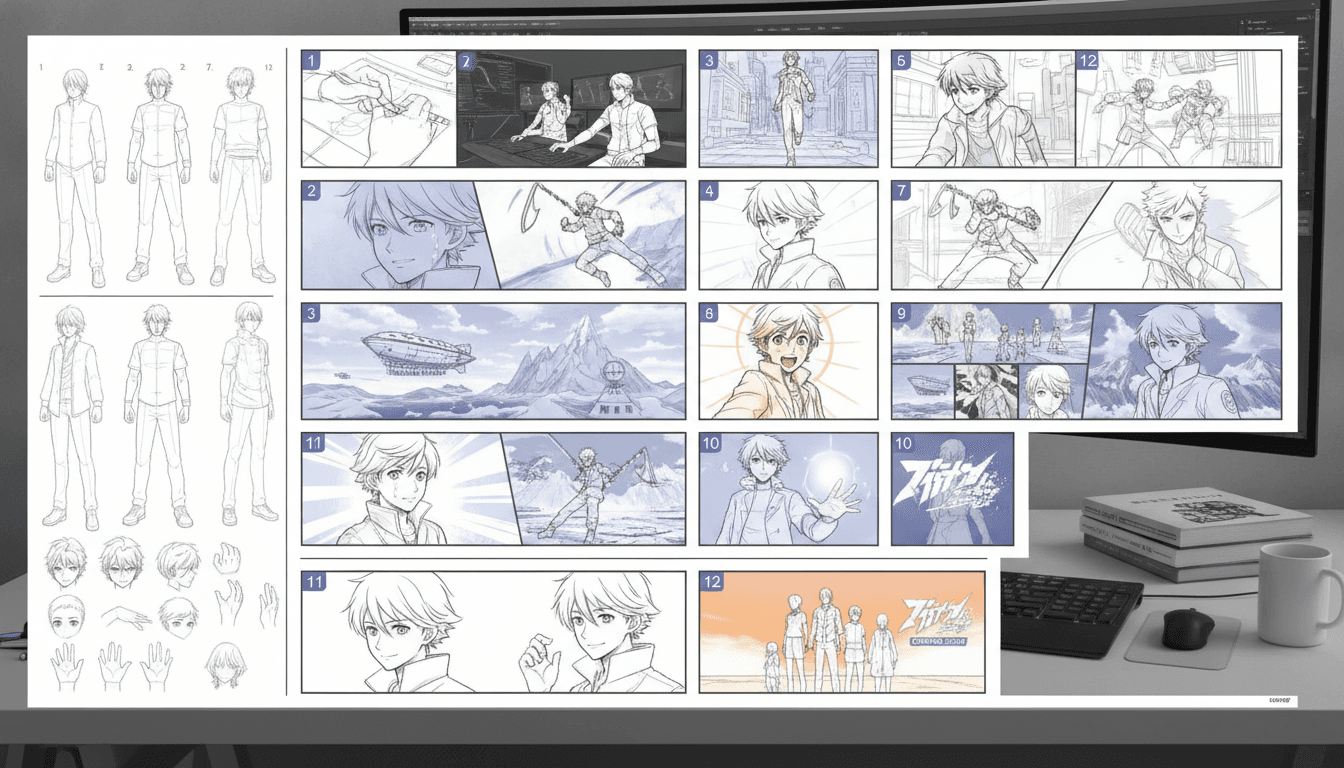
Why Most Anime Trailer Attempts Fall Apart
The honest answer to how to make an anime trailer is that the hard part isn't the art — it's continuity. A trailer cuts between eight or ten shots in under a minute, and if your character's hair color shifts or their jacket changes between cuts, the whole thing reads as broken. That's the problem C2Anime was built around: a single cast design that holds across every scene.
The second failure point is structure. Trailers aren't random cool shots; they're a rhythm. Setup, escalation, a hard cut to silence, a title. When you generate shot by shot with no plan, you end up with pretty frames that don't build. C2Anime's director writes a scene plan first, so each shot has a job in the sequence.
The third is sound. A silent trailer feels like a slideshow of moments, not a piece of film. C2Anime renders voiced, dialogue-driven scenes, which means your trailer can carry a line of dialogue — the single most effective tool in a short cut — instead of relying on music alone.
A Practical Anime Trailer Tutorial: Beats, Cast, and Runtime
Start by deciding what the trailer is for. A teaser for an original story wants mystery — two or three shots and a line of voice. An opening or AMV wants energy and a musical spine, so you'll want more cuts and shorter holds. A pitch trailer for a longer project wants character: give each lead one clear moment. Write that intent down before you touch the tool, because it determines how many scenes you generate.
Next, map your beats to scenes. A reliable short structure is: cold open (one striking image), character introduction (one shot per lead), the inciting turn, a rapid escalation of two or three shots, then a final held image under the title. That's roughly six to nine scenes. Because C2Anime composes longer runtimes from multiple scenes rather than one long clip, you can render each beat on its own and re-cut freely.
Then handle your cast. Write short, specific character descriptions — age range, build, hair, one signature garment — and keep them identical every time you reference that character. Consistency is a writing discipline as much as a rendering one. Review the generated screenplay for dialogue that reads well out loud; a single strong line beats four explanatory ones.
Finally, edit with restraint. Cut on motion, hold your best shot two seconds longer than feels comfortable, and let one beat land in near-silence before the title. If you're building an AMV, cut your scenes to the music's structure rather than the other way around — render slightly longer clips than you need so you have handles to trim.
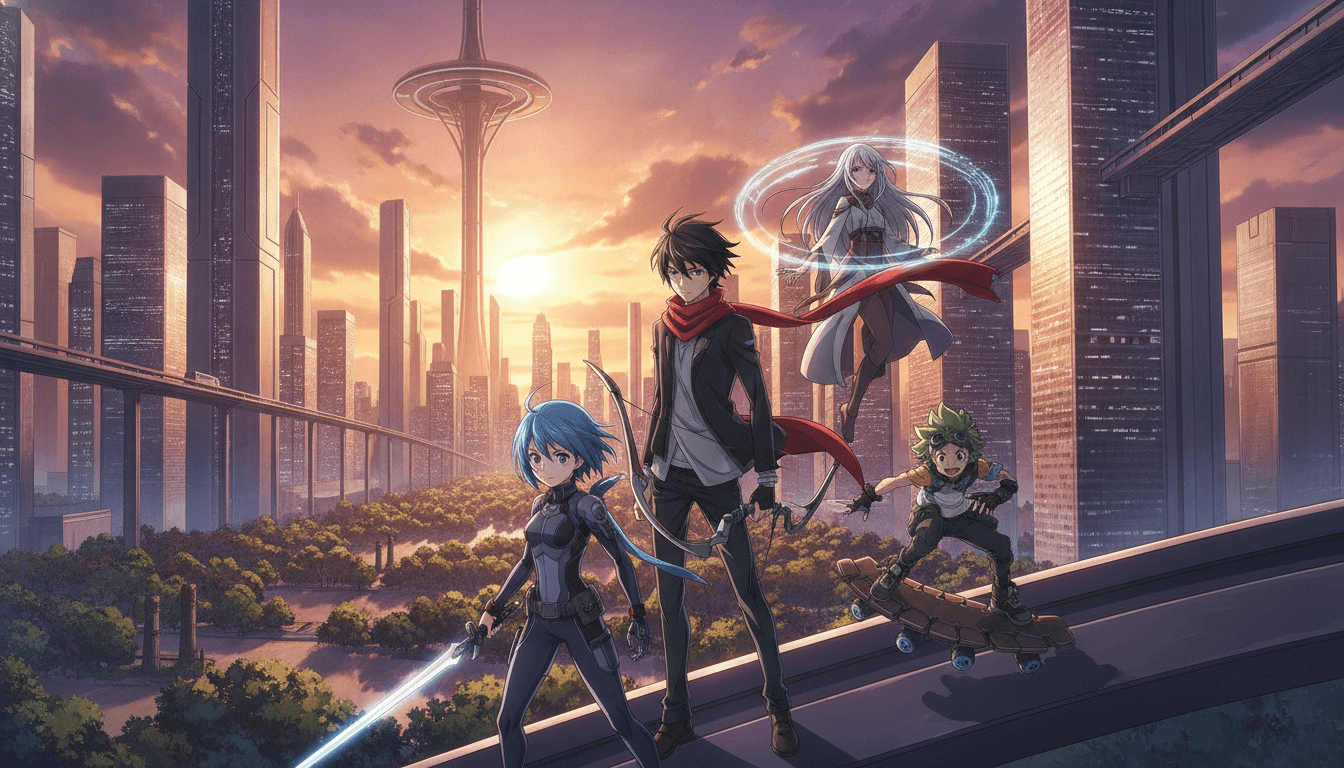
What You Get When You Make an Anime Trailer Here
A consistent cast, shot to shot
Characters are designed once and reused across every scene, so faces, hair, and outfits stay identical through a fast-cut trailer.
A real screenplay, not prompts
The AI Film Director plans structure and writes dialogue-driven scenes, giving each shot a purpose in the sequence.
Voiced anime video
Scenes render as finished video with voice, so a single line of dialogue can carry your trailer's hook.
Scene-level control
Pieces run roughly 30 seconds to a few minutes; longer trailers are composed from multiple scenes you can reorder and re-cut.
Who This Workflow Is For
Trailer and teaser creators You have a story, a web novel, or an original concept and need a short piece that sells the tone in under a minute.
AMV and opening editors You cut to music and need clean, consistent character footage with enough handles to trim against a beat.
Music video and short-form directors You're building a narrative around a track and want voiced anime scenes rather than a static sequence of frames.
Anime Trailer Questions, Answered
- How long does it take to make an anime trailer?
- Most of the work is planning: writing your beats and locking the cast, which you can do in a single sitting. Rendering time depends on how many scenes you generate. A six-to-nine scene trailer is a realistic first pass.
- Can I make an anime trailer from a novel I've already written?
- Yes. Paste a synopsis or a chapter and the director extracts the moments worth cutting. You'll still want to choose which beats go in the trailer — the tool plans scenes, but the editorial call is yours.
- How do I make an anime trailer with a consistent character?
- Describe the character once with specific details — age range, build, hair, one signature garment — and reuse that exact description for every scene they appear in. C2Anime keeps the design stable across shots, which is the part most workflows break on.
- Is this a free tool?
- C2Anime is in invite-gated Early Access with paid credit tiers. There's no free tier and no instant signup — you'll need an invite to get in, and credits are purchased per tier.
- What's the maximum length of a single clip?
- The reliable sweet spot is about 30 seconds to a few minutes per piece. Longer trailers and openings are composed from multiple scenes rather than one continuous render, which also makes them easier to re-cut.
- Can I use the output for an AMV or music video?
- Yes, that's a common use. Render each beat as its own scene, then cut them against your track in your editor of choice. Keep a little extra length on each clip so you have room to trim to the beat.
- Does it do lip-sync?
- No. Scenes are voiced and dialogue-driven, but lip-sync isn't a feature. Write dialogue that works as voiceover or off-screen delivery and it will land cleanly in the cut.
Ready to Cut Your First Trailer?
Bring a story, lock a cast, and render the scenes. Early Access is invite-gated — check the credit tiers and request your invite.
Start your animeLearning How to Make an Anime Trailer, Start to Finish
If you've been searching for how to make an anime trailer, the useful takeaway is that structure and cast consistency matter more than any single shot. C2Anime is built to handle both: a director that plans the sequence, and a cast design that survives every cut.
For an anime trailer tutorial that goes further, work through the beat map in the section above and render one scene at a time. A trailer is an edit, and editing is easier when each clip is short, purposeful, and consistent with the one before it.
Creators making openings, AMVs, and music videos can treat the same workflow as a footage pipeline: generate character-consistent scenes, then cut them to a track. The 30-second to few-minute range per piece keeps each render manageable and easy to revise.
C2Anime is in invite-gated Early Access with paid credit tiers. When you're ready to make an anime trailer of your own, start at /create or review the tiers at /pricing.