Historical Anime Generator for Period Stories
C2Anime's historical anime generator turns your script or novel excerpt into a finished anime video set in the era you choose. An AI Film Director plans the structure, writes a screenplay, and keeps the same cast faces, hair, and outfits across every shot. You get voiced, dialogue-driven scenes — not a slideshow.
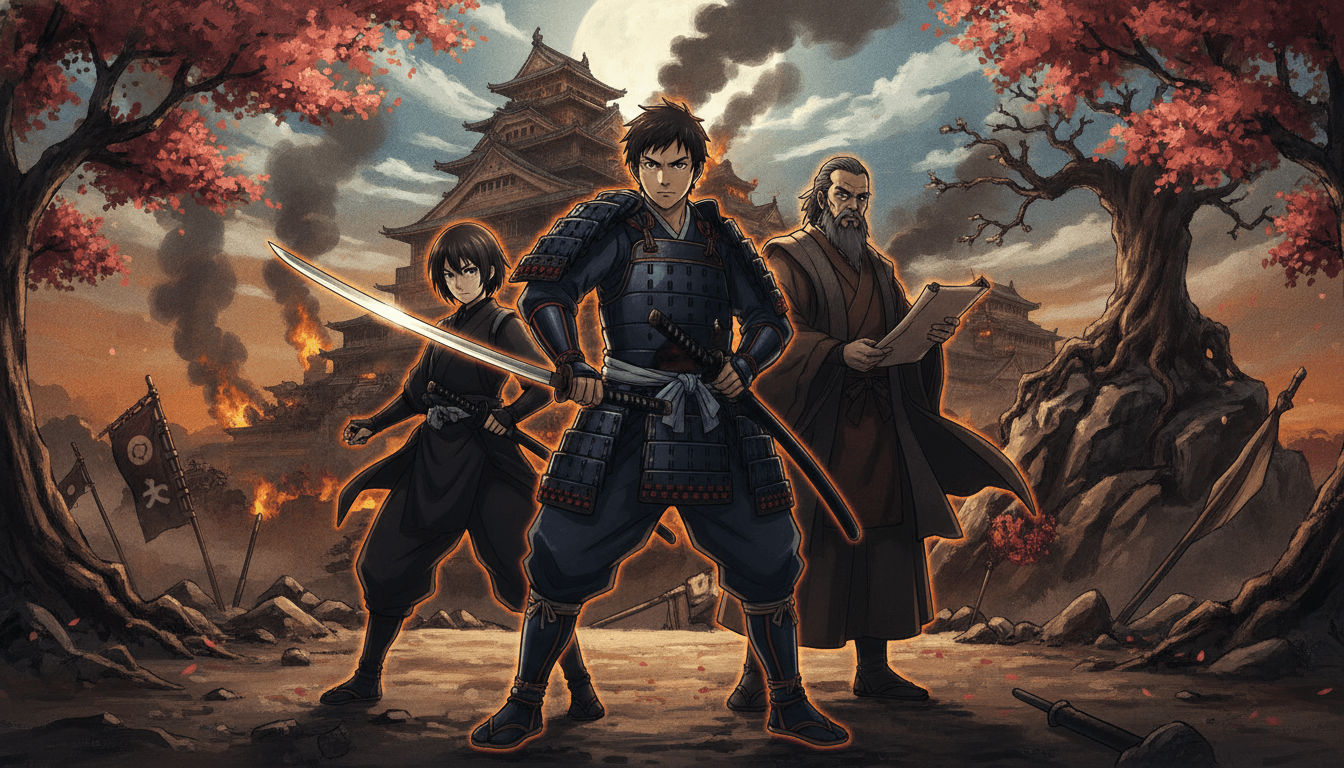
How the Historical Anime Generator Works
You bring the period story; the generator handles direction, casting continuity, and rendering. Here is the three-step path from script to a finished historical anime video.
Paste your period script
Add your story, script, or novel excerpt and note the era, setting, and tone. The AI Film Director reads it and plans scene structure before any frame is rendered.
Lock the cast and era
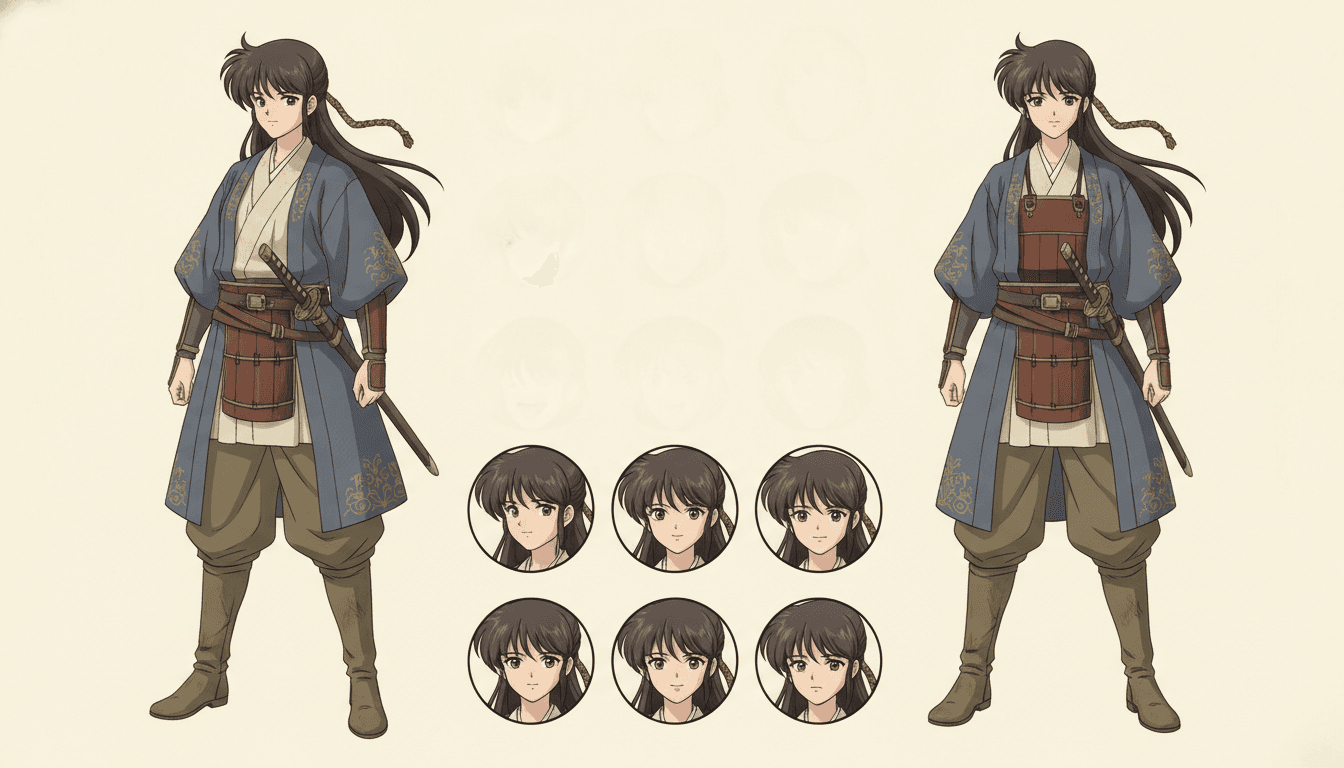
The director designs your characters and keeps the same faces, hair, and period outfits across every shot. You review the cast sheet and screenplay beats before rendering.
Render the voiced scenes
Scenes are rendered as anime video with dialogue and voice, using Seedance and MiniMax models. Pieces run about 30 seconds to a few minutes, and longer stories are composed from multiple scenes.
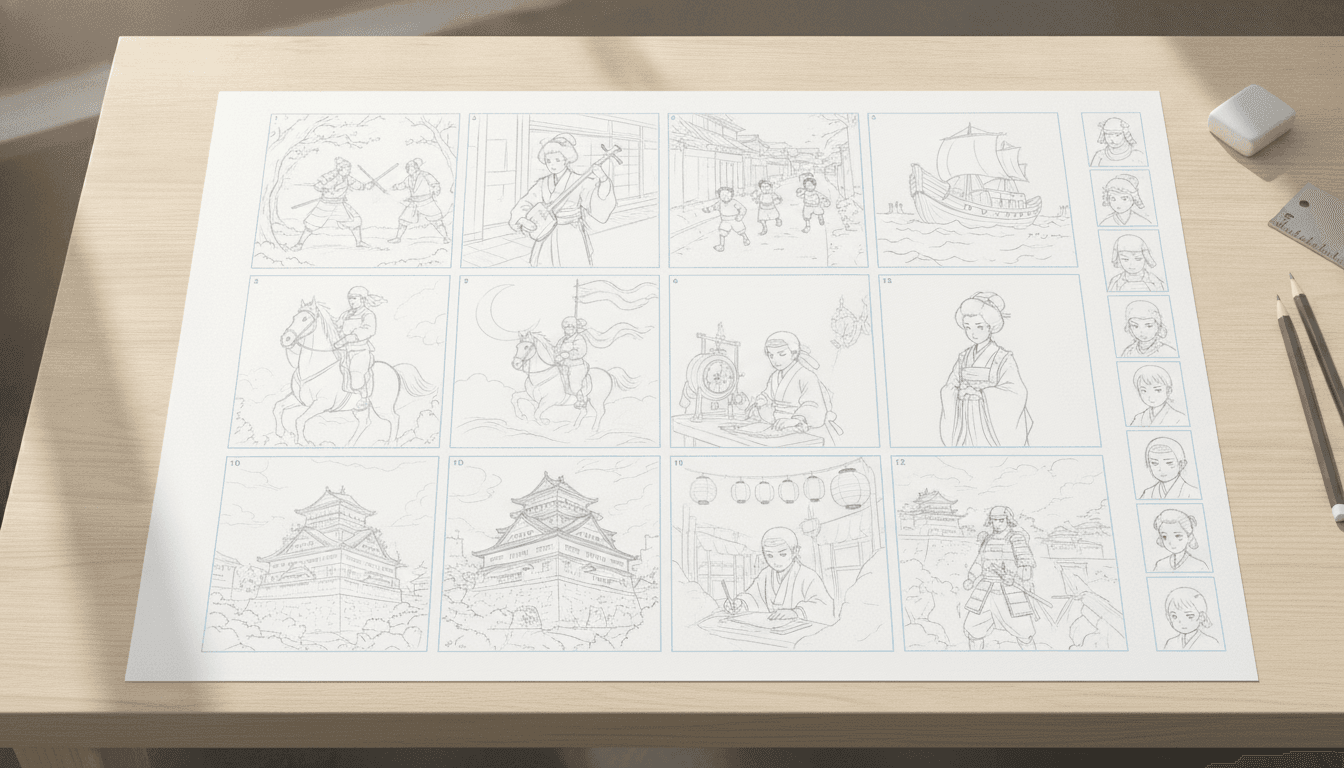
Why Use a Historical Anime Generator Instead of a Generic One
A generic tool can draw a person in old clothes, but a historical anime generator has to hold the era together across every shot. C2Anime's AI Film Director plans the period setting first, then designs a cast whose faces, hair, and outfits stay the same from the opening shot to the final scene. That continuity is the difference between a period anime video and a set of disconnected frames.
Historical stories depend on small details: a kimono fold, a lamplight color, a courtyard layout. The director writes a real screenplay with dialogue and scene beats, so those details have a reason to be on screen. You are not prompting one image at a time and hoping the next one matches.
The output is a finished anime video with voiced dialogue, not a picture sequence. For creators adapting a historical short story, a chapter, or an original period script, that means you can publish a watchable scene and keep the cast consistent if you expand the story into more scenes later.
Built for Period Detail and Cast Continuity
Era choice shapes the whole render. Whether your story is set in feudal Japan, imperial China, medieval Europe, or an invented dynasty, you state the period and the director builds the setting around it. Costume and architecture are treated as part of the screenplay, not an afterthought prompt.
Cast continuity is the core of the system. The same character keeps the same face, hair, and outfit across shots, so a historical anime video does not drift into a different-looking lead halfway through. That matters most in dialogue scenes, where two characters share a frame and the audience needs to recognize both.
Runtime is honest and practical. A single piece sits in the sweet spot of about 30 seconds to a few minutes. Longer historical stories are composed from multiple scenes, each rendered as its own clip, so you can build a longer narrative without pretending one long clip exists. The models behind the render are Seedance and MiniMax.
What the Historical Anime Generator Gives You
AI Film Director
Plans structure and scene order from your script before rendering, so the period story has a beginning, middle, and end rather than random shots.
Consistent period cast
Same faces, hair, and outfits across every shot, which keeps a historical anime video readable when characters reappear in later scenes.
Real screenplay with dialogue
The director writes scene beats and spoken lines, and the render includes voice, so scenes play as dialogue-driven anime rather than silent visuals.
Scene-based runtime
Render pieces from about 30 seconds to a few minutes, then compose longer historical stories from multiple scenes as your project grows.
Who the Historical Anime Generator Is For
Web novel and fan-fiction adapters You have a period chapter or arc and want to see it as a voiced scene with a cast that stays recognizable.
Original period storytellers You write historical fiction or drama and need a visual proof of concept for a short scene without a full animation team.
Anime creators exploring a genre You want to test a historical anime AI workflow on a short piece before committing a larger project to it.
Historical Anime Generator FAQ
- What exactly does the historical anime generator produce?
- It produces a finished anime video with voiced, dialogue-driven scenes, not a set of still images. The AI Film Director plans the structure and writes a screenplay, then renders the scenes with a consistent cast. Pieces run about 30 seconds to a few minutes, and longer stories are built from multiple scenes.
- Can I choose the historical era and setting?
- Yes. You state the period, setting, and tone in your script or brief, and the director builds the scene around that era. Costume and setting details are part of the screenplay planning, so the historical anime video stays in the period you asked for.
- Will my characters look the same across every scene?
- That is the main design goal. The generator keeps the same faces, hair, and outfits across every shot, so a character who appears in scene one looks like the same person in scene five. You review the cast before rendering.
- How long can a single historical anime video be?
- A single rendered piece sits in the sweet spot of about 30 seconds to a few minutes. There is no single long clip, so longer historical stories are composed from multiple scenes. You can render each scene and assemble them into a longer narrative.
- Which models power the historical anime AI render?
- C2Anime runs Seedance and MiniMax models for rendering. The AI Film Director handles structure, casting continuity, and the screenplay on top of those models. You do not need to manage the models yourself.
- Is there a free tier or instant signup?
- C2Anime is in invite-gated Early Access with paid credit tiers. There is no free tier and no instant signup. You can review the credit tiers on the pricing page and request access when a spot opens.
- Can I use the historical anime generator for a true-crime or mystery period story?
- Yes, but frame it as dramatized and inspired by real events. Change or omit names, avoid identifiable real victims, never accuse a named person, and stay general on open or living cases. The generator renders what you write, so the responsibility for that framing is yours.
Render Your First Period Scene
Bring a historical script, lock a consistent cast, and render a voiced anime scene. Early Access is invite-gated with paid credit tiers — check pricing or start a project.
Start your animeA Historical Anime Generator for Period Storytellers
C2Anime's historical anime generator is built for creators who need a period anime video with a cast that stays consistent. Instead of prompting one frame at a time, you hand over a script and let the AI Film Director plan the structure, write the screenplay, and keep faces, hair, and outfits stable across every shot.
The historical anime AI workflow runs on Seedance and MiniMax models and outputs voiced, dialogue-driven scenes. A single piece sits around 30 seconds to a few minutes, and longer stories are composed from multiple scenes. That scene-based approach keeps runtime honest and lets you expand a period story over time.
The tool is in invite-gated Early Access with paid credit tiers, so there is no free tier or instant signup. You can review pricing to see the credit tiers or start a project when you have access. For true-crime, mystery, or ghost stories, keep the framing dramatized and inspired by, change or omit names, and stay general on open cases.
If you are adapting a historical chapter, testing a period short, or building an original drama, the generator gives you a watchable scene with a recognizable cast. Start with one scene, review the screenplay and cast sheet, and render from there.