Image to anime video, with the story attached
Upload a picture and C2Anime turns it into an anime scene: the same character, now moving, staged and speaking. Most image to anime video tools give you a few seconds of drift. This one plans what happens in the scene first, then renders it with voices — so the frame you drew becomes something with a beginning and an end.
How the image to anime video tool works
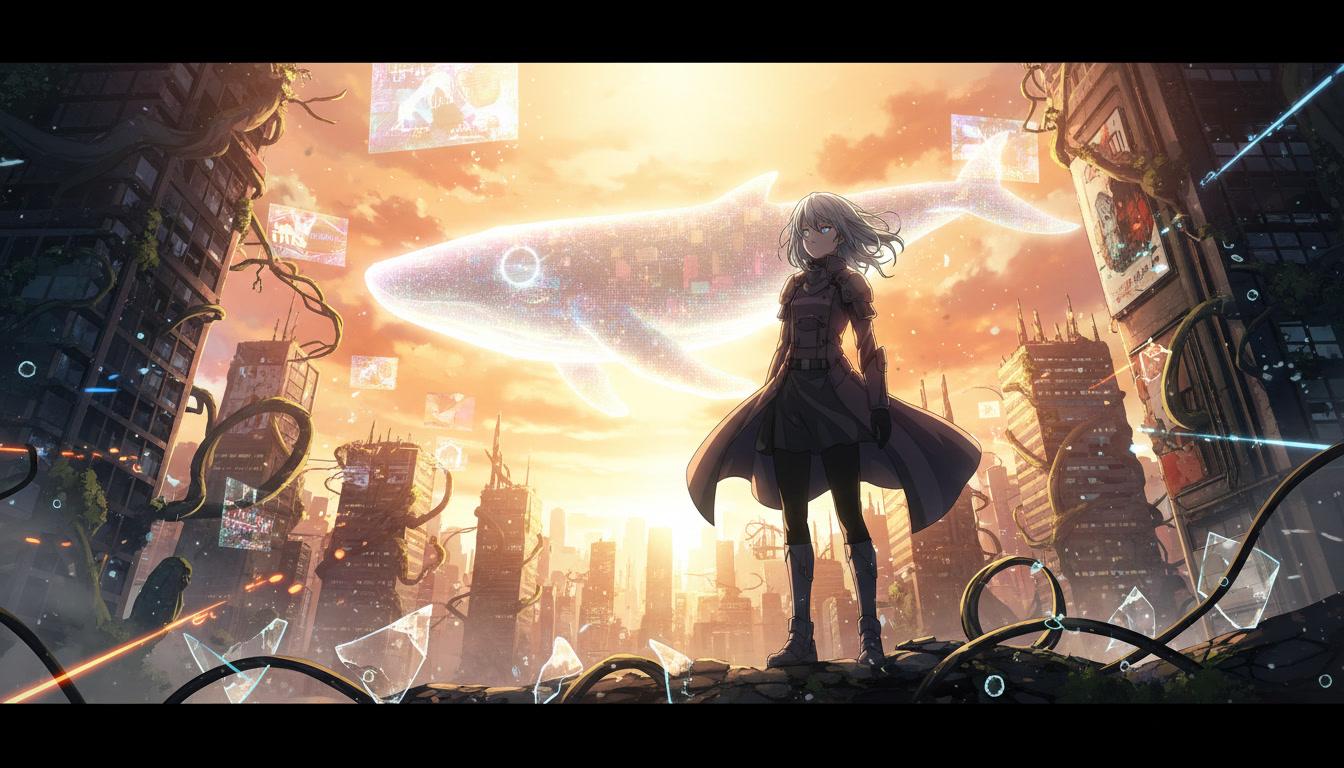
Three stages. The picture sets the world, you set the story, C2Anime directs the scene.
Upload the image
Your own artwork, a character design, a photo, a panel you drew years ago. C2Anime reads what is in the frame — who is there, where they are, what the light is doing.
Say what happens next
One line is enough. The image sets the world; your sentence sets the story. C2Anime plans the scene around both before rendering anything.
Watch it become a scene
The image to anime video pipeline stages the shots, gives the characters voices, and renders anime that keeps the design you started from.
One image should give you more than one shot
The usual image-to-video experience is narrow. You upload a picture, the model nudges the camera, hair moves, and four seconds later you are back where you started. Nothing happened, because nothing was planned to happen.
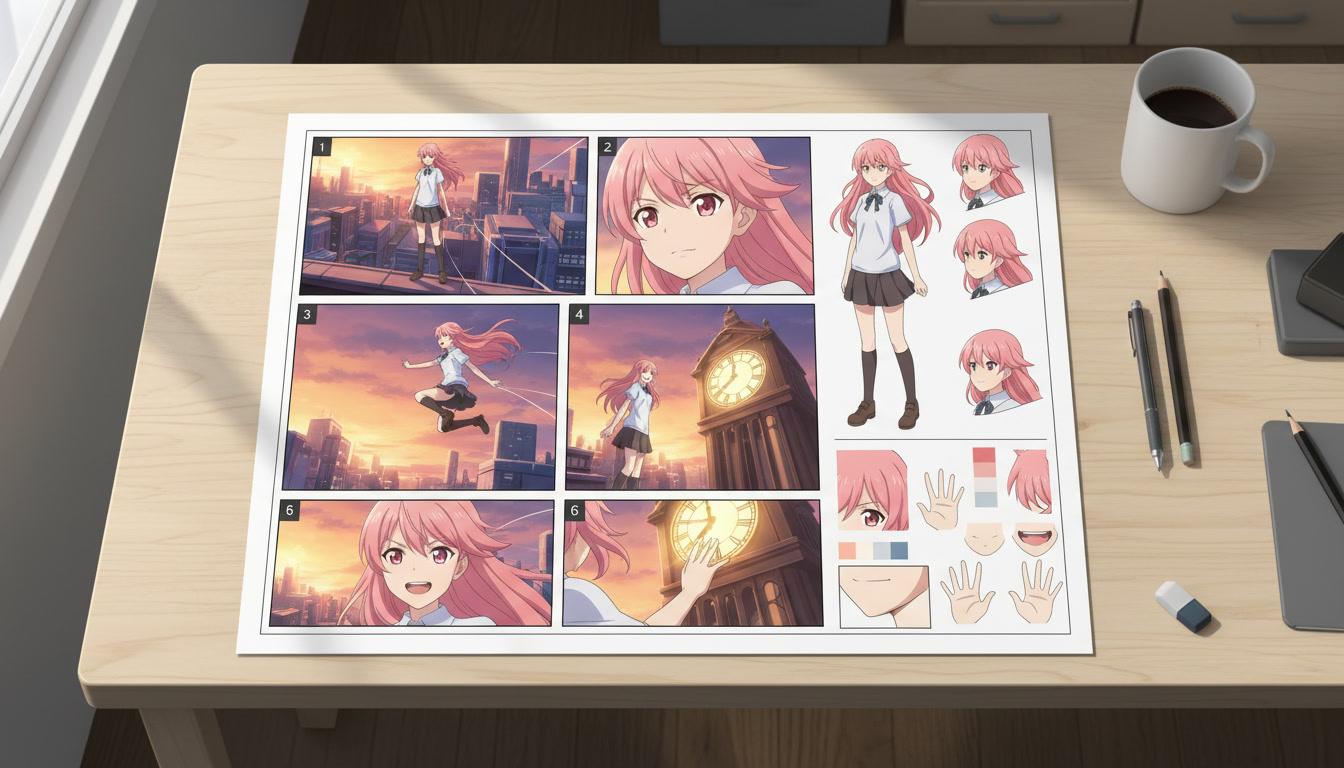
C2Anime treats your upload as source material rather than as the only frame. It reads the character, the setting and the mood, then writes a short scene that could plausibly take place there. From that scene it builds a shot list — an establishing wide, a reverse, a close-up on the line that matters.
So the output is not your picture with motion applied. It is an anime scene that your picture is the first evidence of, staged from angles the original frame never showed.
Your picture becomes the character reference
The reason most people give up on animating their own art is drift. The face in the second shot is nearly right. By the sixth it is someone else — the eye shape has shifted, the jacket has gained a strap, the hair has changed length. It is the fastest way to make a video look unfinished.
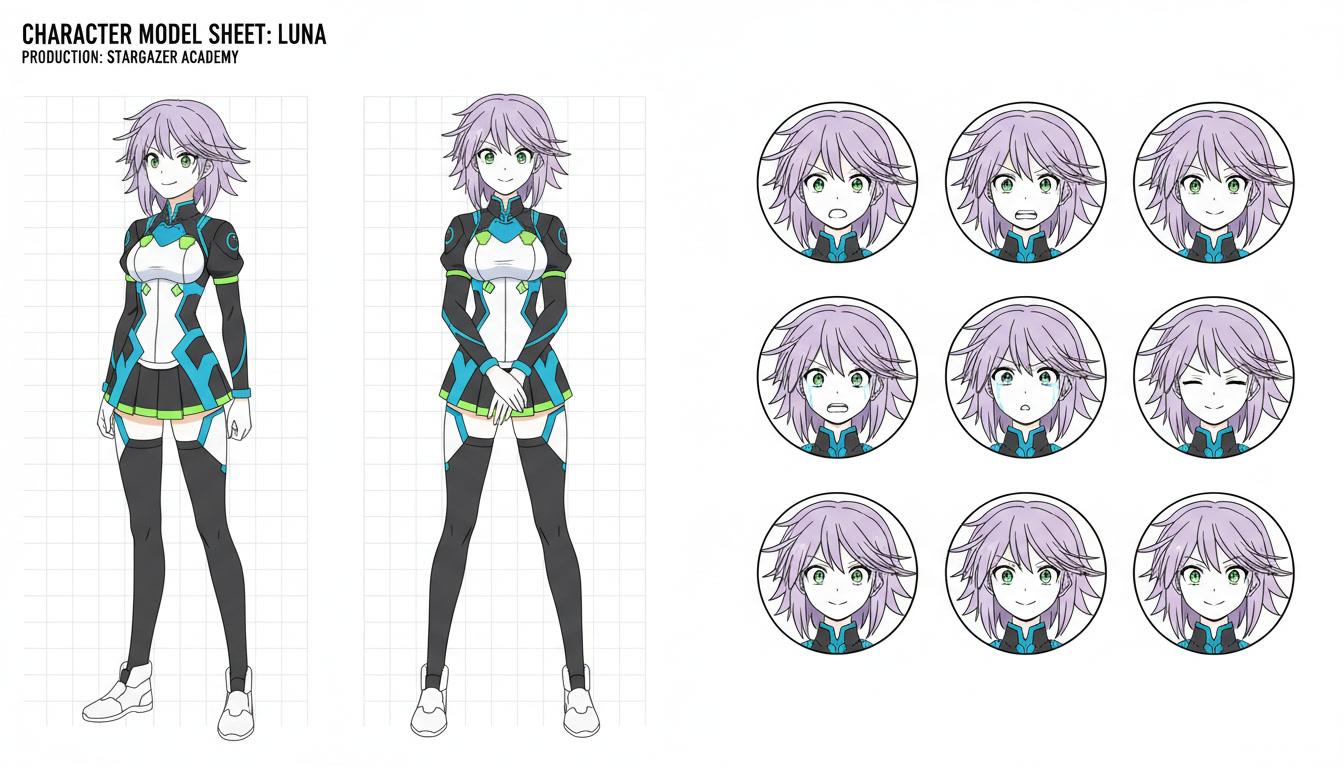
C2Anime lifts a proper character design out of your image and locks it. That design is what every later shot is rendered against, which is why a character can turn, walk into a new room, or appear in a scene you add a week later and still read as the same person.
If you already have a model sheet, feed in several angles and the match gets tighter still. Your drawing stops being a one-off and starts being a cast member.
What the image to anime video tool handles
Your design, held on model
The character in your image becomes the reference for every shot. Same face, same hair, same outfit, whether the scene runs eight seconds or eight scenes.
A scene, not a loop
Most image-to-video tools add drift and a camera push. C2Anime writes what happens in the scene first, so there is something to watch rather than something to loop.
The characters talk
Dialogue is generated and voiced as part of the scene. A picture that used to be silent ends up with a cast that speaks.
One image, many shots
The frame you upload is a starting point, not the only angle. C2Anime builds wide shots, reverses and close-ups out of the same design.
Who starts from an image
Artists with a folder of OCs. You have designed these characters for years and they have never said a word. Upload one and give them a scene to play.
Illustrators with a key visual. The poster exists; the trailer does not. Going image to anime video is the shortest route from a single strong frame to something that moves and can be posted.
People with a photo and an idea. A holiday photo, a pet, a friend who agreed to it. The image sets the look, and the scene is built around it in anime.
Image to anime video: common questions
- How does image to anime video work?
- You upload a picture and describe what should happen. C2Anime reads the image for its characters, setting and style, plans a scene around it, writes the dialogue, and then renders anime shots that match the design in your original frame. The image is used as a reference throughout, not just as the first frame.
- Can I use a photo instead of artwork?
- Yes. A photo of a person, a place or an object works as input. C2Anime interprets it into anime styling and builds a character design from it, then holds that design across the shots it renders.
- Will the character still look like my drawing?
- That is the point of this tool. The uploaded image becomes a fixed reference for the cast, so the character in shot six is recognisably the one you drew rather than a fresh interpretation each time.
- How long is the video?
- Long enough for a scene with a beginning and an end rather than a two-second loop. If you keep going, the same image to anime video reference carries into later scenes so they belong to the same production.
- What kind of images work best?
- Clear subjects and readable lighting. A character with their face visible, a background with a sense of depth, or a single strong composition. Very busy collages give the planner less to hold onto.
- Can I animate several images into one video?
- Yes. Give C2Anime a set of references — a character sheet, a location, a prop — and it treats them as the visual bible for the production instead of animating each one separately.
- Do I need animation experience?
- No. You supply the image and the intent. Staging, timing, voices and continuity are handled for you.
You already drew the first frame
Upload it and find out what the character does next.
Start your animeTurning an image into an anime video
Going from image to anime video used to mean one of two things: hiring an animator, or accepting a few seconds of motion applied to a still. C2Anime takes a different route. Your upload is read as a design brief — this is the character, this is the world, this is the light — and then a scene is planned around it with structure and dialogue before any frame is rendered. The picture is where the production starts, not the whole of what you get back.
Continuity is the part that decides whether an image to anime video result looks finished. Tools that generate each shot independently lose the design almost immediately, and viewers register that drift even when they cannot name it. C2Anime builds a fixed character reference from your image and renders every subsequent shot against it, which is what lets the same face hold through a wide, a reverse and a close-up, and what makes it possible to come back later and add a scene that still matches.
The input is deliberately flexible. A finished illustration, a rough character sketch, a photograph, a model sheet with several angles, or a set of references covering a character and a location all work. The more you give the planner, the more faithfully the rendered anime tracks what you had in mind — but a single clear image is genuinely enough to begin.
What comes out is anime with dialogue at its centre: characters who speak in their own voices, scenes staged from more than one angle, and a design that stays recognisable from the first shot to the last. If you have art sitting in a folder that never moved, the image to anime video tool is the fastest way to see it act.