How to Make Anime Music Video That Holds a Cast Together
C2Anime turns your script or story into a finished anime video — not a slideshow. An AI Film Director plans the structure, locks a consistent cast across every shot, and renders voiced, dialogue-driven scenes you can cut to a track.
How to Make Anime Music Video in Three Moves
The workflow is built for creators who care about continuity: one cast, one plan, one finished piece. Here is the path from your idea to a rendered video.
Drop in your script or story
Paste a treatment, a short story, or a lyric-driven concept. The AI Film Director reads it and proposes a scene structure with beats, entrances, and emotional turns.
Lock your cast before rendering
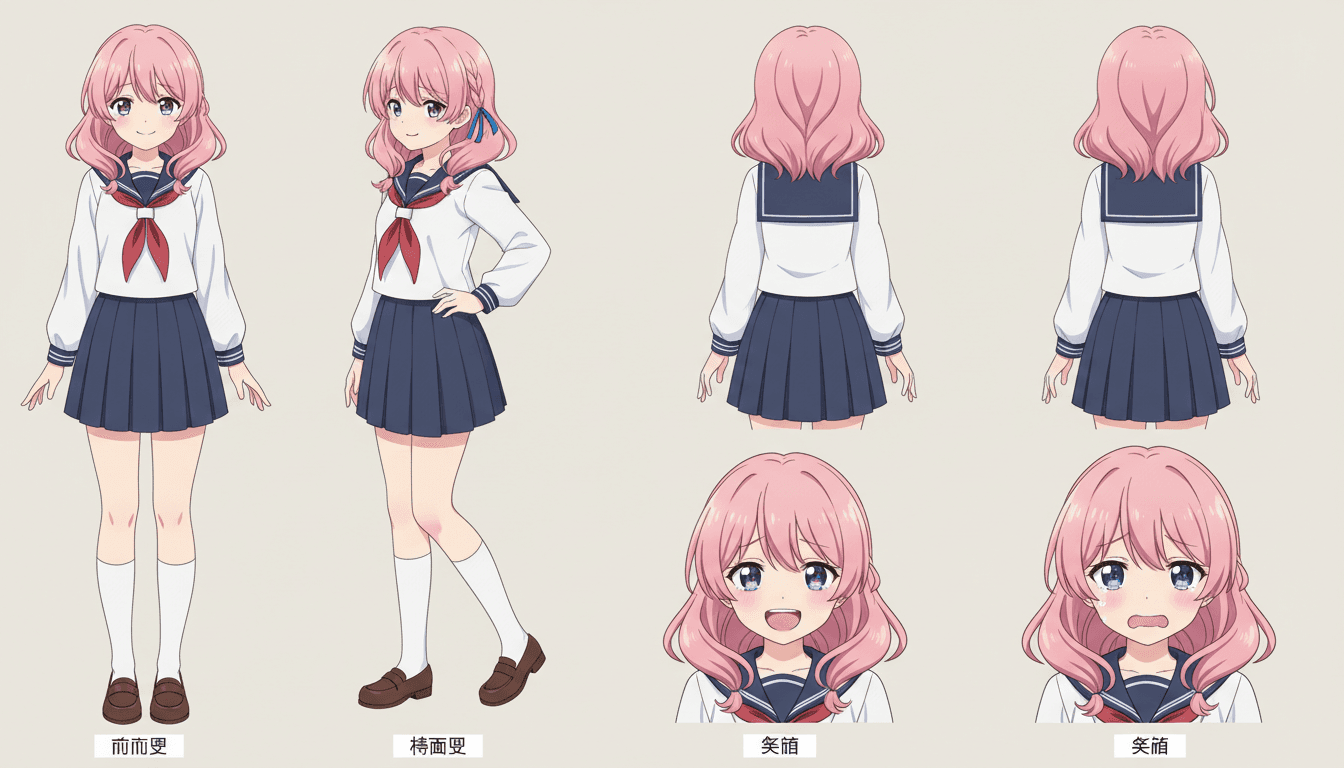
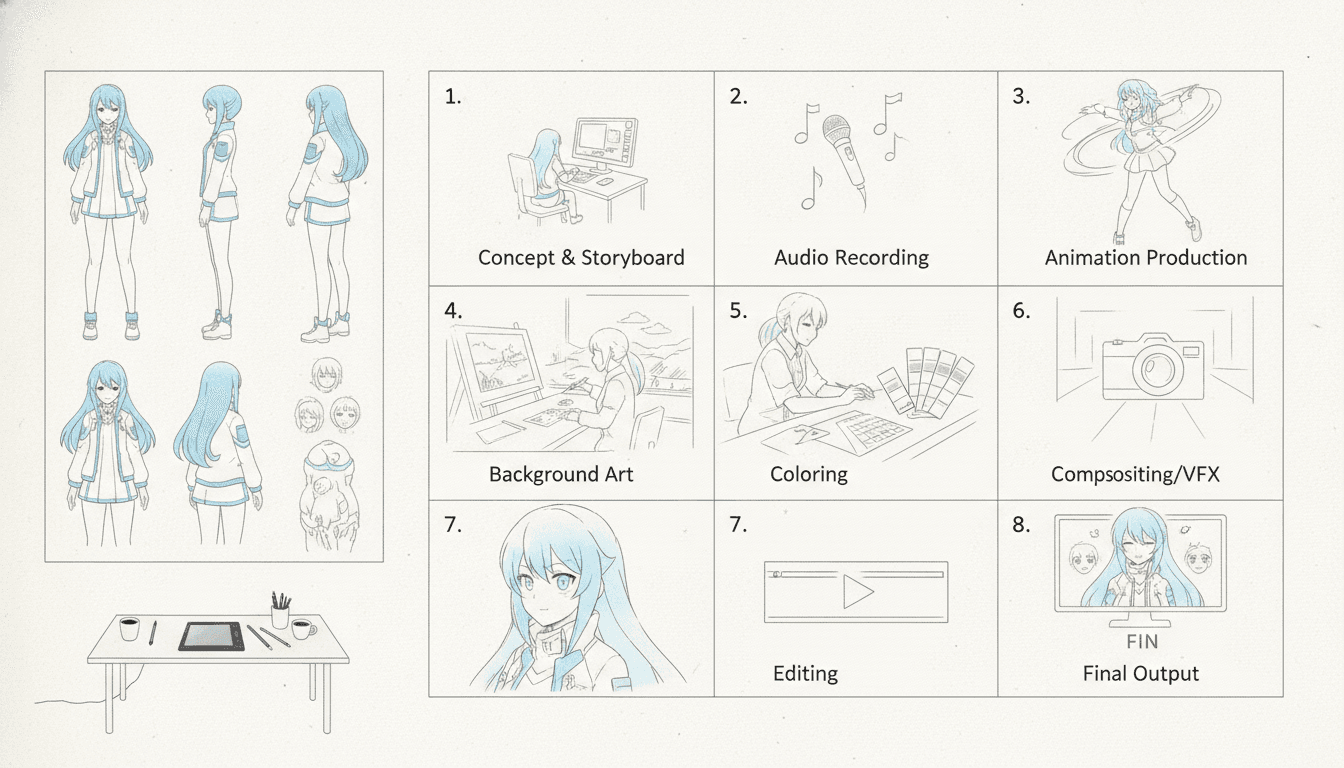
Design the characters once — faces, hair, outfits, color palette. C2Anime keeps that same cast consistent across every shot, so your lead looks like your lead in the chorus and the bridge.
Render voiced scenes and assemble
Scenes come back as video with dialogue and voice. Compose the full runtime from multiple scenes, then cut them against your track in your editor of choice.
Why Consistency Is the Whole Game When You Make Anime Music Video
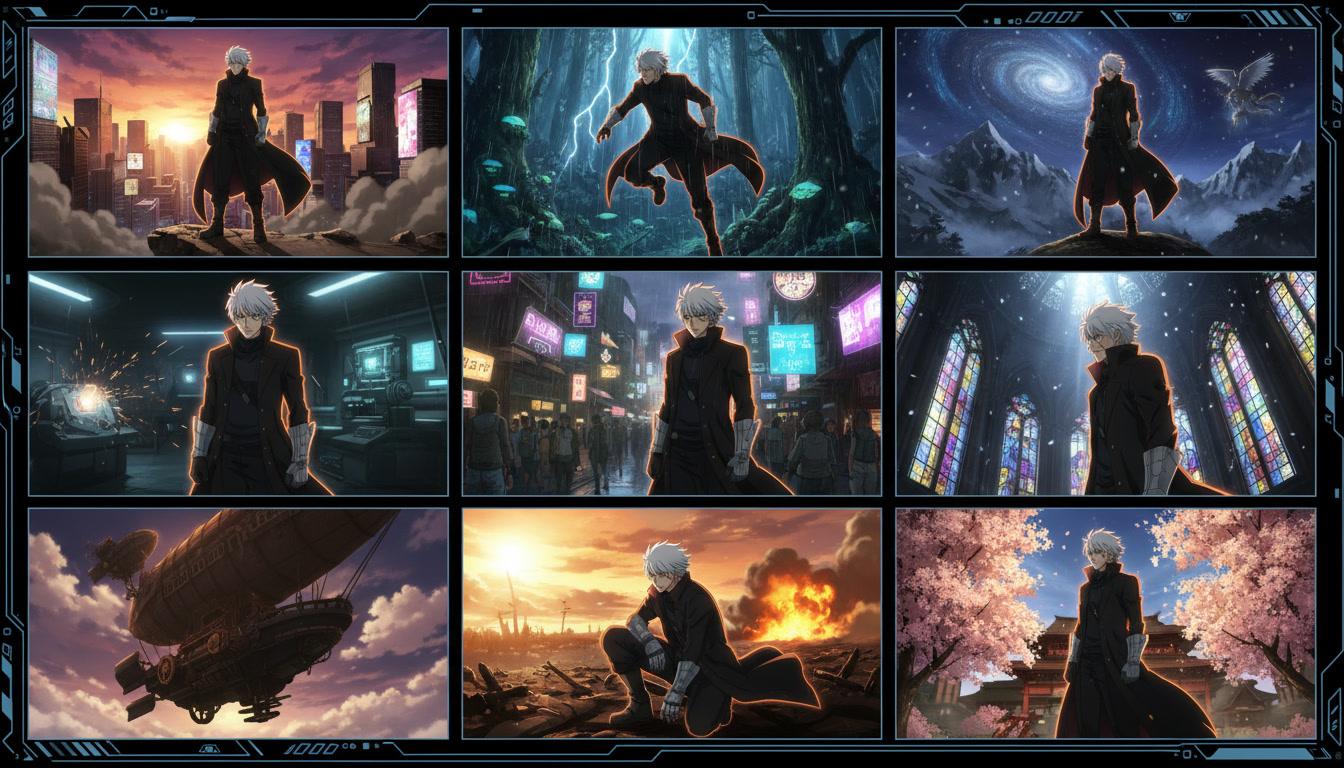
When you learn how to make anime music video, the first wall is not the song — it is character drift. A face that changes between cuts breaks the illusion faster than any timing mistake. C2Anime treats the cast as a fixed asset: same faces, same hair, same outfits, shot after shot, so your video reads as one story instead of a pile of clips.
The second wall is structure. An AMV or opening needs a spine — a hook, a build, a drop, a resolve. The AI Film Director writes a real screenplay with beats and dialogue, which gives you scenes that actually land on the music instead of random pretty frames.
The third wall is audio-visual intent. C2Anime renders voiced, dialogue-driven anime scenes, so you get performance and emotion in the shot. That gives you more to cut with: a line of dialogue can carry a transition, and a character's expression can hold a beat while the track swells.
A Deeper Look: How to Make Anime Music Video With a Real Screenplay
A music video is short, but it is not shallow. The strongest pieces — trailers, openings, AMVs — are built on a clear dramatic question. C2Anime starts there: your script becomes a scene plan with a beginning, a turn, and an ending, sized to the runtime you are targeting.
Runtime is honest here. The stable sweet spot is roughly 30 seconds to a few minutes per piece. If your track is longer, you compose it from multiple scenes rather than expecting one long clip. That is normal editing work, and it is where the craft lives: you are stitching beats, not stretching a single render.
The engine runs on Seedance and MiniMax models. You are not promised magic; you are given a structured pipeline — plan, cast, screenplay, render — that produces video you can actually cut. That is the difference between a concept and a finished anime music video.
Features That Help You Make Anime Music Video
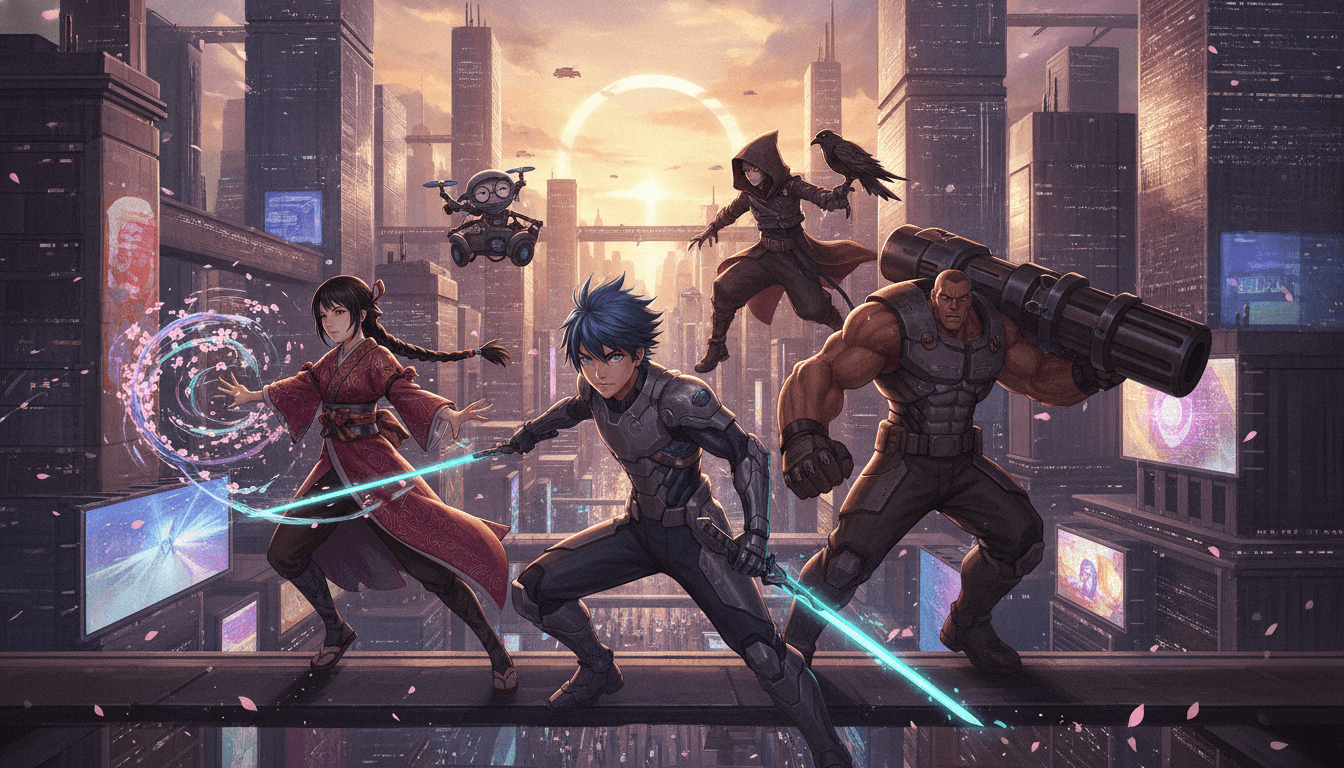
Consistent cast across shots
Design faces, hair, and outfits once. Every rendered scene keeps the same cast, which is the single biggest fix for AMV continuity.
AI Film Director planning
Your story becomes a structured scene plan with beats and turns, so the video has a spine before a single frame renders.
Real screenplay with dialogue
Scenes are written as screenplay, not prompts. Dialogue and performance give you emotional anchors to cut against your track.
Voiced, dialogue-driven scenes
Rendered anime video with voice, built for short-form pieces you assemble into a full music video runtime.
Who This Guide Is For
AMV editors You already cut to a beat. C2Anime gives you original, consistent footage instead of hunting for source clips.
Trailer and opening creators You need a hook, a cast, and a payoff in 60 to 90 seconds. The scene plan maps directly to that shape.
Story-first musicians and writers You have a script or a concept and want it as anime video with characters who stay recognizable from first frame to last.
FAQ: How to Make Anime Music Video
- How do I make anime music video with a consistent character?
- Design the cast before you render anything. C2Anime locks faces, hair, and outfits across every shot, so the same character appears in the verse and the chorus. That continuity is the core of a believable AMV.
- What runtime can I actually produce?
- The stable sweet spot is about 30 seconds to a few minutes per piece. For a longer track, you compose the full runtime from multiple scenes rather than a single long clip. Plan your edit around that structure.
- Do I need to write a full screenplay to make anime music video?
- No. You can start with a treatment, a short story, or a lyric-driven concept, and the AI Film Director proposes the scene structure. It writes a real screenplay with dialogue so your scenes have beats to cut against.
- Is this a picture-book or illustration tool?
- No. C2Anime renders finished anime video with voiced, dialogue-driven scenes. You are producing footage to edit, not stills to flip through.
- Which models power the renders?
- C2Anime runs on Seedance and MiniMax models. The pipeline handles planning, cast design, screenplay, and rendering as one structured flow.
- Can I start right now?
- C2Anime is in invite-gated Early Access with paid credit tiers. Check the pricing page for current tiers and request access when you are ready to render.
- Does it do lip-sync or convert live-action footage?
- No. C2Anime is built for original anime video from your script or story. It does not offer lip-sync or live-action-to-anime conversion.
Ready to Make Your Anime Music Video?
Bring your script, lock your cast, and render voiced anime scenes you can cut to your track. Early Access is invite-gated — check pricing and request your spot.
Start your animeKeep Learning How to Make Anime Music Video
If you want to know how to make anime music video without losing your cast between cuts, start with the pipeline: plan the structure, design the cast once, write the screenplay, then render. C2Anime is built around that order because it is the order that actually holds a video together.
For AMV editors, the win is original footage with continuity. For trailer and opening creators, it is a scene plan that maps to a hook and a payoff. For story-first musicians, it is characters who stay recognizable from the first frame to the last.
Runtime discipline matters. Target 30 seconds to a few minutes per piece and compose longer tracks from multiple scenes. That keeps the edit clean and the renders honest to what the tool is good at.
C2Anime is invite-gated Early Access with paid credit tiers. Visit the create page to start a project or the pricing page to see current tiers and request access.