Guide
How to Keep AI Characters Consistent Across Every Scene
Character drift is the first thing that breaks when people make anime with AI, and it is not a prompting problem. To keep AI characters consistent you have to stop re-describing them and start reusing a design you fixed in advance: one canonical look per character, locked as a reference, attached to every scene that character appears in. This guide covers how the drift happens, the five steps that stop it, and a checklist for catching it before you have rendered forty scenes.
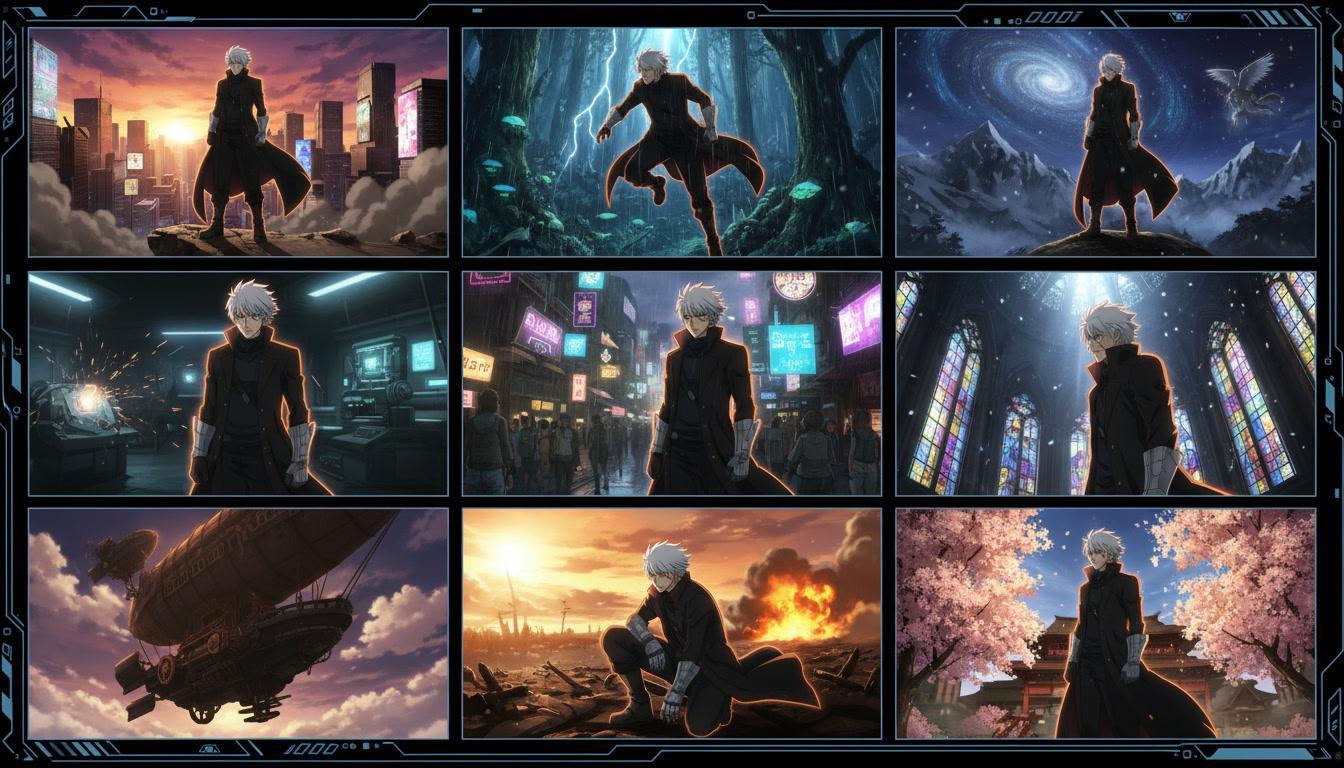
How to keep AI characters consistent, in three moves
The full method is five steps, below. If you take away three things, take away these.
Design once
Settle what each character looks like in one place, before any scene exists. One canonical design per character, not a description you retype.
Lock it
Freeze that design as a reference image the production points back at. A locked reference is the only thing that survives a hundred renders.
Reuse it everywhere
Attach the same reference to every scene the character appears in. Scene nine reuses the design rather than guessing at it again.
The four ways an AI character drifts
Naming the failure helps, because each kind has a different tell and you catch them at different points in a review.
- Identity drift
- The face changes. Eye shape, jaw, the distance between the eyes — the features that make someone recognisable move a little each render until the character in the last scene is a different person.
- Wardrobe drift
- A jacket gains a zip, loses a collar, changes from navy to black between the doorway and the corridor. Clothing drifts faster than faces because most descriptions under-specify it.
- Scale and age drift
- A fifteen-year-old renders as twelve in one shot and twenty in the next, or a character who should be a head shorter than their friend suddenly matches their height.
- Palette drift
- Hair reads warm brown in daylight and black indoors. Lighting changes are legitimate; the underlying colour changing is not, and viewers read it as a continuity error.
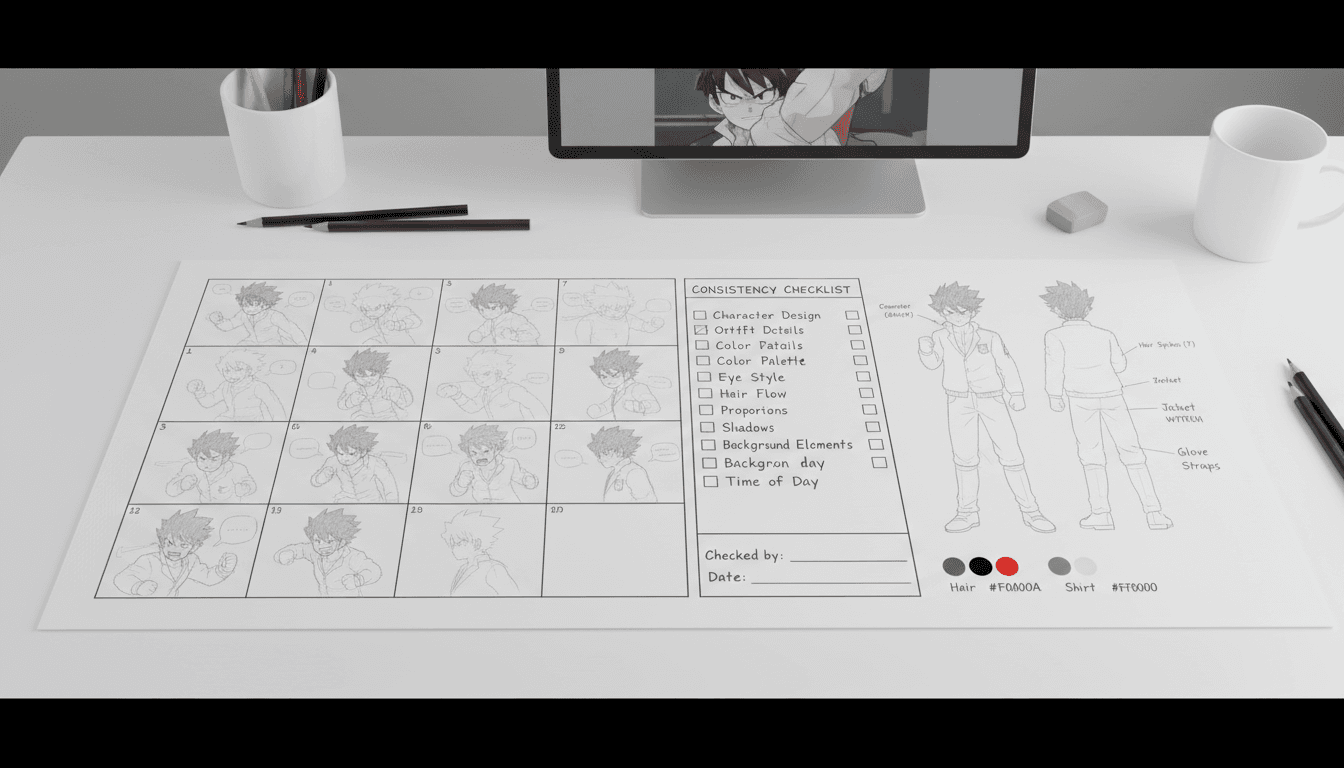
Why prompting harder will not keep AI characters consistent
The instinct when a face comes out wrong is to describe it better. Add the eye colour. Specify the fringe. Pin down the jacket. It helps a little, and then it stops helping, and people conclude the model is not good enough yet.
The real problem is structural. A tool that renders each shot from a text description is starting from zero every time. Your words narrow the range of characters it might draw, but a range is still a range — and across thirty shots you will see most of it. This is why adding adjectives produces a more detailed stranger rather than the same person twice.
An image is a far narrower instruction than a sentence. Once the design exists as a picture, the production has something exact to match instead of something to interpret. That is the whole shift: the character stops being a prompt and becomes an asset.
This is also why consistency is really a planning question. You cannot lock a cast you have not decided on, which means the characters have to be settled before the first scene renders. If you are still working out the whole production order, our guide to making an anime with AI covers where casting sits in the sequence.
Five steps to keep AI characters consistent
The order matters as much as the steps. Each one removes a decision the next render would otherwise make for you.
- 1
Write a character bible before you render anything
For every character who appears more than once, write down age, height relative to the others, build, hair colour and exact length, eye colour, the outfit they wear in most scenes, and one detail that belongs only to them — a cracked pair of glasses, a scar through an eyebrow, a jacket that is always half-zipped.
Be specific where vagueness costs you. "Brown hair" is four different characters. "Chin-length dark brown hair, blunt fringe, one loose strand on the left" is one. Ambiguity in the description is exactly the space the model fills in differently each time.
- 2
Turn each description into a model sheet
A model sheet is the same character drawn front on, in three-quarter view, and across a row of expressions. Animation studios have used them for decades for exactly the reason they matter here: they pin down what the character looks like from angles a single portrait never shows.
Generate the sheet once, look hard at it, and regenerate until it is right. This is the cheapest correction you will ever make. Fixing a design at the model-sheet stage costs one render; fixing it after forty scenes costs forty.
- 3
Lock the reference and stop rewriting it
Once the sheet is approved, it becomes the source of truth. From then on, scenes point at the reference image rather than re-describing the character in prose. This is the single change that does most of the work to keep AI characters consistent.
The failure mode to avoid is quietly editing the description as you go — adding an adjective here, a different jacket there. Every edit is a new character. If a design genuinely needs to change mid-story, change it deliberately, note the scene it changes in, and treat the new look as a second locked reference.
- 4
Attach the reference to every scene, including the crowd ones
Each scene needs the references for every character in it, not just the one speaking. Background appearances are where drift sneaks back in, because it is tempting to skip the reference for someone who is only on screen for two seconds.
Describe the scene — setting, time of day, staging, what is said — and leave the character design entirely to the reference. Splitting it this way means the scene prompt can change freely without ever putting the cast at risk.
- 5
Review in sequence, then re-render only what missed
Watch the scenes back to back rather than judging each one on its own. Drift is invisible in isolation and obvious in sequence: you will spot the shot where the hair got longer only when it sits next to the shot before it.
Then fix that scene and leave the rest alone. Scene-level re-rendering is what makes character consistency achievable on a real production — you patch the two shots that broke instead of restarting an episode.
Consistent character across scenes: what to check in review
Watch two-shots first. Frames with two characters in them are the fastest place to catch scale problems. If the height difference between your leads changes between scenes, you will see it here and nowhere else.
Check profiles, not just close-ups. Front-facing shots are the easiest for any system to get right. Side angles and back-of-head shots are where an under-specified hairstyle falls apart.
Separate lighting from colour. A character standing under a sunset should look warmer. A character whose hair is a different colour indoors has drifted. Learning to tell these apart saves you from re-rendering scenes that were fine.
Trust the sequence, not the frame. Any individual shot can look great and still be wrong for the video. Consistency is a property of the whole runtime, so judge it by playing the thing through.
How C2Anime keeps AI characters consistent for you
The method above is the method whatever you use. These are the parts C2Anime takes off your desk.
One cast, designed up front
C2Anime designs every character before rendering starts and keeps those designs as fixed references for the whole production.
A screenplay that tracks who is in the scene
The AI Film Director writes the script first, so the system knows which characters appear in which scene and which references each one needs.
Voices stay consistent too
Consistency is not only visual. Each character keeps the same voice across the video, so dialogue scenes hold together as well as the artwork does.
Consistency that survives episode two
Because the cast is stored rather than re-derived, the same characters can carry into a second video and a third without being rebuilt.
Keep AI characters consistent: common questions
- How do you keep AI characters consistent across scenes?
- Design each character once, save that design as a locked reference image, and attach the reference to every scene the character appears in. The rule is that scenes describe the setting and the action while the reference describes the character — never both. Retyping a description per shot is what causes drift in the first place.
- Why do my AI anime characters change between shots?
- Because most tools generate each shot from a fresh prompt and have no memory of the previous one. Every render is an independent guess at what your character looks like, and independent guesses differ. Nothing about the way you word the prompt changes that — the design has to be an input, not a re-derivation.
- Does a more detailed prompt keep AI characters consistent?
- It narrows the variation without removing it. A longer description produces a more specific guess, but still a guess. Detailed prompts are useful for creating the original design; they are not a substitute for reusing it afterwards.
- What is a character model sheet and do I need one?
- It is the same character shown from several angles with a row of expressions. You need one because a single front-facing portrait leaves the profile, the back of the hair and the range of expressions undefined, which is precisely where a render will improvise.
- How do I handle a character who changes clothes or gets injured?
- Treat each significant look as its own locked reference — school uniform, formal wear, bandaged after the fight — and note which scene each look starts in. Deliberate changes read as story. Accidental ones read as errors.
- Can anime character consistency hold across a whole episode?
- Yes, provided the cast is fixed before rendering rather than discovered during it. Length is what makes consistency matter: a five-second clip can absorb a little drift, and a twenty-minute episode with a recurring cast cannot.
- Does C2Anime handle character consistency automatically?
- Yes. Designing the cast, storing the references and attaching them to the right scenes is part of how the AI Film Director works, so you are reviewing the designs rather than managing reference files by hand.
Stop re-rolling faces. Start directing.
Hand C2Anime a story and it designs the cast once, then holds them on model for every scene in the video.
Start your animeAnime character consistency with AI, from one scene to a series
Everything above about how to keep AI characters consistent reduces to one distinction: a character is either something your production stores or something it re-invents. Stored, the design is a fixed input and every render has an exact target to hit. Re-invented, the design is re-derived from words each time, and thirty renders means thirty slightly different people wearing the same name. No amount of prompt-writing closes that gap, because the gap is in where the design lives rather than in how well it is described.
Anime is unusually unforgiving about this. It is a medium built on recognition — the same face, the same silhouette, the same palette, scene after scene — and audiences have decades of training in spotting when a character goes off model. That is also why character consistency is the area AI video tools handle worst: most of them were built to render a single striking clip, and a single clip never has to remember anything. Consistency only becomes a requirement once your work is long enough to have a second scene.
The practical work is front-loaded. Write the character bible, turn each entry into a model sheet, look hard at the sheets, and only then begin rendering. Treat deliberate costume and injury changes as additional locked looks rather than edits to the original. Review in sequence rather than shot by shot, and when something drifts, re-render that scene instead of the episode. A production you can patch at the scene level is a production you can actually finish.
C2Anime is built around that order. Its AI Film Director plans the structure, designs the cast before anything renders, keeps those designs as references it reuses for every scene a character appears in, and gives each character a voice that stays the same — so a consistent character across scenes is the default rather than something you fight for. That is what makes an episode possible, and then a second episode with the same cast. C2Anime is in invite-gated Early Access with paid credit tiers; see the pricing page for what each tier includes, then bring a story and direct it.