Guide
How to Make an Anime With AI
Most people learning how to make an anime with AI start at the wrong end — they open a video generator and describe a shot. This guide runs the other way round: settle the story, cast the characters, write the screenplay, and only then render. Do it in that order and you get an anime. Do it backwards and you get a folder of clips that do not know about each other.
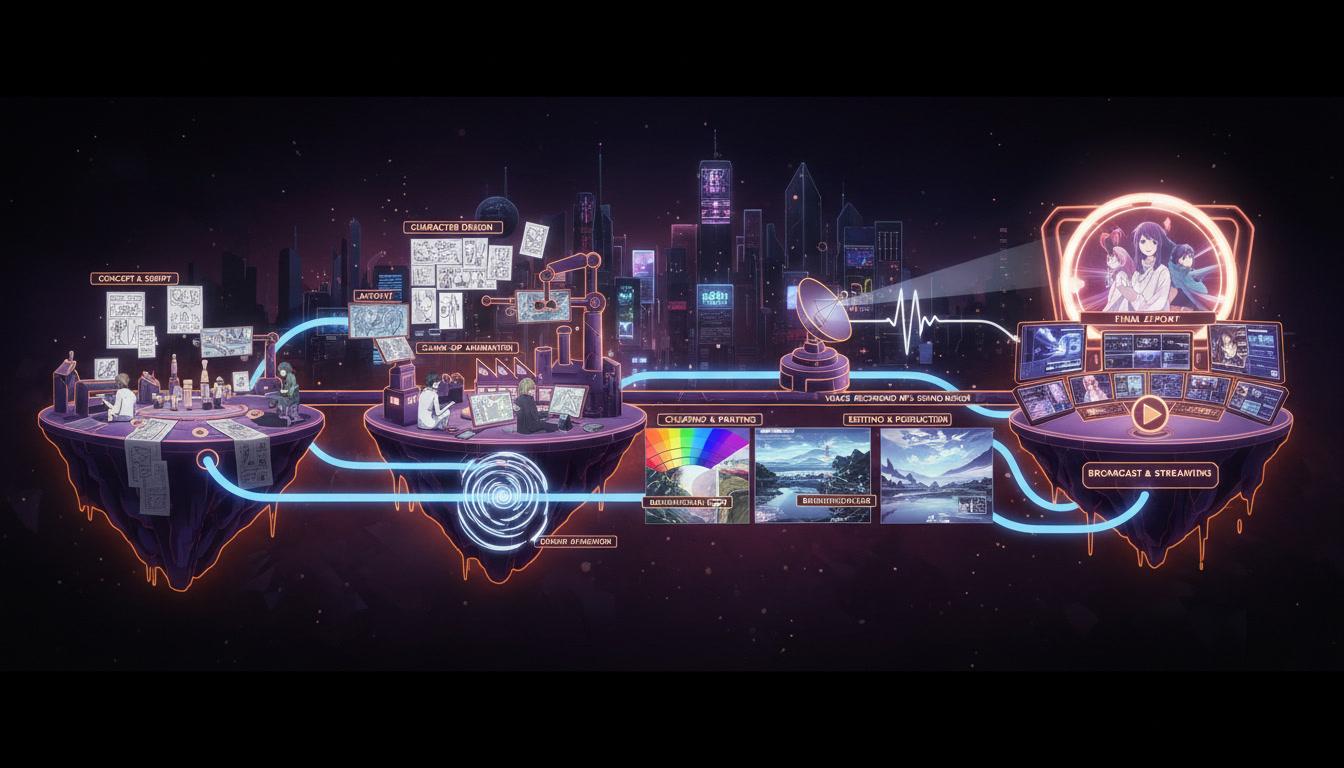
How to make an anime with AI, in three moves
The full method is five steps, below. If you only remember three things, remember these.
Settle the story
Decide what happens and in what order before any tool is involved. A premise and a list of beats is enough to start.
Cast it once
Design every recurring character up front and lock those designs. This is what keeps scene nine looking like scene one.
Render against the plan
Shoot scene by scene with the screenplay and the cast as fixed references, then review the whole thing as a film.
The five steps, in order
None of these steps are optional, and the sequence is the whole trick. Each one narrows the decisions the next one has to make.
- 1
Write down what the story actually is
Before you open any generator, write three or four sentences: who the story is about, what they want, what stands in the way, and how it ends. If you cannot finish those sentences, no tool will finish them for you — it will just produce pretty footage that goes nowhere.
Then break it into beats. Six to twelve beats is a comfortable range for a short. Each beat is one thing that changes: a discovery, a refusal, a confrontation. Beats become scenes later, and scenes become the render queue.
- 2
Cast the show before you render anything
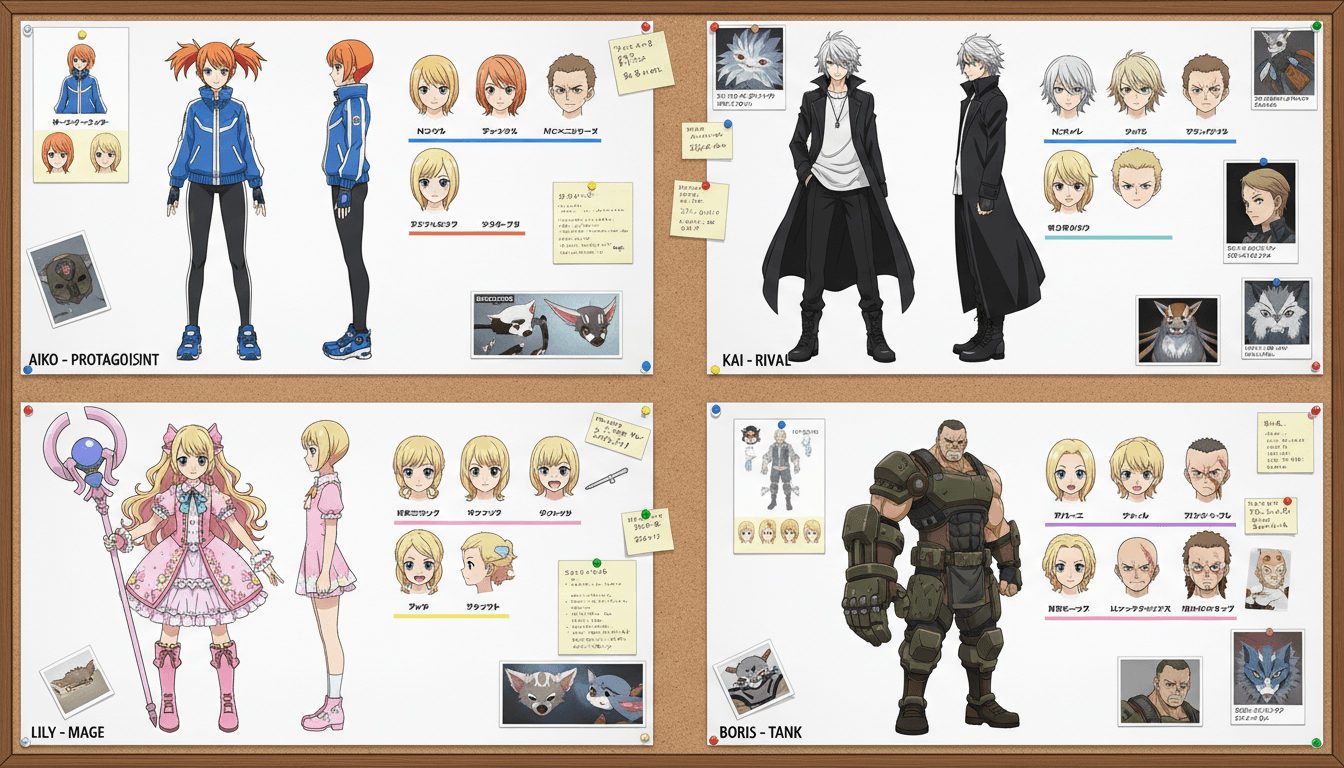
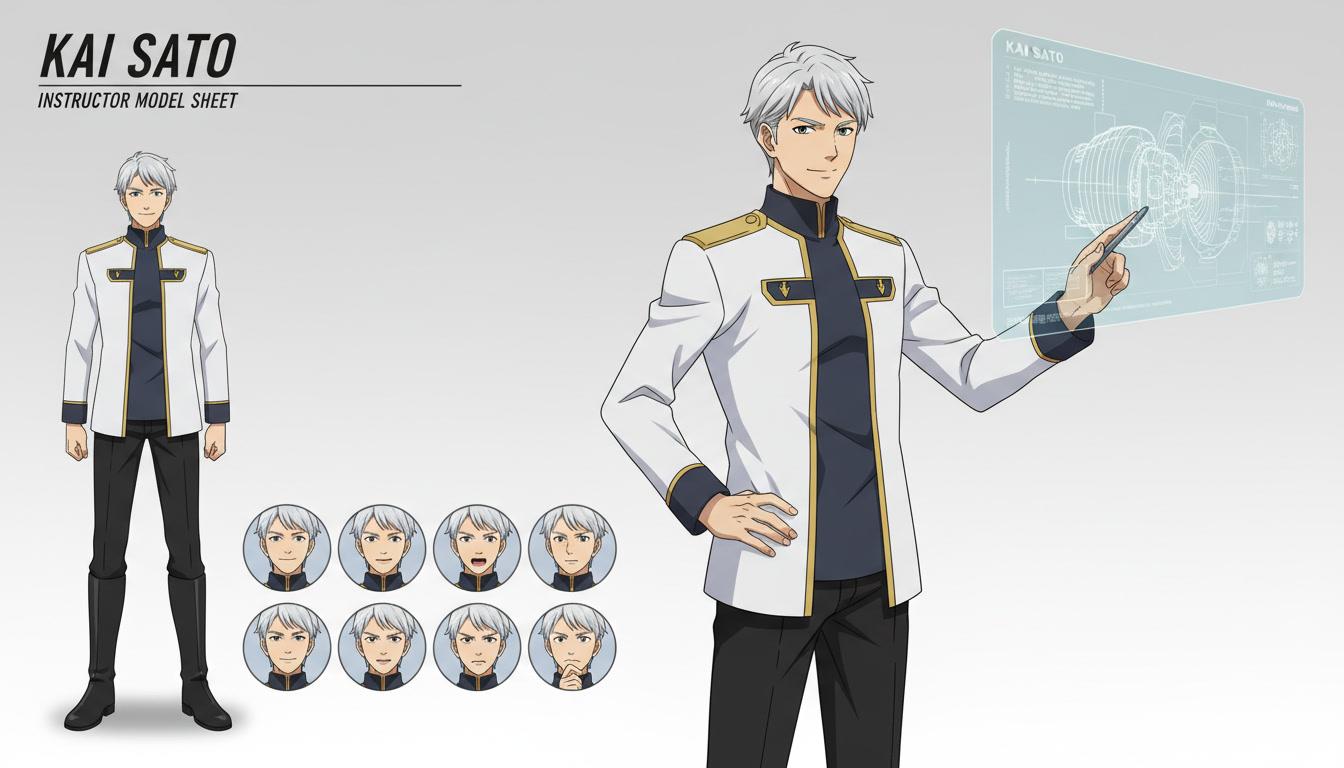
List every character who appears more than once and describe them precisely — age, build, hair, eye colour, the outfit they wear in most scenes, one detail that is theirs alone. A scar, a cracked pair of glasses, a jacket that is always half-zipped.
Then have those designs generated and keep them. A locked character reference is the single most valuable asset in the whole production. Everything you render afterwards points back at it, which is why the face in the final shot still matches the face in the first.
- 3
Turn the beats into a screenplay
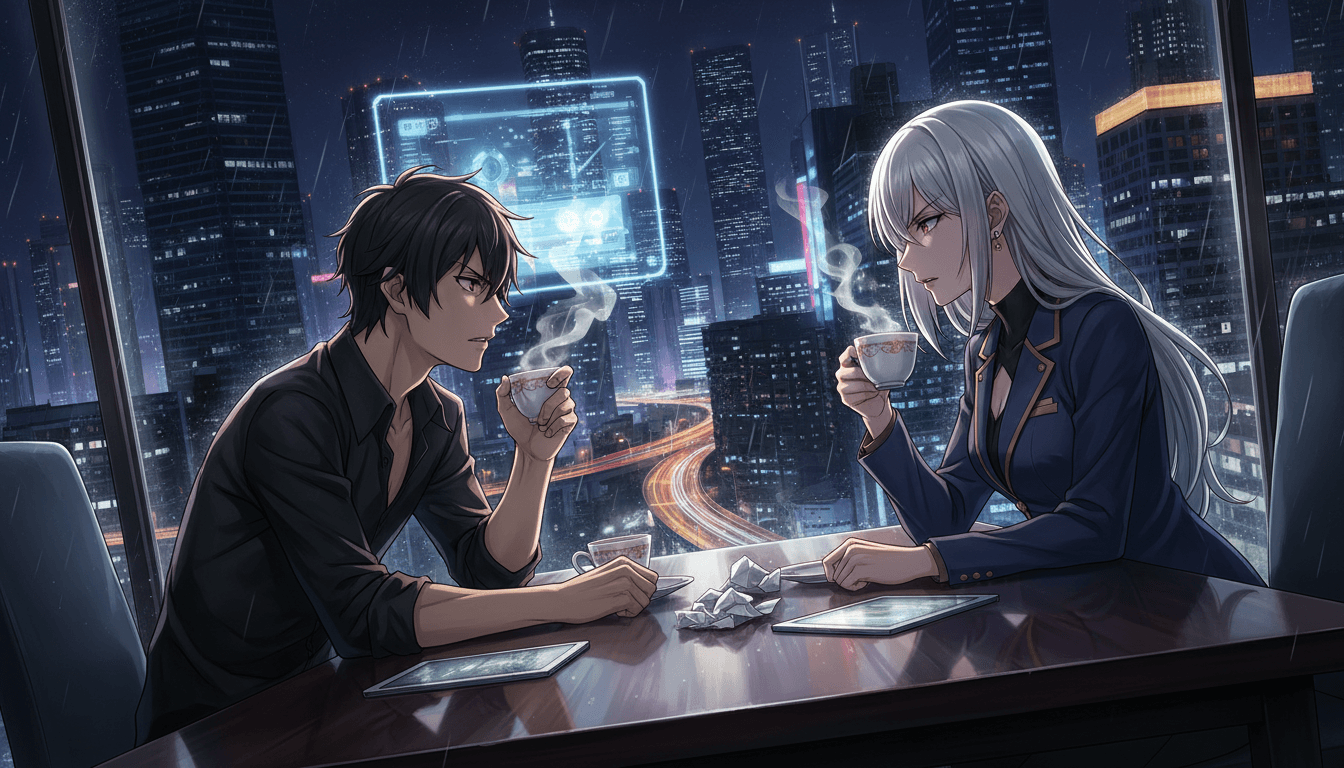
A beat sheet tells you what happens. A screenplay tells you how it plays: where the scene is set, who is in it, what they say, and what the camera is looking at when they say it. Write the dialogue. Anime is a dialogue medium — characters arguing, confessing and interrupting each other is most of what makes a scene feel alive.
This is also the cheapest place to fix problems. Cutting a scene in a script costs you a keystroke. Cutting it after you have rendered it costs you the render.
- 4
Render scene by scene, not shot by shot
Work through the screenplay in order, one scene at a time, with the character references attached to every scene those characters appear in. Give each scene its setting, its time of day and its mood, and let the dialogue drive the staging.
Keep the visual rules constant across the whole video: one art style, one lighting language, one palette. Mixed styles read as a mistake even to viewers who could not name what is wrong.
- 5
Watch it end to end, then fix only what breaks
Play the whole thing through once without pausing. You are checking three things: does the story land, does the cast look like the same people throughout, and does any scene run long enough to lose you.
Then re-render the specific scenes that missed rather than starting over. A production you can patch scene by scene is a production you can actually finish — and it is how a one-off video turns into an episode, and eventually a series.
How to make an anime with AI without your cast drifting
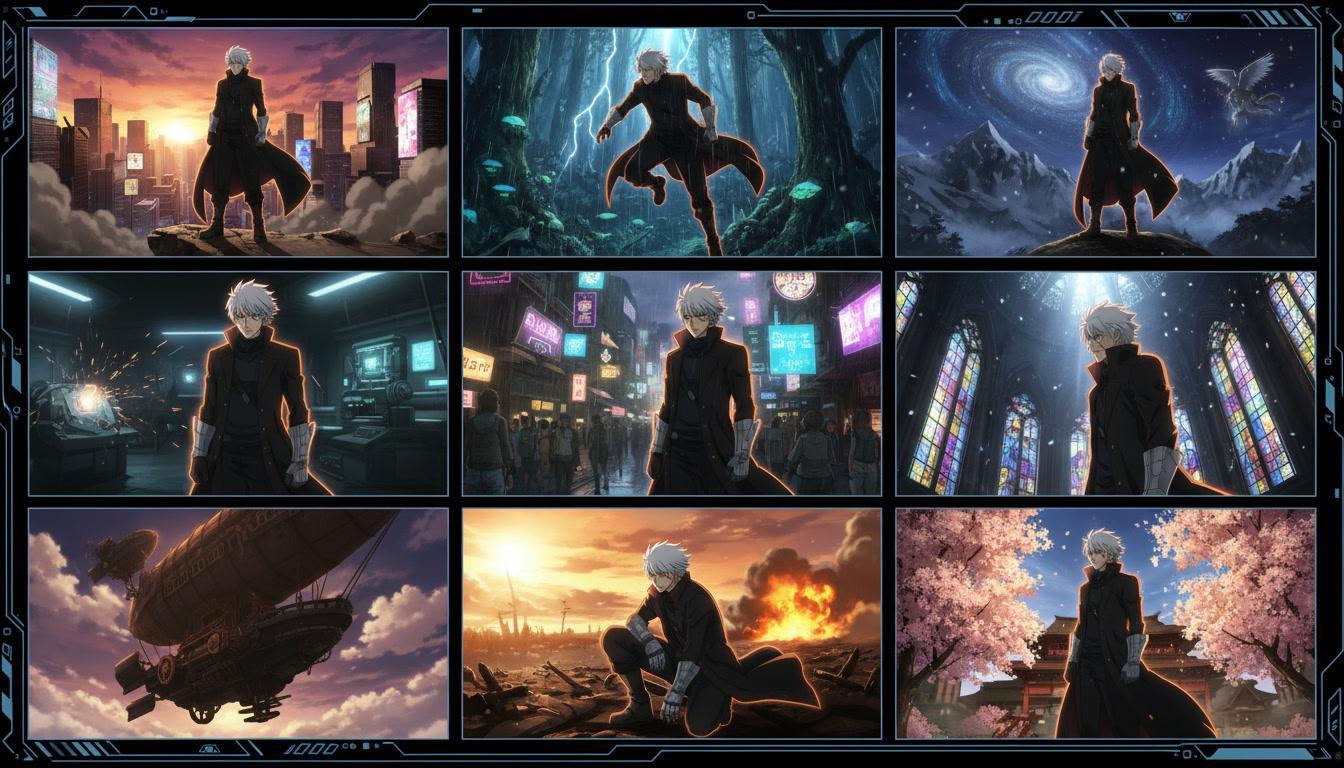
Ask anyone who has tried this what broke first and the answer is always the characters. The protagonist's hair gets longer. A jacket changes colour between the doorway and the corridor. A side character comes back in scene seven looking like someone else entirely. Viewers register it instantly, even when they cannot say what is wrong.
The cause is structural, not a matter of prompting harder. A tool that generates each shot from a fresh description has no memory of the previous shot, so every render is a new guess at what your character looks like. Add more adjectives and you get a more detailed guess, not the same person.
The fix is to make the design a fixed input rather than something re-derived each time. C2Anime builds a character reference for every member of the cast before rendering begins and attaches it to each scene that character appears in. Scene nine is not reinventing them — it is reusing them.
Four mistakes that cost people a weekend
Rendering before writing. It is the tempting order because rendering is the fun part, but every frame you make before the screenplay exists is a frame you will probably throw away.
Describing shots instead of scenes. A shot is five seconds of something happening. A scene has a purpose: somebody wants something and either gets it or does not. Build in scenes and the cuts take care of themselves.
Narration instead of dialogue. Explaining the story over footage is the fastest way to make it feel like a slideshow. Let the characters speak to each other and the same information lands as drama.
Changing the style mid-production. Switching art direction halfway through looks like an error rather than a choice. Pick the visual language at the start and hold it to the last frame.
What C2Anime handles for you
The five steps are the method whatever you use. These are the parts C2Anime takes off your desk.
Characters designed once
Your cast is built before rendering starts and reused in every scene, so hair, outfit and face carry through the video instead of drifting.
A screenplay you can edit
The AI Film Director writes scene headings, action and dialogue first. You read it and change it before a single frame is spent.
Voices, not narration
Each character speaks and keeps the same voice, so scenes are built around conversation rather than a voiceover laid over stills.
Scene-level re-renders
When one scene misses, you redo that scene. The rest of the anime stays exactly as it was.
How to make an anime with AI: common questions
- How do you make an anime with AI from scratch?
- Start with a premise and a list of beats, design your cast and lock those designs, write a screenplay with real dialogue, render scene by scene against that plan, then watch it end to end and re-render whatever missed. The order is the method — structure first, cast second, rendering last.
- Do I need to know how to draw or animate?
- No. What the process asks of you is judgment, not draughtsmanship: deciding what the story is, who the characters are, and whether a scene is working. The staging, the character art and the rendering are handled for you.
- How long does it take to make an anime with AI?
- Far less than a hand-drawn production, but it is not instant. The writing and casting stages are where your time actually goes; rendering is mostly waiting. A short scene is an afternoon. A full episode is a project.
- Why do my characters keep changing between shots?
- Because nothing is holding their design. Tools that generate each shot from a fresh prompt have no memory of the last one. The fix is a locked character reference created before rendering and reused for every scene that character is in.
- Can I adapt a novel or a story I already wrote?
- Yes, and it is the easiest starting point. Existing prose already has the structure and the dialogue. Paste a chapter and the adaptation follows your beats instead of inventing new ones.
- How long can an AI anime be?
- Long enough for a complete short with a beginning, middle and end, rather than a single clip. Runtime follows the plan — more scenes in the screenplay means a longer finished video.
- What does it cost to get started?
- C2Anime is in invite-gated Early Access with paid credit tiers. You can see what the tiers include on the pricing page before committing to a production.
You have the story. Go make the anime.
Hand C2Anime a premise or a chapter and it will plan the structure, design the cast and render the scenes.
Start directingLearning how to make an anime with AI, start to finish
Everything written above about how to make an anime with AI comes down to one idea: an anime is a planned thing, and planning has to happen before rendering rather than after it. The story decides the scenes, the scenes decide the cast, and the cast decides what every frame has to look like. Reverse that order and you are asking a generator to guess at all three at once, which is why so many first attempts end up as attractive footage that does not add up to a story.
The step people underestimate is casting. Character consistency is the difference between a video that reads as an anime and one that reads as a series of unrelated images, and it is the thing most tools handle worst. C2Anime designs your characters once, keeps those designs as fixed references, and reuses them in every scene those characters appear in — which is what makes an episode possible, and then a second episode with the same cast.
The other step worth defending is the screenplay. Anime lives on dialogue: characters interrupting each other, admitting things, refusing things. Writing the script before rendering means the scenes connect — a line planted early can pay off twenty scenes later — and it means the cheapest place to change your mind is a text editor rather than a render queue. C2Anime's AI Film Director writes that screenplay first and shows it to you before anything is spent.
You can start from whatever you already have: a one-line premise, a beat sheet, a finished short story or a chapter of a novel. The longer and more specific the source, the more faithful the adaptation. C2Anime is in invite-gated Early Access with paid credit tiers — see the pricing page for what each tier includes, then bring a story and direct it.