Seinen Anime Generator: Turn Your Script Into Mature Anime Video
C2Anime's seinen anime generator takes your story, script, or novel and builds a finished anime video. An AI Film Director plans the structure, designs a consistent cast that stays the same across every shot, writes a real screenplay, and renders voiced, dialogue-driven scenes. You get a seinen anime video, not a stack of stills.
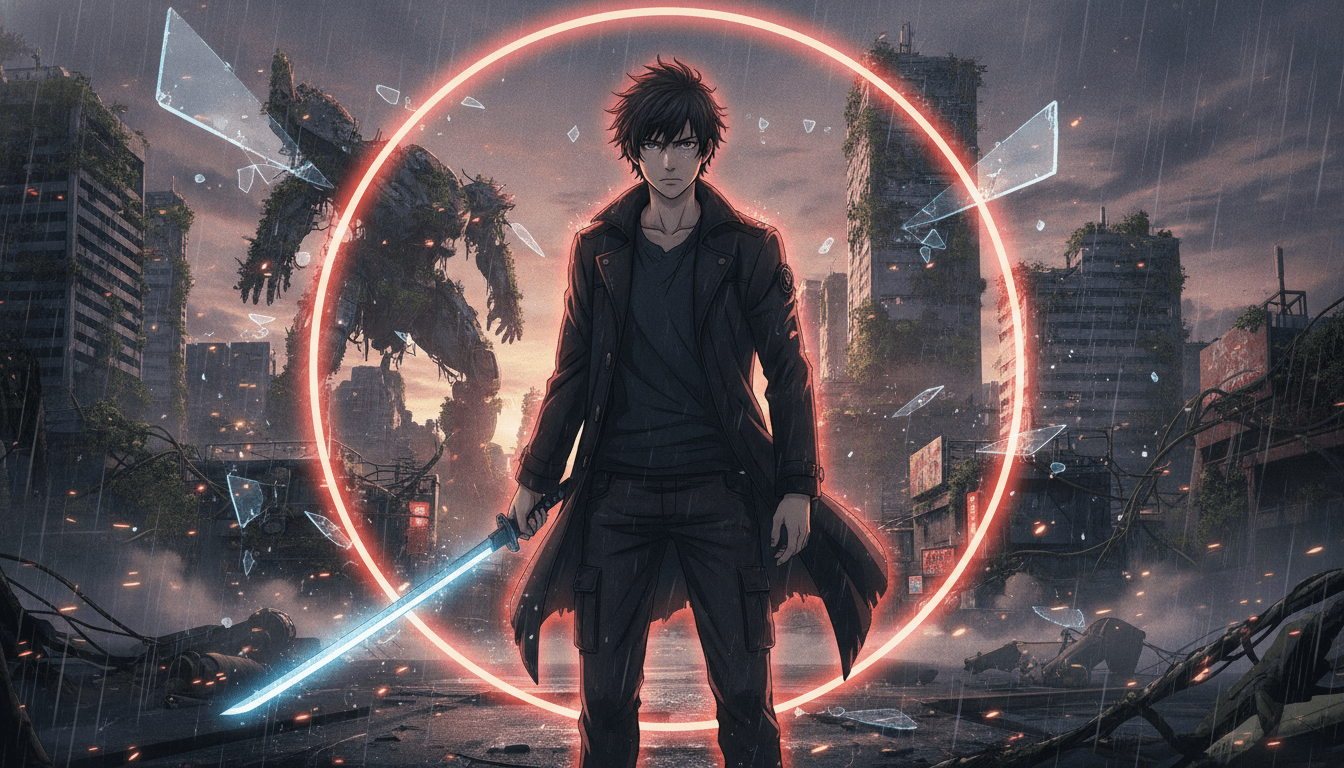
How This Seinen Anime Generator Works
You bring the story; the AI Film Director handles structure, casting, and scene rendering. Here is the three-step path from script to a voiced seinen anime video.
Feed it your story
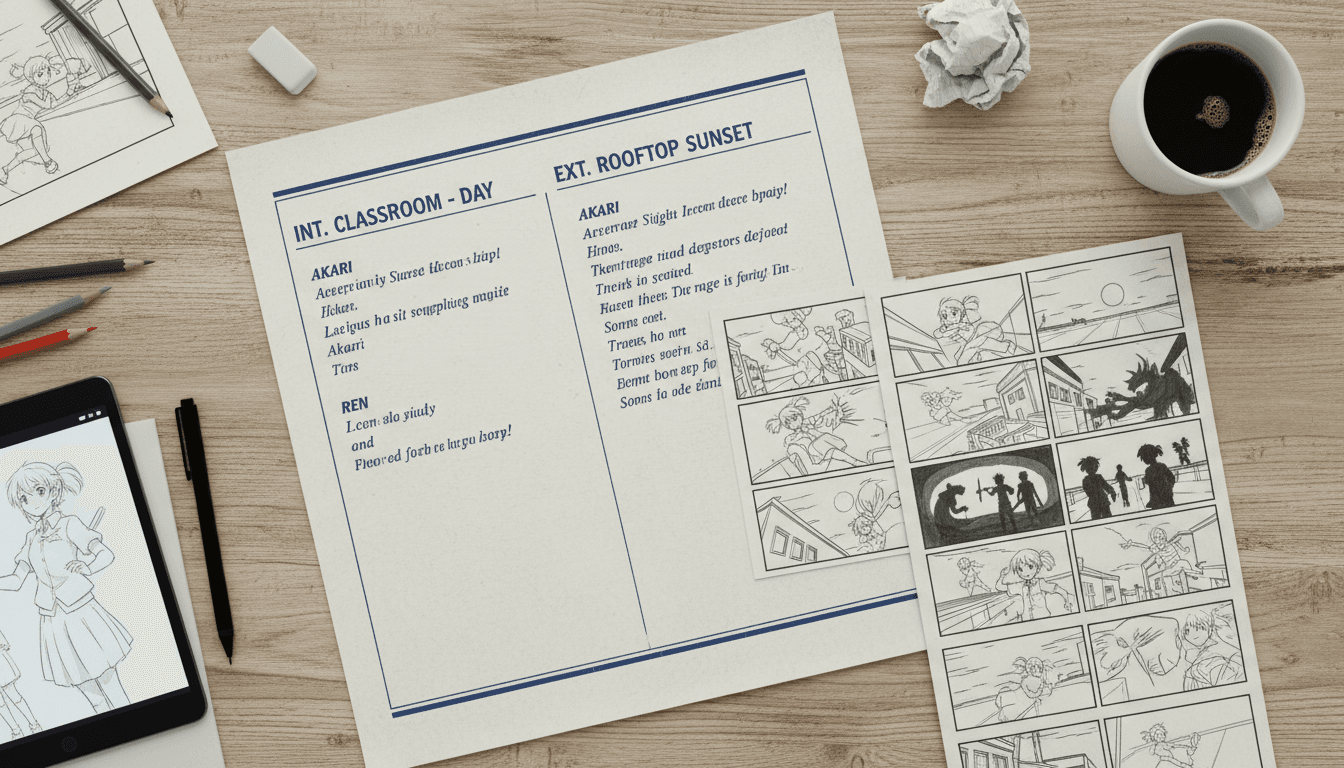
Paste a script, a novel chapter, or a short treatment. The seinen anime generator parses tone, characters, and key beats, then plans a scene structure that fits a 30-second to few-minute piece.
Lock a consistent cast
The AI Film Director designs each character once — face, hair, outfit, build — and reuses that design across every shot. That consistency is what separates a real seinen anime video from a slideshow of mismatched frames.
Render voiced scenes
The generator writes a screenplay, assigns dialogue, and renders voiced anime scenes with Seedance and MiniMax. Longer runtimes are composed from multiple scenes, so you can build a multi-part seinen story.
Why Use a Dedicated Seinen Anime Generator?
Seinen anime lives on restraint: quiet tension, moral ambiguity, adult stakes, and characters who carry weight. A general-purpose seinen anime generator often flattens that tone into generic action. C2Anime is built to hold the register — the AI Film Director reads your script for subtext and paces scenes so silence and dialogue both land.
The biggest failure mode in AI anime is cast drift: a character's face changes between shots, outfits mutate, hair length jumps. C2Anime designs a consistent cast once and enforces it across every scene. For a seinen anime video, where a single close-up carries the emotional beat, that consistency is not a nice-to-have — it is the whole thing.
You are not assembling clips by hand. The seinen anime generator writes a real screenplay with dialogue, assigns voices, and renders the scenes as video. That means your output is a voiced, dialogue-driven seinen anime video you can cut into a short or build into a multi-scene episode, rather than a folder of disconnected frames.
Inside the Seinen Anime AI Pipeline
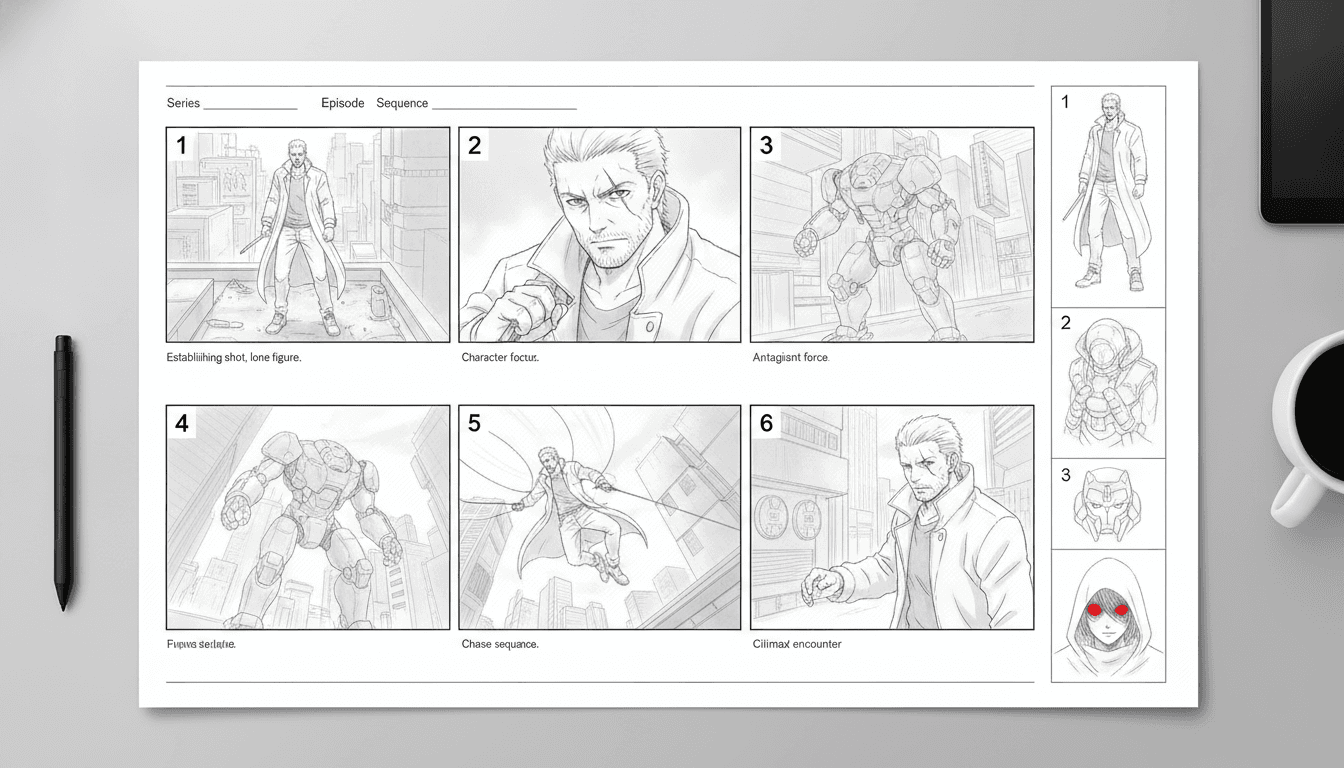
Under the hood, the seinen anime AI runs a planning pass before it renders anything. It maps your script into acts and beats, decides where scenes break, and flags which moments need a close-up versus a wide. This is the difference between a generator that reacts line-by-line and one that directs.
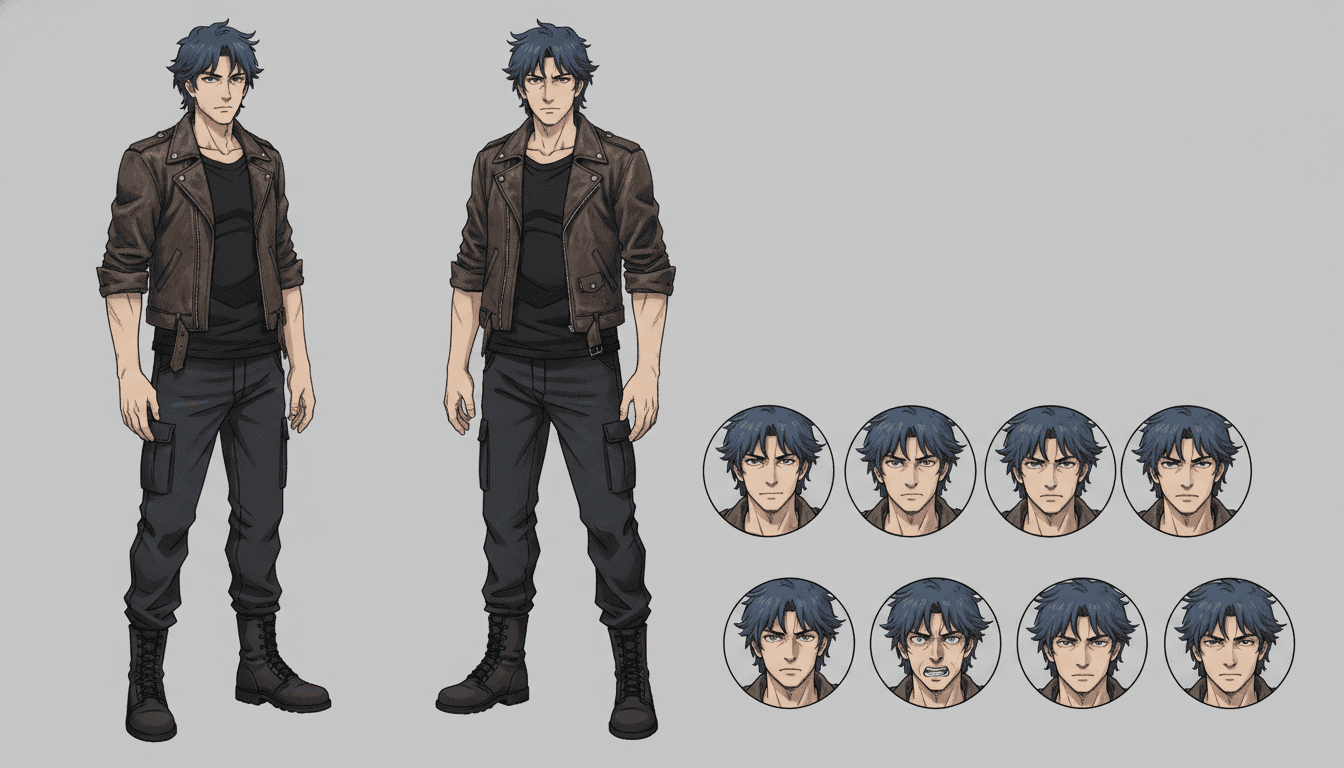
Casting is a separate pass. The system produces a character sheet for each role — facial structure, hair, signature outfit, posture — and stores it as a reference the renderer must match. Every subsequent shot is conditioned on that sheet, so your protagonist looks like the same person in scene one and scene nine.
Rendering runs on Seedance and MiniMax, chosen for their handling of anime-style motion and dialogue scenes. The screenplay pass writes spoken lines, the voice pass performs them, and the scene renderer composes the shot. Because each piece is a scene rather than one long clip, you can extend a seinen anime video by adding scenes while keeping the cast locked.
Seinen Anime Generator Features That Matter
Consistent cast across every shot
Character sheets lock faces, hair, and outfits so your seinen anime video does not drift between scenes. The same design is reused shot after shot.
AI Film Director
Structure, pacing, and scene breaks are planned before rendering. The director decides what each scene needs instead of treating every line the same.
Real screenplay and voiced dialogue
The generator writes spoken lines and performs them, so scenes are dialogue-driven video — not silent panels with captions.
Scene-based runtimes
Pieces run from about 30 seconds to a few minutes; longer seinen stories are composed from multiple scenes rather than one long clip.
Who This Seinen Anime AI Is For
Manga and webcomic creators who want to test a mature storyline as motion video before committing to a full chapter.
Novelists and scriptwriters sitting on a dark, character-driven draft and needing a voiced scene to pitch or preview.
Anime short creators building a multi-scene seinen anime video for a channel, festival slot, or proof of concept.
Seinen Anime Generator FAQ
- What exactly does this seinen anime generator produce?
- It produces a finished anime video: planned scenes, a consistent cast, a written screenplay, voiced dialogue, and rendered shots. You are not getting a picture book or a set of stills. The output is a voiced, dialogue-driven seinen anime video you can use as a short or build into a longer piece.
- How long can a seinen anime video be?
- The stable sweet spot is roughly 30 seconds to a few minutes per piece. Longer runtimes are composed from multiple scenes, not one continuous clip. That scene-based structure is also what keeps the cast consistent across a longer story.
- Is the cast really consistent across scenes?
- Yes — that is the core differentiator. Each character is designed once as a reference sheet and reused for every shot. Faces, hair, and outfits stay locked, which matters most in a seinen anime video where close-ups carry the emotion.
- Can I use a seinen anime AI for true-crime or mystery stories?
- You can, with care. Frame such material as dramatized and inspired-by, change or omit real names, and avoid identifiable real victims. Never accuse a named person, and stay general on open or living cases. The generator will render what you give it, so the responsibility for that framing is yours.
- Which models power the renders?
- C2Anime runs on Seedance and MiniMax for scene rendering. Those are the models behind the seinen anime video output. We do not claim other engines are involved.
- How do I get access?
- C2Anime is in invite-gated Early Access with paid credit tiers. There is no free tier and no instant signup. You can review plans at /pricing and start a project at /create when you have access.
Build Your Seinen Anime Video
Bring a script, lock a cast, and render voiced scenes with the C2Anime seinen anime generator. Early Access is invite-gated with paid credit tiers — check /pricing and start at /create.
Start your animeSeinen Anime Generator for Adult-Stakes Storytelling
C2Anime is a seinen anime generator built for creators who need tone, continuity, and real dialogue in motion. Instead of stitching clips, you hand over a script and the AI Film Director plans structure, designs a consistent cast, writes a screenplay, and renders voiced scenes. The result is a seinen anime video you can use as a short, a pitch, or a multi-scene episode.
The seinen anime AI is designed around the genre's demands: restrained pacing, ambiguous characters, and close-ups that carry weight. Because each character is locked to a reference sheet, your cast stays recognizable from the first shot to the last — the detail that makes a seinen anime video feel directed rather than generated.
Runtimes run from about 30 seconds to a few minutes per piece, with longer stories composed from multiple scenes. Rendering runs on Seedance and MiniMax. C2Anime is invite-gated Early Access with paid credit tiers, so access is deliberate rather than instant.
If you are working with true-crime or mystery material, treat it as dramatized and inspired-by: change or omit names, avoid identifiable real victims, and stay general on open cases. Ready to direct your own seinen anime video? Review plans at /pricing and begin at /create.