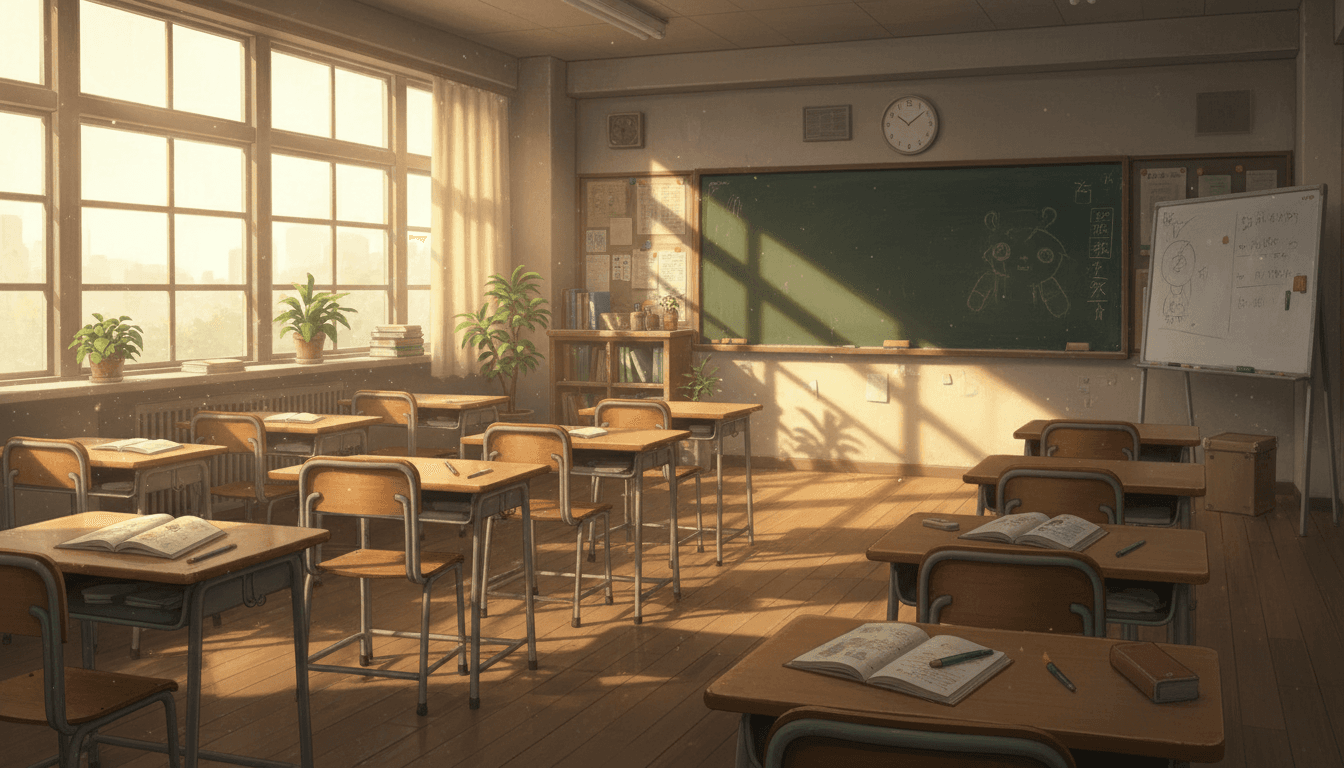
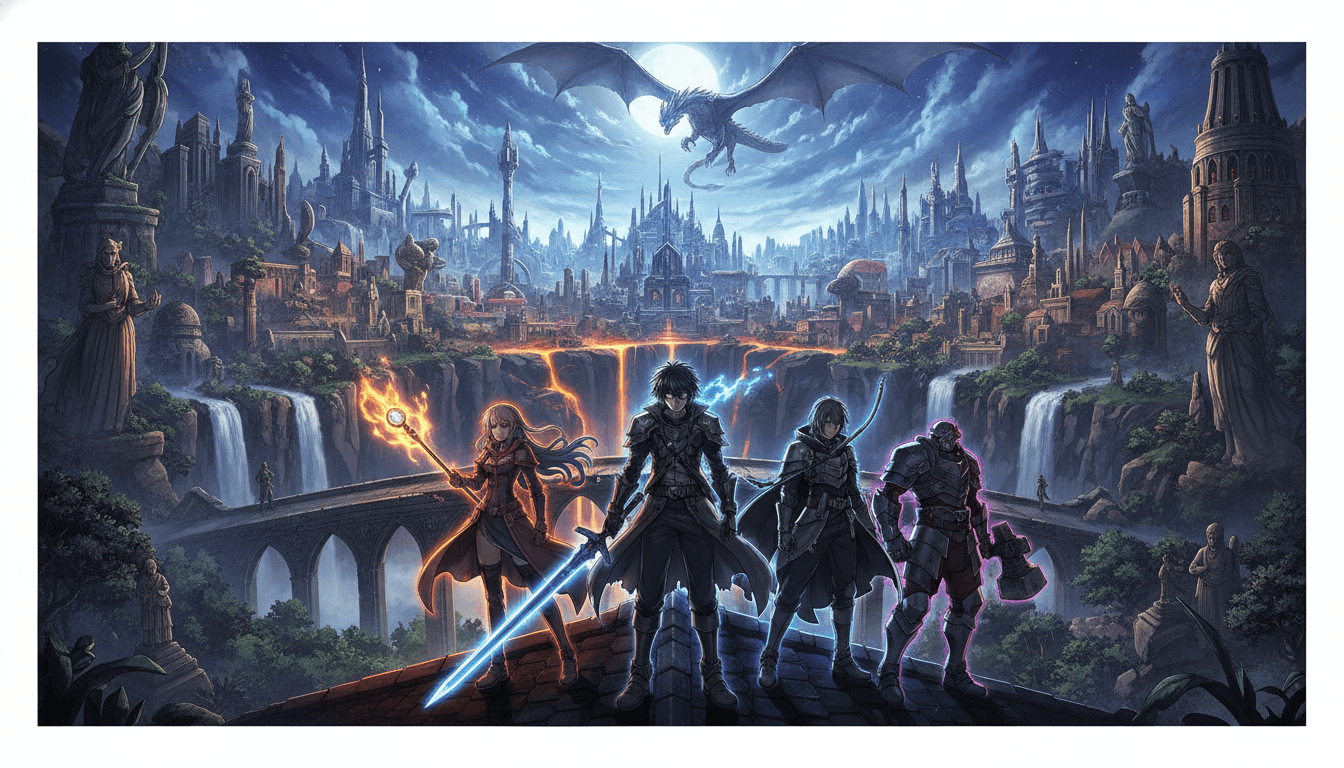
Anime for VTuber Video: Turn Your Script Into a Finished Story Scene
C2Anime reads your script or story and renders it as a voiced, dialogue-driven anime video with a cast that stays consistent from the first shot to the last. Built for faceless channel operators who need a repeatable visual format, not a pile of disconnected clips.

How Anime for VTuber Video Works
You bring the story; C2Anime handles direction, casting, and rendering. The pipeline is built around a single continuous scene, so your character looks the same in shot one and shot twenty.
Paste your script or story
Drop in a short story, a chapter, or a dialogue script. The AI Film Director reads it for beats, tone, and speaking roles before planning any shots.
Lock the cast
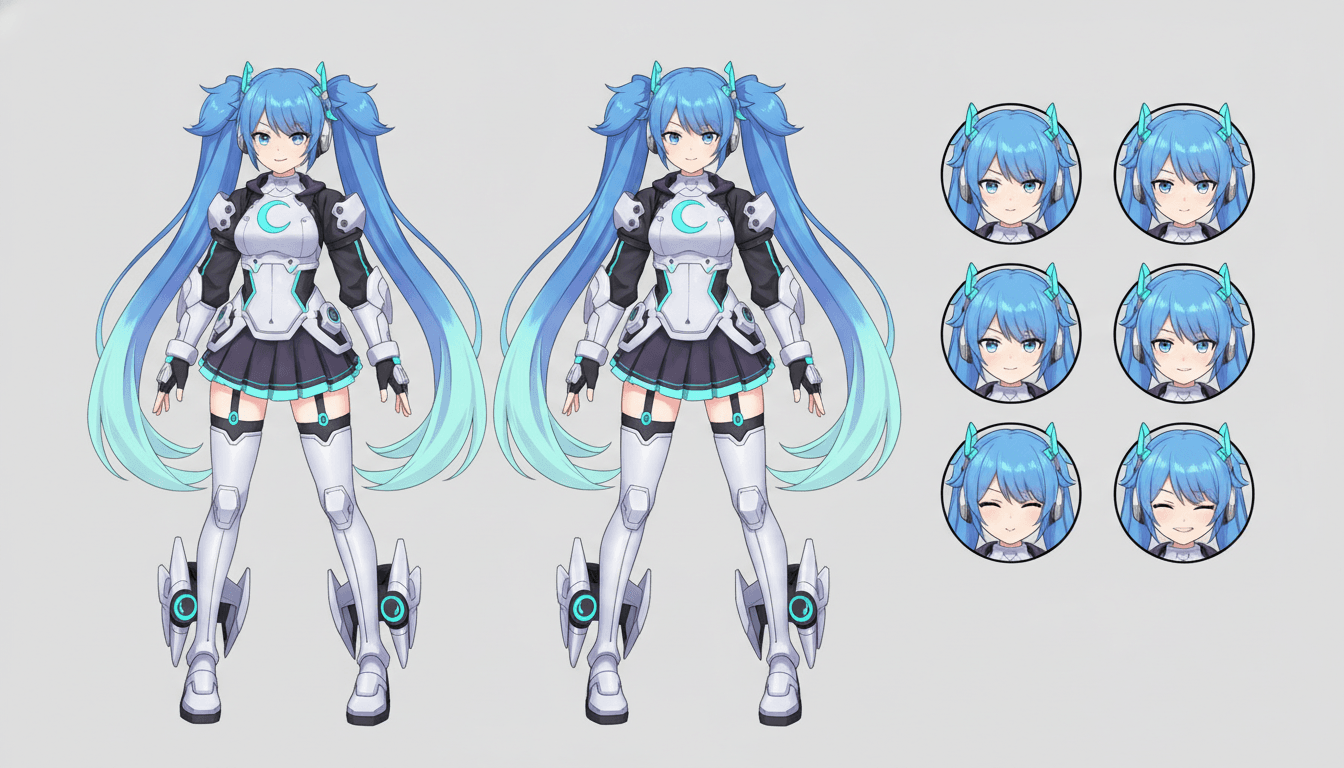
The director designs each character once — face, hair, outfit, silhouette — and reuses that design across every shot. This is the part that makes anime for VTuber channels feel like a series instead of a slideshow.
Render the scene
C2Anime writes a screenplay, assigns voiced dialogue, and renders the finished anime scene. Output lands in the 30-second to few-minute range; longer episodes are built by composing multiple scenes.
Why Anime for VTuber Channels Needs a Consistent Cast
A faceless channel lives or dies on recognizability. If your anime for VTuber video changes the character's hair color, jacket, or face shape between uploads, viewers stop treating it as a series. C2Anime's core differentiator is cast consistency: the same designed character appears in every shot, so your audience can follow who is speaking and who they are watching.
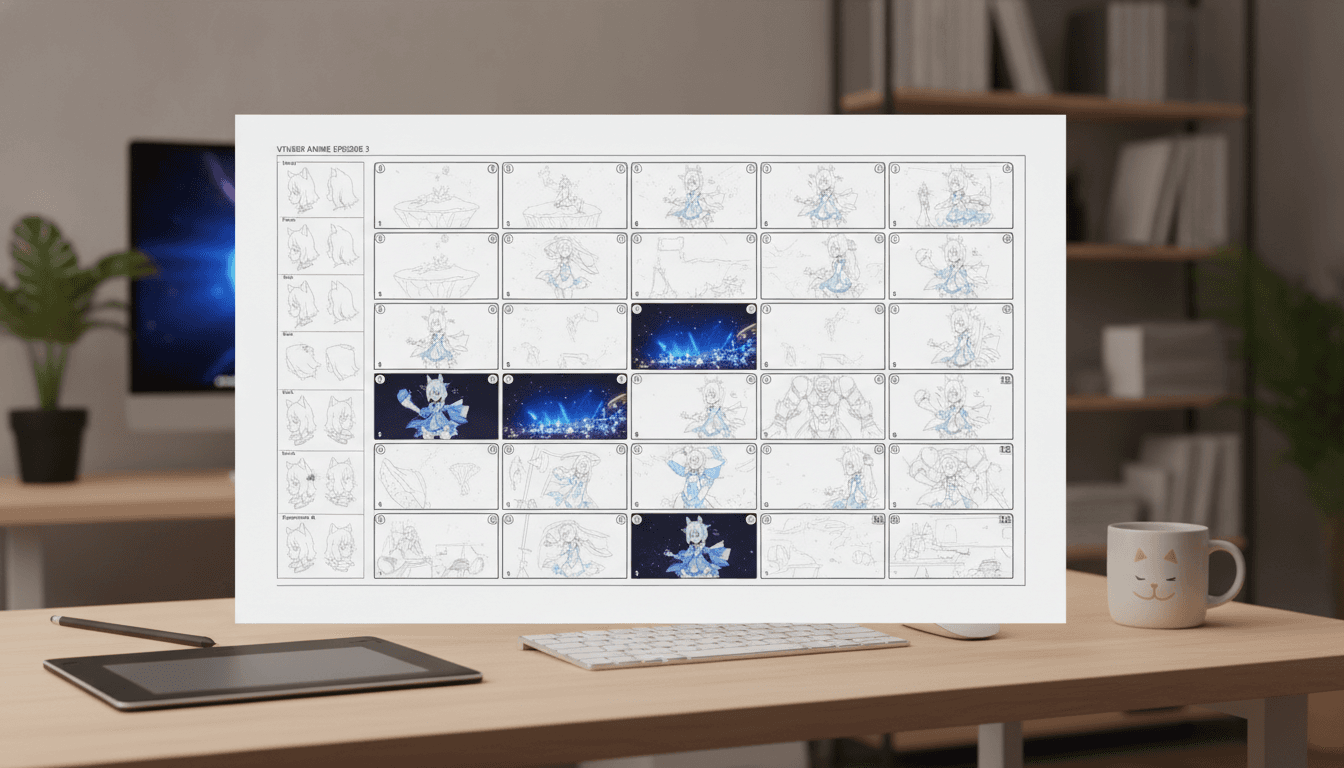
Most AI video tools are built for one-off clips. That works for a demo, not for a channel that posts three times a week. C2Anime is structured around scenes and screenplays, which means the director plans the sequence before rendering — establishing shot, dialogue exchange, reaction — instead of generating isolated moments you have to stitch together yourself.
Voiced dialogue matters for story-driven content. A silent clip forces viewers to read captions; a voiced scene lets them stay in the moment. C2Anime renders dialogue-driven anime scenes with assigned voices, so a mystery narration or a character exchange plays like a short episode rather than a narrated slideshow.
Built for Faceless Storytelling, Not One-Off Clips
Faceless operators on YouTube and TikTok usually have a format before they have a budget: a narrator voice, a story genre, and a posting cadence. What they lack is a visual pipeline that can keep up. C2Anime is designed for that gap — you keep your script workflow and get a rendered anime scene back, with the cast already locked to your story.
The AI Film Director is the part that separates this from prompt-and-pray tools. It plans structure, decides where a scene needs a wide shot versus a close-up, and writes a real screenplay with dialogue. That planning step is why the output holds together as a scene rather than a random collection of pretty frames.
Length is honest: the stable sweet spot is roughly 30 seconds to a few minutes per piece. If your episode needs to run longer, you compose it from multiple scenes. C2Anime does not pretend to render a ten-minute continuous shot — it gives you a repeatable unit you can build a series from. The models running under the hood are Seedance and MiniMax, and access is invite-gated early access with paid credit tiers.
Features That Make Anime for VTuber Production Practical
Consistent cast design
Faces, hair, and outfits stay fixed across every shot in a scene, so your character reads as the same person upload after upload.
Real screenplay, not prompts
The director writes dialogue and stage direction before rendering, which keeps scenes paced like a story beat instead of a single image in motion.
Voiced dialogue scenes
Characters speak with assigned voices, so story-driven anime for VTuber videos plays without forcing viewers to read every line.
Scene-based composition
Each render is a stable unit of roughly 30 seconds to a few minutes; longer episodes are assembled from multiple scenes you control.
Who This Is For
Faceless YouTube storytellers Channels running mystery, drama, or inspired-by dramatized narratives that need a recurring visual cast without hiring an animation team.
TikTok serial creators Operators posting short episodic hooks who need a repeatable anime scene format they can turn around on a weekly cadence.
Script-first VTuber projects Creators who already write dialogue and want anime for VTuber AI rendering that respects the script instead of flattening it into a single clip.
Anime for VTuber FAQ
- What exactly does C2Anime produce for an anime for VTuber video?
- It produces a finished anime video scene: planned shots, a designed cast, a screenplay, and voiced dialogue. It is video, not a static illustration set. You get a scene you can publish or compose into a longer episode.
- How consistent is the character across shots?
- Cast consistency is the core design goal. The director designs each character once — face, hair, outfit — and reuses that design across every shot in the scene. That is what makes an anime for VTuber series feel continuous rather than disjointed.
- How long can a single render be?
- The stable sweet spot is about 30 seconds to a few minutes per piece. Longer runtimes are composed from multiple scenes rather than one continuous clip. Plan your episode as a sequence of scenes and the length stops being a constraint.
- Which models power the rendering?
- C2Anime runs on Seedance and MiniMax. We do not claim other model providers power the output. The AI Film Director sits above the models and handles structure, casting, and screenplay.
- Can I sign up and start immediately?
- Access is invite-gated early access with paid credit tiers. There is no free tier and no instant self-serve signup. Check the pricing page for the current tier structure and how invites are released.
- Is this suitable for true-crime or mystery stories?
- Yes, with framing. Treat true-crime and mystery content as dramatized and inspired-by: change or omit real names, avoid identifiable real victims, never accuse a named person, and stay general on open or living cases. The renderer will follow the script you give it, so the responsibility for that framing sits in your writing.
- Does it do lip-sync or convert existing live-action video?
- No. C2Anime does not offer lip-sync and does not convert live-action footage into anime. It renders anime scenes from your story or script, with voiced dialogue.
Build Your First Anime Scene
Bring a short script, lock a cast, and render a voiced anime scene you can publish. Early access is invite-gated with paid credit tiers — review the options and start at /create.
Start your animeAnime for VTuber Storytelling, Rendered Scene by Scene
C2Anime is built for creators who treat anime for VTuber content as a series, not a novelty. The AI Film Director plans structure, designs a cast that stays consistent across every shot, writes a screenplay, and renders voiced dialogue-driven scenes. If your channel depends on viewers recognizing your character, that consistency is the feature that matters most.
The practical workflow is simple: write or paste a story, let the director plan and cast it, then render a scene in the 30-second to a few-minute range. Longer episodes are composed from multiple scenes, which keeps the pipeline predictable for faceless operators posting on a schedule across YouTube and TikTok.
Honesty about scope: this is video, not a picture-book generator, and it does not do lip-sync or live-action conversion. Rendering runs on Seedance and MiniMax. Access is invite-gated early access with paid credit tiers — no free tier, no unlimited plan, no instant signup. Review pricing and request access through /pricing, or go straight to /create when you have an invite.
For mystery, drama, and inspired-by true-crime formats, frame dramatized content responsibly: change or omit real names, avoid identifiable real victims, never accuse a named person, and stay general on open or living cases. The director will render the story you give it, so the framing starts in your script.