Character sheet to anime video, with the design intact
You already drew them. C2Anime takes a character sheet to anime by reading your reference sheet into a fixed design — silhouette, hair, eye colour, every costume detail — and holding that design steady through a voiced, dialogue-driven video. The character in the last shot is the character on your sheet.
How character sheet to anime works
Three stages. The design is locked before anything renders, which is the reason it survives the render.
Bring the sheet
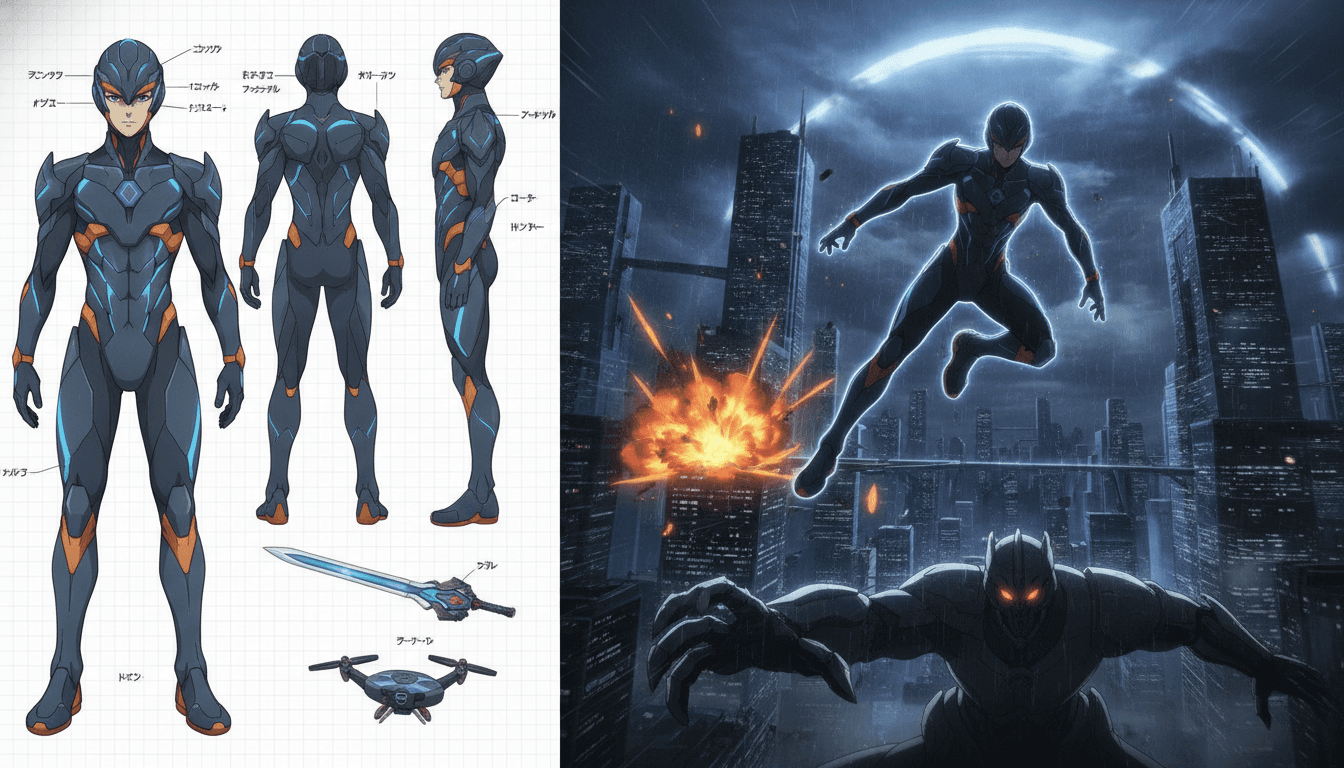
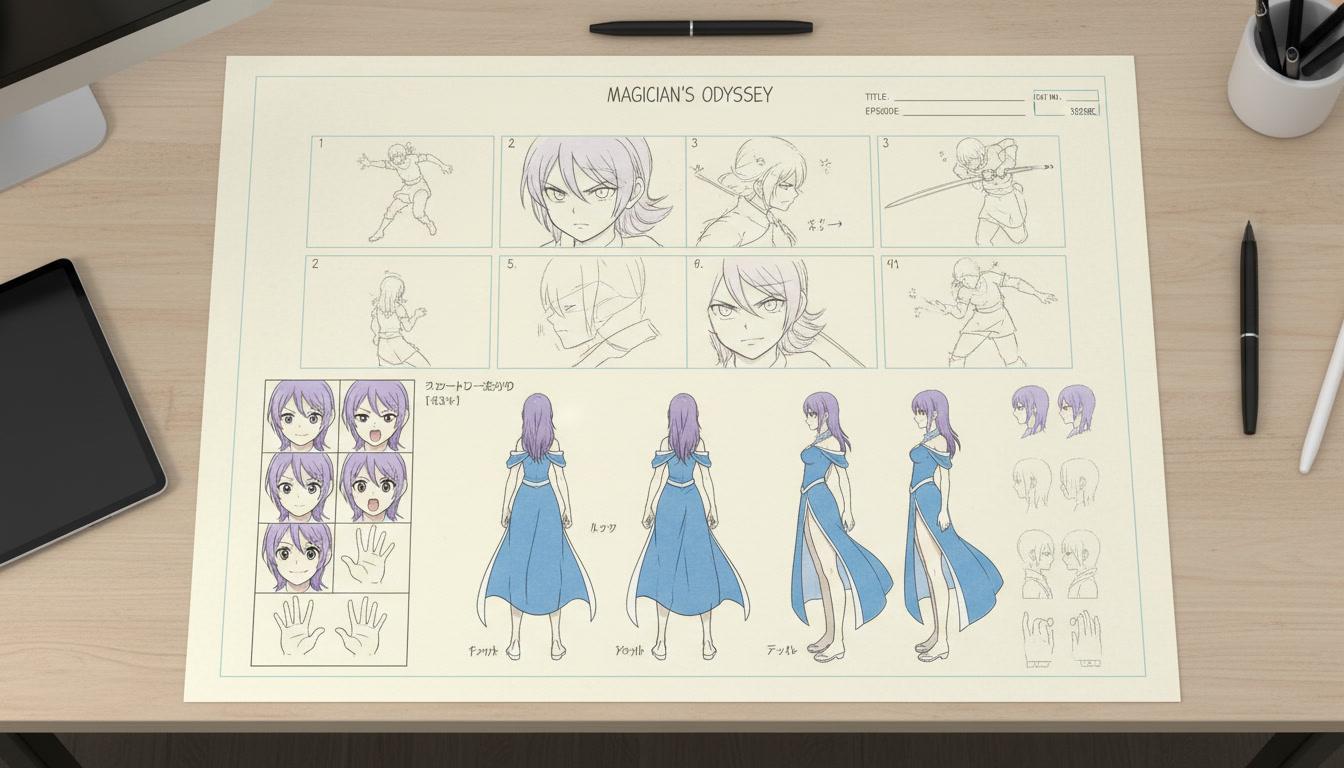
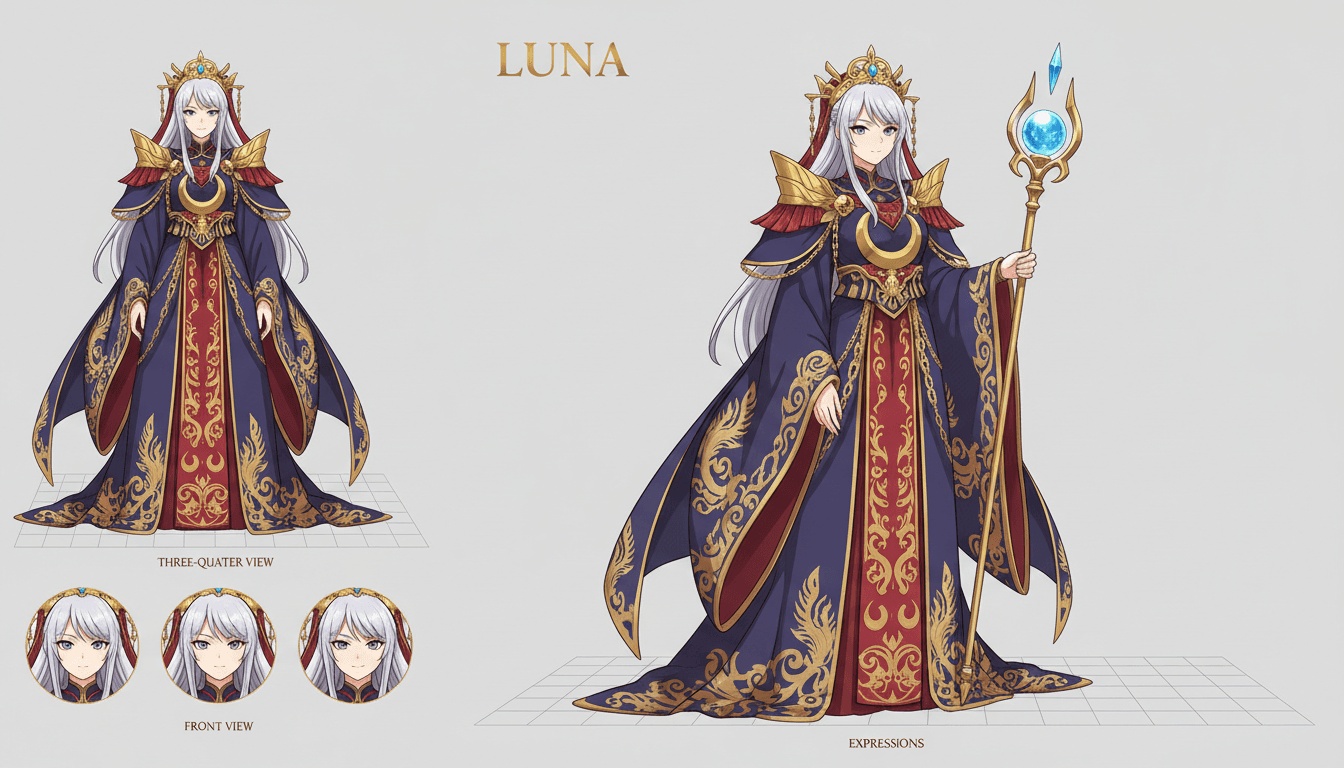
Front view, three-quarter, an expression row, a colour callout — whatever your reference sheet already has. The more angles the sheet shows, the less the AI has to guess.
It locks the design
C2Anime reads the sheet into a fixed character reference: silhouette, hair, eye colour, costume details, the small things that usually drift.
It shoots the scenes
Your character is staged, voiced and rendered against that locked reference, so the design in shot thirty still matches the design on the sheet.
Why a design drifts when you prompt shot by shot
Describing your character in a prompt for every shot is a game you cannot win. A prompt is a paragraph; a design is a hundred decisions. The hair is the right colour but the wrong length. The jacket loses its trim. The scar swaps cheeks. Each shot is individually defensible and the sequence is unusable.
It is worse for an original character than for anything else, because you are the only person who knows what correct looks like. You will notice the collar. Your readers will notice the collar. The generator has no idea there was a collar.
Starting from a character sheet changes the unit of work. Instead of re-describing the design every shot and hoping, you define it once and every scene is rendered against that definition.
What makes a good sheet to work from
Any reference sheet gives C2Anime something to hold on to. These are the things that make the result closest to what you drew.
- Show more than one angle
- A front view alone leaves the back of the head, the profile and the silhouette to guesswork. A turnaround — front, three-quarter, side, back — pins all four down.
- Call out the colours explicitly
- A colour chip row or a written note (“eyes: pale gold, not amber”) resolves the shades that are hardest to read off a small image.
- Include the details you care about
- Earrings, a scar, an asymmetric collar, the exact number of belt straps. If a detail matters to you and it is not on the sheet, it is the first thing that will wander.
- Add an expression row
- Neutral, angry, laughing, crying. An expression row tells the render what your character looks like mid-performance, which is most of a video.
- Keep the sheet clean
- A plain background, no heavy filters, no watermark across the face. Anything layered on top of the art competes with the design underneath it.
What character sheet to anime handles for you
Your design, not an interpretation
The sheet is the source of truth. C2Anime is matching a design you already finished rather than inventing a character that vaguely resembles it.
On model across every shot
One reference drives the whole production, which is what keeps hair length, costume trim and eye colour from shifting between scenes.
A screenplay around your OC
Before anything renders, C2Anime writes a real screenplay — scene headings, action, dialogue — so your character has something to actually do.
A voice that stays theirs
Each character is cast with a voice and keeps it, so scenes are built on dialogue instead of narration over a still of your art.
From a finished design to a finished scene
Artists with an OC and no animation. Your character has a sheet, a backstory and a tag on social. What they have never had is a scene where they speak. The sheet is already most of the work.
Writers who commissioned designs. You paid an artist for a cast sheet. Those designs can carry a video rather than living in a folder.
Creators building a series. A recurring cast is what makes episodes feel like episodes. A locked reference per character is what makes a recurring cast possible.
Teams with a style guide. If your project already has model sheets, those sheets become the spec the render is held to instead of a suggestion.
Character sheet to anime: common questions
- What is a character sheet to anime workflow?
- It means starting from a design you already own rather than from a text prompt. You give C2Anime your reference sheet, it turns that sheet into a fixed character reference, and every scene it renders is matched against that reference instead of being re-imagined from scratch.
- What kind of character sheet works best?
- A clean sheet with multiple angles — front, three-quarter, side — plus a colour callout and an expression row. A single front view still works, but the more the sheet defines, the less the render has to infer.
- Does character sheet to anime work with my own art style?
- C2Anime renders in anime styles, so it reads your sheet for the design — the silhouette, hair, costume, colours, distinguishing details — and stages that design in the anime look you pick. It is an adaptation of your character, not a pixel copy of your linework.
- Can I use more than one character sheet?
- Yes. Bring a sheet for each member of the cast and each one becomes its own locked reference. That is how you get a two-hander or an ensemble scene where everybody stays on model.
- Will the design hold across a long video?
- Holding the design is the whole reason the reference exists. The character is not re-generated per shot; each scene is rendered against the same locked sheet, which is what makes full scenes and episodes possible instead of isolated clips.
- What if I do not have a character sheet yet?
- You do not need one to start. Describe the character in your story and C2Anime designs the cast itself, then reuses those designs the same way it would reuse yours. The sheet is an input, not a requirement.
- Can I change the design after seeing the first scenes?
- Yes. Update the reference and re-render the scenes you want changed rather than rebuilding the whole video.
Your character has a sheet. Give them a scene.
Bring the design you already finished and direct the video around it.
Start your animeTurning a character sheet into anime video
A character sheet to anime workflow starts from the opposite end of the problem than a text prompt does. A prompt asks a model to imagine somebody who matches a description. A reference sheet hands it a design that is already settled — the silhouette, the hair, the eye colour, the costume trim, the detail you fought over for an evening — and asks it to stay faithful to that. C2Anime reads your sheet into a fixed character reference and renders every scene against it, so the design does not quietly negotiate itself away over the course of a video.
Character consistency is the part of AI anime that breaks first and the part viewers notice fastest. Faces drift between shots. Hair gains length. An outfit picks up a buckle in one scene and loses it in the next. None of that comes from a lack of rendering quality; it comes from nothing in the system remembering what the character looked like a shot ago. Locking a reference before the render begins is what closes that gap, and a character sheet is the cleanest possible way to define that reference because you have already made every decision.
A reference sheet to video pipeline is only half of it, though. C2Anime plans the production before it shoots: it reads your story, breaks it into scenes, writes a real screenplay with dialogue, casts a voice per character and then renders the scenes in order. Your character is not just on model — they are in a story, speaking, with scenes that set things up and pay them off. That is the difference between an animated turnaround of your design and an actual anime.
Bring one sheet or bring the whole cast. Each design becomes its own locked reference, which is what lets two characters share a scene and both stay right. If you do not have a sheet yet, describe the character instead and C2Anime will design the cast and reuse those designs the same way. Either way, the character you end up watching is the one you meant to make — start with a character sheet to anime and see your design move.