Mecha Anime AMV Generator: Turn Scripts into Voiced, Dialogue-Driven AMVs
C2Anime's AI Film Director plans your AMV beat by beat, designs a consistent mecha cast — same faces, hair, and outfits in every shot — and renders voiced, dialogue-driven anime scenes. Built for trailers, openings, and music-video edits, not static picture books.
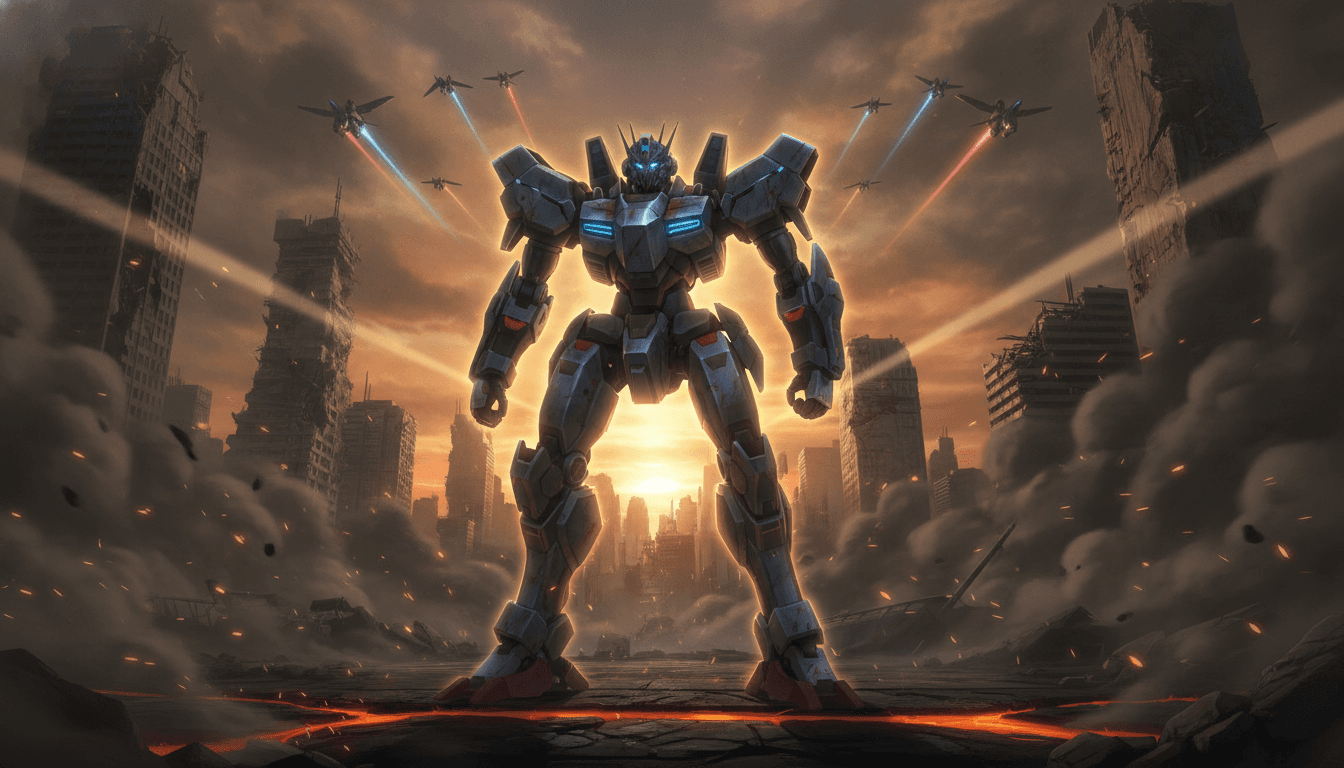
How the Mecha Anime AMV Generator Works
The mecha anime AMV generator runs a short pipeline: you bring the script or story, the AI Film Director handles structure, cast consistency, and rendering. Every piece lands as a finished video with voiced lines, not a set of stills.
Paste your script or story
Drop in a synopsis, a full script, or a beat sheet for your mecha AMV video. The director reads it for hook, escalation, and the moment your drop should hit.
Lock the cast and shots
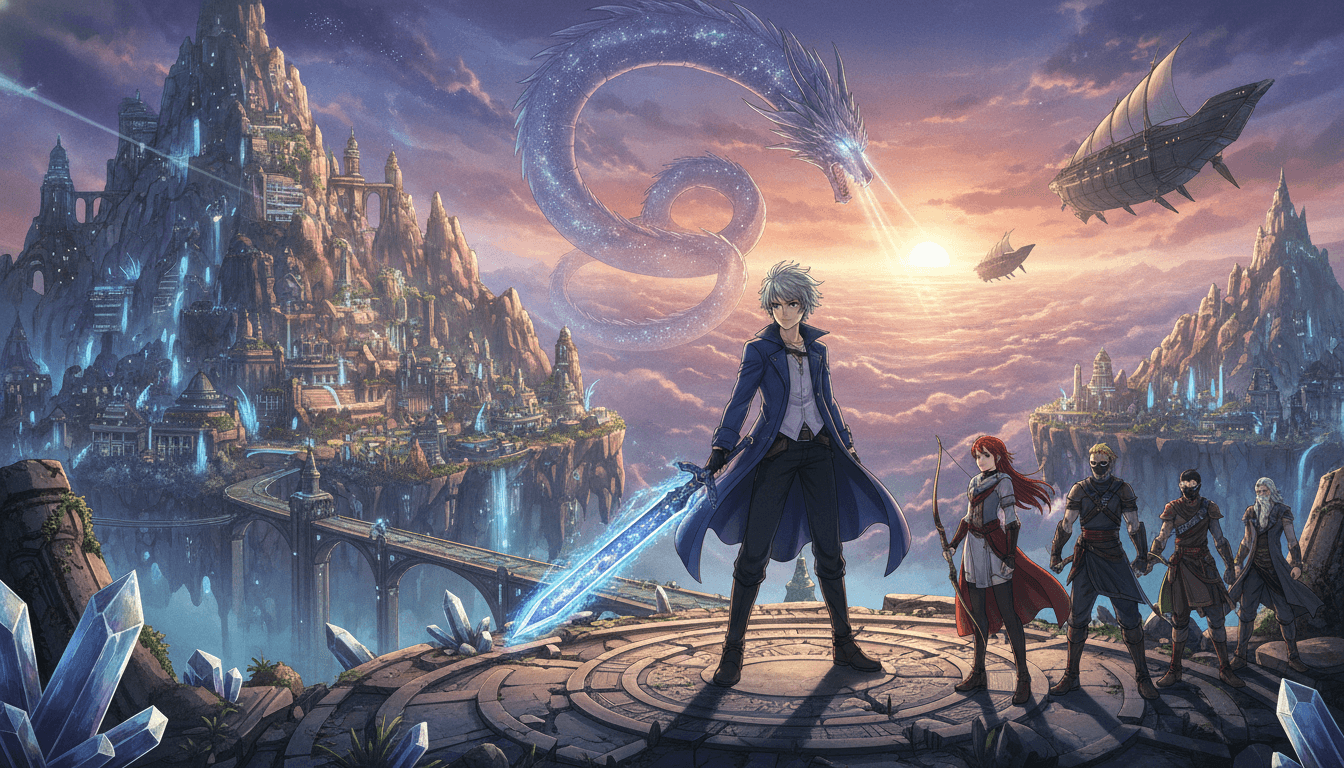
C2Anime designs your pilot, rival, and mecha with fixed faces, hair, and outfits, then plans each shot so the same characters stay recognizable across the cut.
Render and download the AMV
The system writes a real screenplay, voices the dialogue, and renders anime scenes you can cut to your track. Tune scenes, re-render, and export.
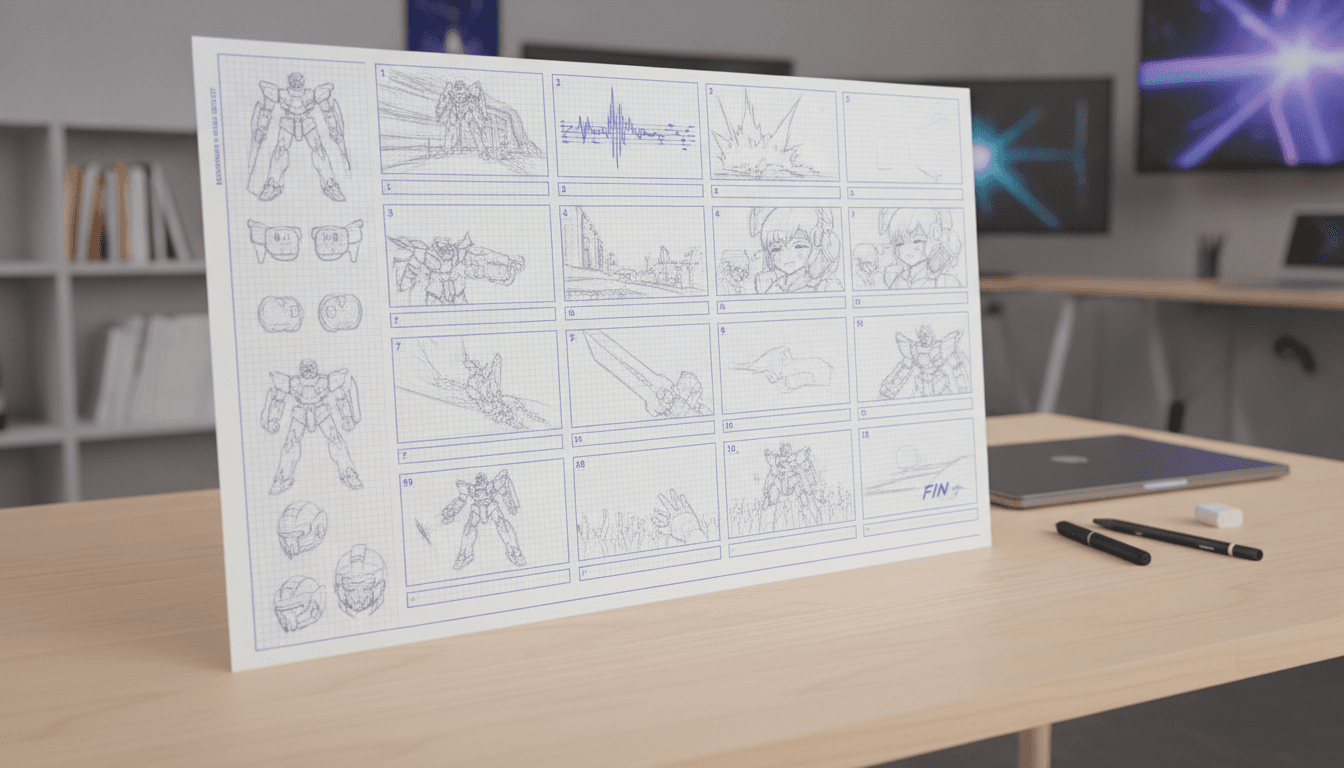
Why Creators Use This Mecha Anime AMV Generator
A mecha anime amv generator lives or dies on cast consistency. If your pilot's face, hair, and flight suit shift between shots, the AMV reads as a slideshow of unrelated frames. C2Anime designs a fixed cast once and reuses it across every scene, so a close-up in the cockpit and a wide shot of the mecha on the tarmac clearly belong to the same story.
The tool renders video with voiced, dialogue-driven scenes. That means your AMV can carry actual lines — a pilot calling out a maneuver, a rival issuing a challenge — instead of relying on text overlays or silent stills. You get anime scenes to cut against your track, with the pacing and beats already planned by the AI Film Director.
It is built for the way AMV editors actually work: short, punchy pieces. The stable sweet spot is roughly 30 seconds to a few minutes per piece, and longer runtimes are composed from multiple scenes rather than one long clip. You can build an opening, a trailer, or a multi-scene music video and keep the same cast throughout.
Inside the Mecha Anime AMV AI Pipeline
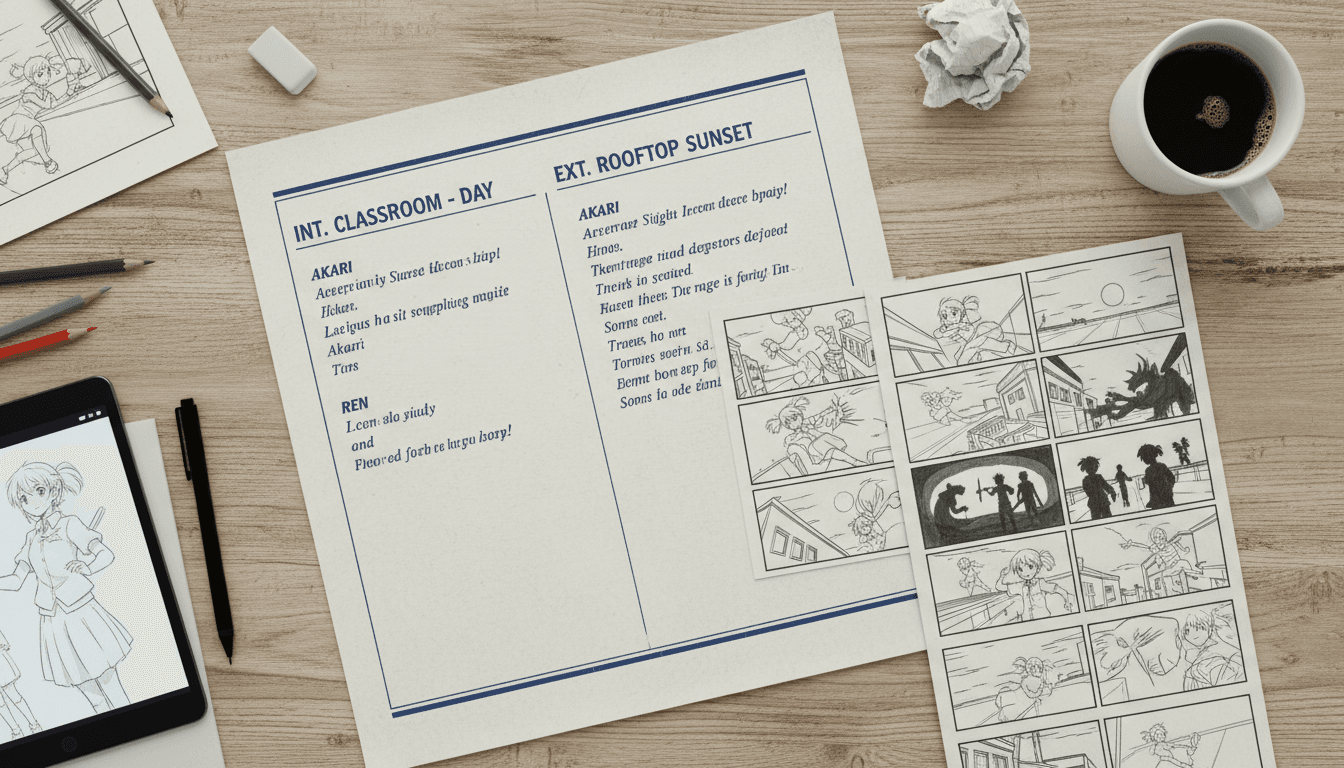
The mecha anime amv ai starts with structure. The AI Film Director parses your script into a shot list: establishing shots, character beats, mecha reveals, and the climax your track needs. It writes a screenplay with dialogue and action lines, so the video has a spine before a single frame is rendered.
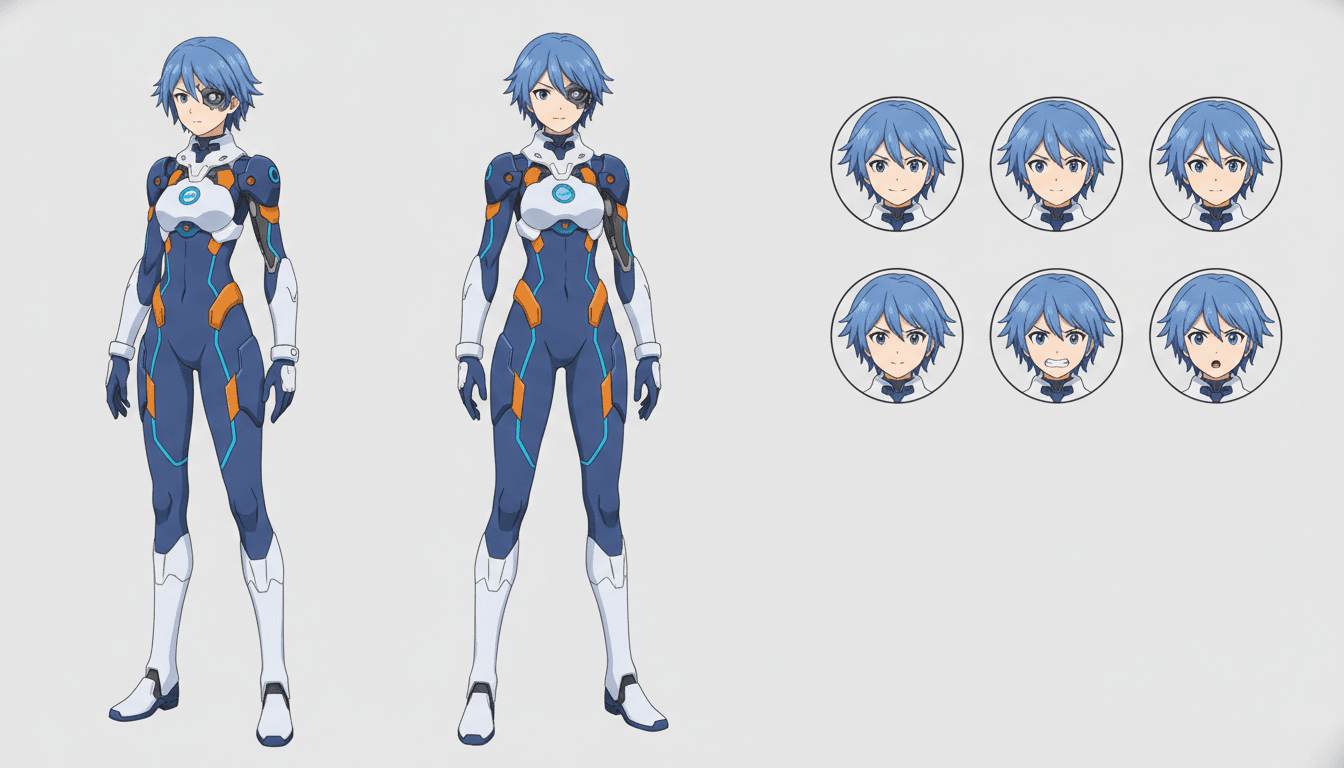
Cast consistency is handled at the design stage. Each character gets a fixed reference — face shape, hair, outfit, and mecha livery — and that reference is applied to every shot. This is the difference between an AMV that feels like one film and a pile of disconnected images.
Rendering runs on Seedance and MiniMax models, producing voiced anime scenes you can assemble. You can iterate scene by scene: adjust a line, re-render a shot, or swap the order of beats. Longer pieces are built from multiple scenes, which keeps each clip stable and lets you control the edit.
Mecha Anime AMV Generator Features
Consistent cast across every shot
Faces, hair, outfits, and mecha paint schemes stay fixed from the first frame to the last, so your pilot is recognizable in close-ups and wide shots alike.
Voiced, dialogue-driven scenes
The director writes real lines and renders them as voiced anime scenes, giving your AMV actual performances instead of silent stills.
Scene-based runtime control
Build 30-second openings or multi-minute trailers by composing scenes. Each clip stays stable, and you control the order and pacing.
Script-to-screenplay planning
Paste a synopsis or full script and the AI Film Director turns it into a shot list and screenplay tuned for the beats of a music video.
Who the Mecha Anime AMV Generator Is For
AMV editors Cut voiced mecha scenes against your track instead of hunting for usable clips. The cast stays consistent, so your edit reads as one story.
Trailer and opening creators Build a 30-second opening or a longer trailer with a planned structure, a clear hook, and a climax that lands on your drop.
Writers and worldbuilders Turn a mecha script or story outline into a watchable video piece, with dialogue and action rendered as anime scenes.
Mecha Anime AMV Generator FAQ
- Is this mecha anime amv generator producing video or still images?
- It produces video: voiced, dialogue-driven anime scenes you can assemble into an AMV. It is not a picture-book or illustration tool. Each piece is rendered as clips with a screenplay behind it.
- How long can a mecha anime AMV video be?
- The stable sweet spot is about 30 seconds to a few minutes per piece. Longer runtimes are composed from multiple scenes rather than one long clip, which keeps each segment stable and gives you control over the edit.
- Does the mecha anime amv ai keep characters consistent?
- Yes. Cast consistency is the core of the tool. Each character and mecha gets a fixed reference for face, hair, outfit, and livery, and that reference is applied across every shot so the cast stays recognizable.
- Which models power the renders?
- C2Anime runs on Seedance and MiniMax models. The AI Film Director plans structure and writes the screenplay, and those models render the voiced anime scenes.
- Can I use my own script or story?
- Yes. Paste a synopsis, a full script, or a beat sheet. The director parses it for hook, escalation, and climax, then builds a shot list and screenplay around your track's pacing.
- How do I get access?
- C2Anime is in invite-gated Early Access with paid credit tiers. There is no free tier or instant signup. Visit the pricing page to see credit options and request access.
- Can I re-render individual scenes?
- Yes. You can iterate scene by scene: adjust a line, re-render a shot, or reorder beats. This keeps longer AMVs manageable and lets you fine-tune the cut.
Build your mecha AMV with a consistent cast
Paste your script, lock your pilot and mecha, and render voiced anime scenes you can cut to your track. Early Access is invite-gated with paid credit tiers.
Start your animeMecha Anime AMV Generator for Scripted, Voiced Video
C2Anime's mecha anime amv generator is built for creators who need finished video, not a folder of stills. The AI Film Director plans your structure, designs a consistent cast, writes a screenplay, and renders voiced anime scenes. That means your mecha AMV video can carry real dialogue and action instead of text overlays.
Cast consistency is the differentiator. Pilots, rivals, and mecha keep the same faces, hair, outfits, and paint schemes across every shot, so a close-up in the cockpit and a wide shot on the tarmac read as one film. The mecha anime amv ai applies those references scene by scene, which is what makes a multi-scene edit hold together.
Runtime is scene-based. The stable sweet spot is roughly 30 seconds to a few minutes per piece, and longer runtimes are composed from multiple scenes. You can build an opening, a trailer, or a longer music video and keep the same cast throughout, re-rendering individual shots as you refine the cut.
Rendering runs on Seedance and MiniMax. C2Anime is invite-gated Early Access with paid credit tiers — there is no free tier or instant signup. Head to /create to start a piece or /pricing to see credit options and request access.