How to Make an Anime Music Video from a Song: A Creator's Guide
C2Anime turns your song and story idea into a finished anime video with a consistent cast, a real screenplay, and voiced dialogue-driven scenes. You plan the beats, the AI Film Director handles structure and rendering.
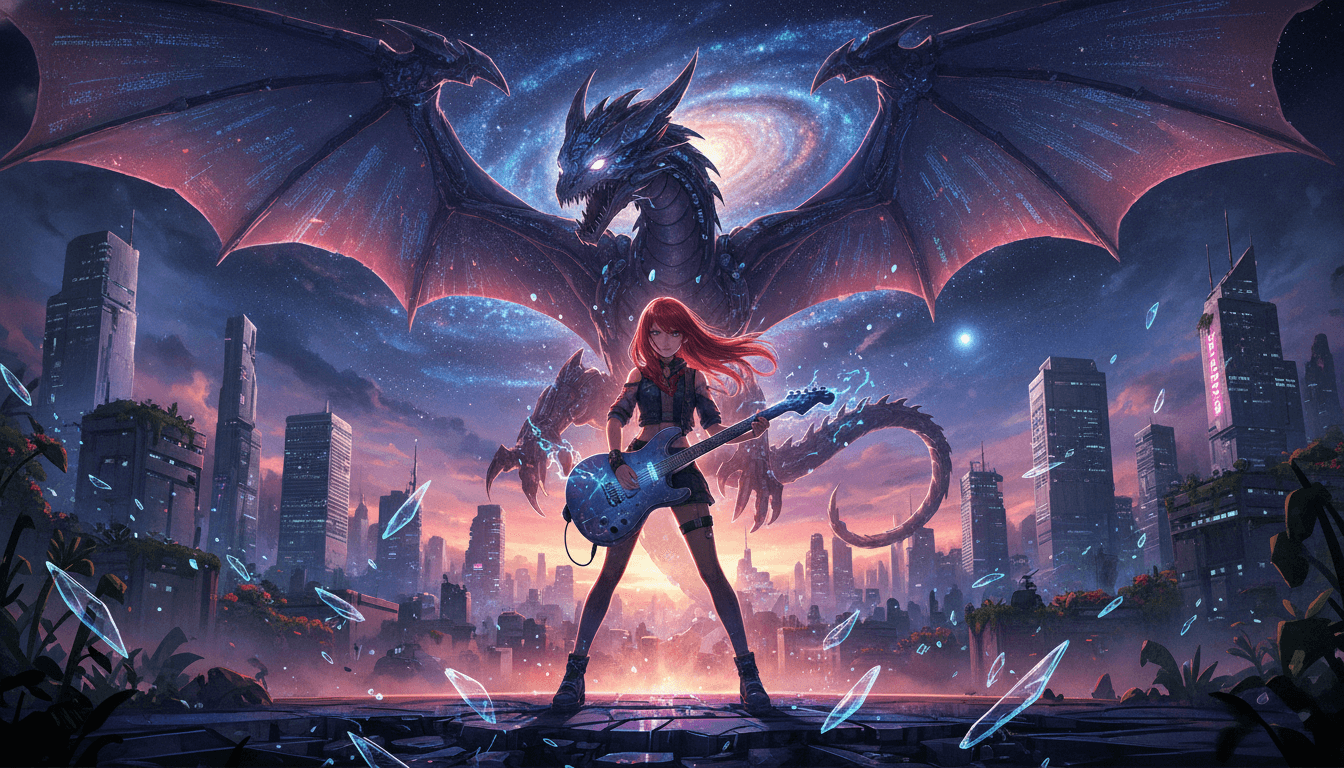
How to Make an Anime Music Video from a Song in Three Steps
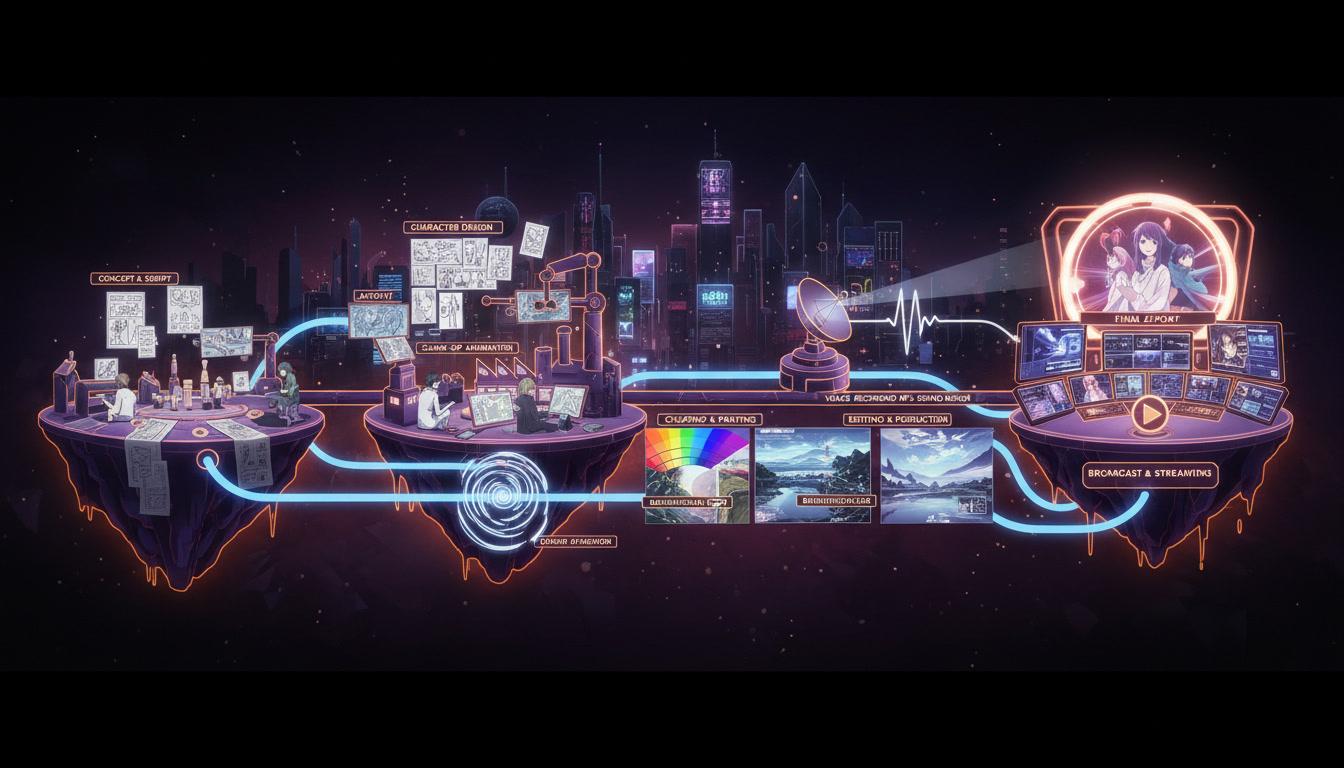
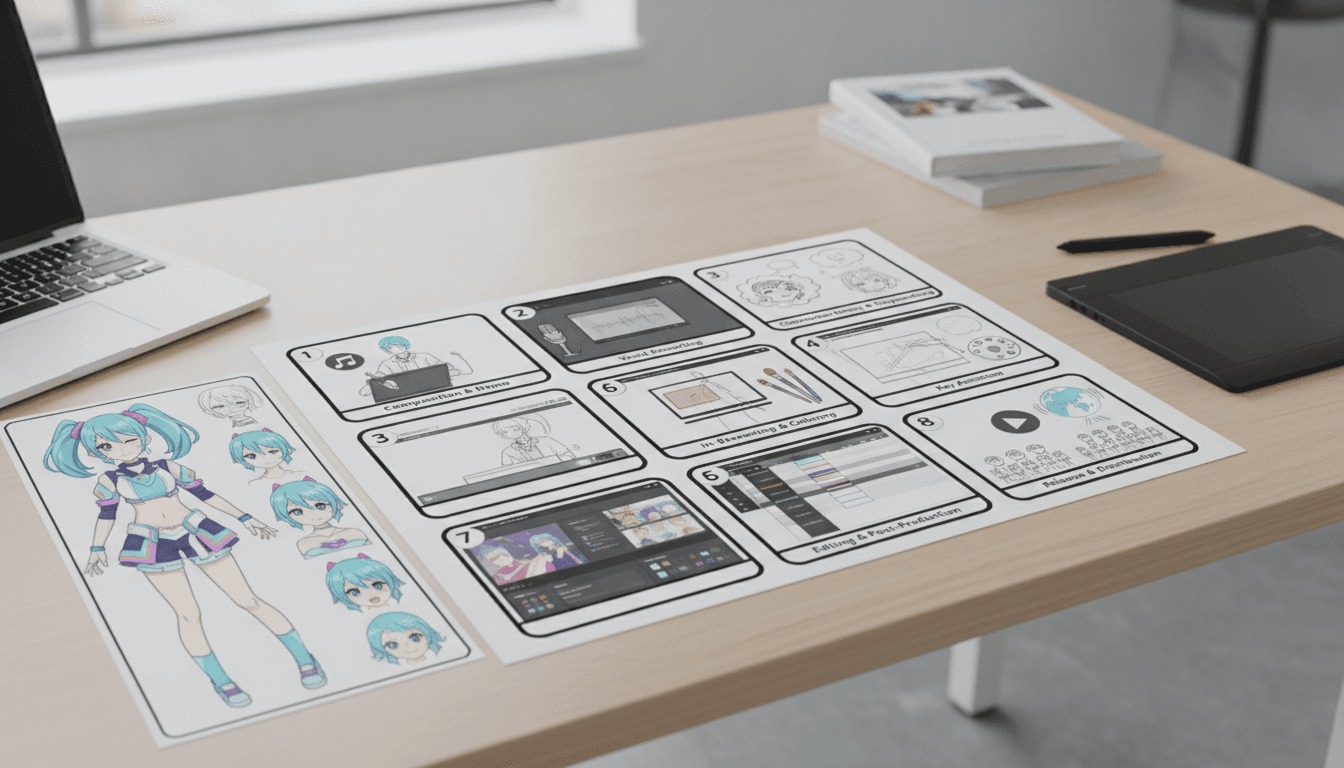
The workflow is built around your track: you define the emotional beats, C2Anime locks a cast and writes the scene script, then renders voiced anime footage you can cut to the music.
Map the song into story beats
Paste your lyrics or a short synopsis and mark the intro, verse, chorus, and bridge as story moments. C2Anime uses that map to plan scene order and pacing before anything renders.
Lock a consistent cast and screenplay
The AI Film Director designs your characters once — same faces, hair, and outfits across every shot — and writes dialogue-driven scenes. This consistency is what makes an AMV feel like one film instead of clips.
Render voiced scenes and cut to the track
Scenes render as anime video with voice performance, in the ~30-second to few-minute sweet spot per piece. Compose longer music videos from multiple scenes and edit the final cut against your song.
Why Use C2Anime to Make an Anime Music Video from a Song
Most people searching how to make an anime music video from a song hit the same wall: they can storyboard in their head but can't draw 60 consistent frames, let alone animate them. C2Anime closes that gap by turning your song map into a planned, voiced anime video with a cast that stays recognizable shot to shot.
The differentiator is cast consistency. An AMV falls apart when the protagonist's hair color or jacket changes between the verse and the chorus. C2Anime designs the cast once and reuses that design across every scene, so your chorus hits with the same character the audience met in the intro.
It is video, not a slideshow of stills. The AI Film Director writes a real screenplay with dialogue and renders voiced scenes, which means your music video can carry narrative beats between the musical moments — a short exchange before the drop, a reaction shot in the bridge — instead of relying on the track alone.
A Deeper Look: From Song Structure to Finished AMV
Start with structure. A three-minute song usually needs six to ten story beats, not thirty. Map the intro to an establishing shot, the first verse to character setup, the pre-chorus to rising tension, the chorus to your most kinetic scene, and the bridge to a quiet turn. C2Anime's planning stage is where you decide that map, and it keeps the render aligned to it.
Then think in scenes, not one long clip. C2Anime's stable length sweet spot is roughly 30 seconds to a few minutes per piece; longer music videos are composed from multiple scenes. That matches how AMVs are actually edited — you cut between shots anyway, so building the video as a sequence of short voiced scenes gives you material to cut against the song.
Finally, treat dialogue as texture. A fully voiced scene can carry a line or two under the music, or you can mute the vocal performance and use the visuals alone. Because C2Anime renders dialogue-driven anime scenes, you have both options in the same project — a flexibility that matters when the chorus needs to breathe without narration.
Features That Support How to Make an Anime Music Video from a Song
Consistent cast across every shot
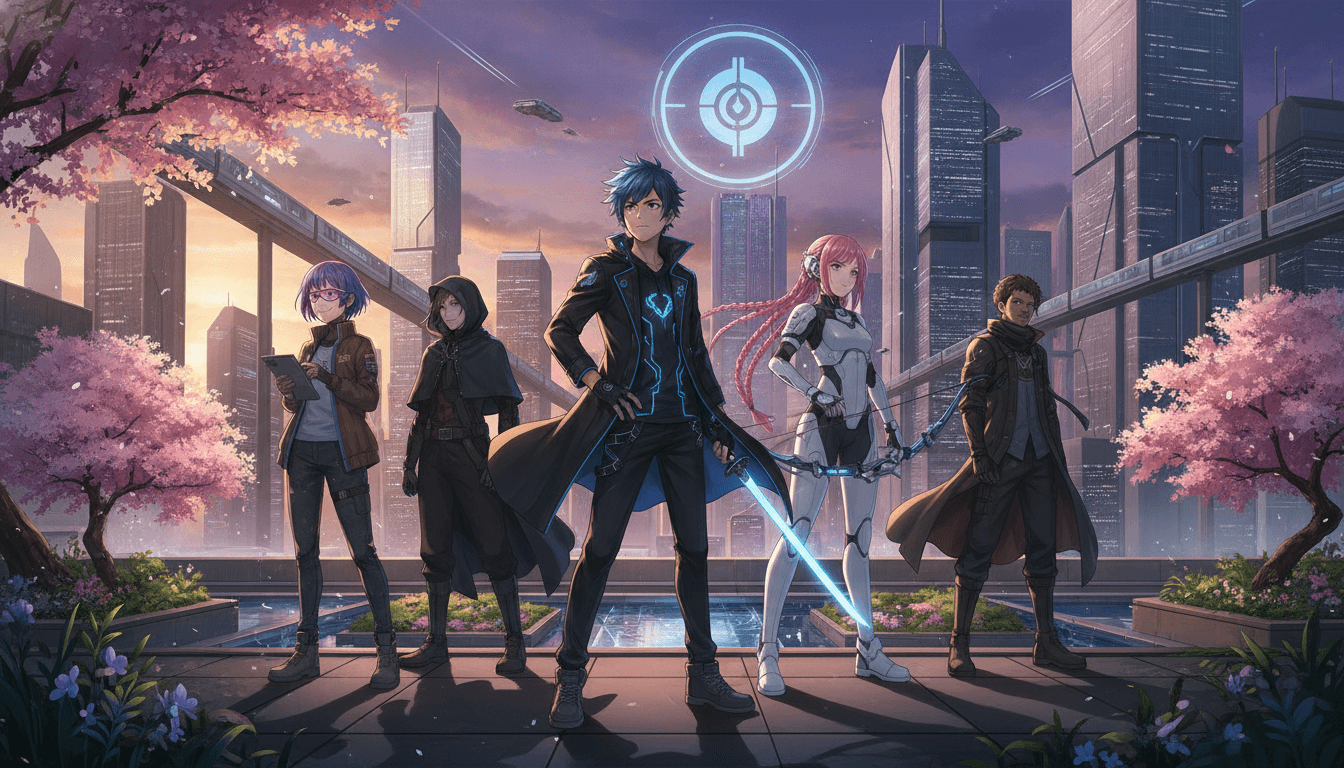
Design faces, hair, and outfits once and reuse them scene to scene, so your AMV protagonist stays recognizable from the first verse to the final chorus.
AI Film Director planning
The director maps your song into scene structure and writes a screenplay, giving the video narrative shape instead of disconnected visual fragments.
Voiced, dialogue-driven scenes
Scenes render with voice performance, so you can layer spoken lines under the track or strip them out and let the animation carry the emotion.
Seedance and MiniMax rendering
C2Anime runs on Seedance and MiniMax models, tuned for anime video output in the 30-second to few-minute range per scene.
Who This Guide Is For
AMV editors You already cut to the beat but need original anime footage with a cast that holds together. Use C2Anime to generate scenes, then edit them against your song.
Trailer and opening creators You want a 30- to 90-second anime opening or trailer with a real screenplay and voiced lines. The scene-based workflow fits that length directly.
Songwriters and small teams You have a track and a story idea but no animation pipeline. C2Anime handles cast design and rendering so you can focus on the music and the cut.
FAQ: How to Make an Anime Music Video from a Song
- How long can an anime music video be in C2Anime?
- Each rendered piece sits in a stable sweet spot of about 30 seconds to a few minutes. For a full song, you compose the music video from multiple scenes and edit them together against the track.
- Do I need to know how to animate to make an anime music video from a song?
- No. You define the song's story beats and the AI Film Director plans structure, designs the cast, and writes the screenplay. Your job is the creative direction and the final edit against the music.
- Will the characters look the same across scenes?
- Yes — consistent cast design is the core of the product. Faces, hair, and outfits are locked once and reused across every shot, which is essential when a chorus repeats and the audience expects the same character.
- Can I use my own song and lyrics?
- Yes. You bring the track and map its sections to story beats. Make sure you have the rights to the song and lyrics you use in a published music video.
- Is C2Anime a picture-book or still-image tool?
- No. It produces voiced anime video scenes with dialogue, planned by the AI Film Director — not a collection of still images.
- How do I get access?
- C2Anime is in invite-gated Early Access with paid credit tiers. Check the pricing page for current tiers and request access through the create flow.
- What models power the rendering?
- C2Anime runs on Seedance and MiniMax models, chosen for anime video output and scene-level consistency.
Turn Your Song into an Anime Music Video
Bring your track, map the beats, and let the AI Film Director build a consistent cast and voiced scenes. C2Anime is invite-gated Early Access with paid credit tiers — start your project when you're ready.
Start your animeKeep Learning How to Make an Anime Music Video from a Song
If you want to learn how to make an anime music video from a song, the fastest path is to start with a single 30-second scene: one character, one emotional beat, one chorus. Render it, cut it to the track, and see how the cast holds up before you scale to a full song.
For AMV editors, the practical tip is to build scenes slightly longer than the cut you need. A four-second shot on the timeline might come from a ten-second rendered scene, giving you handles for transitions and beat-matching in your editor.
Trailer and opening creators should lean on the screenplay stage. A voiced line before the drop or a reaction shot in the bridge gives the music video narrative weight that pure montage can't match, and C2Anime renders those as dialogue-driven scenes.
When your music video is ready, review cast consistency across every chorus repeat, confirm you have rights to the song and lyrics, and export a cut that respects the track's dynamics. C2Anime handles the anime video rendering; the edit is still yours.