Seedance 2 anime video, directed instead of prompted
C2Anime renders Seedance 2 anime scenes — but the model is the last step, not the plan. An AI Film Director designs your cast, writes the screenplay and stages each shot first, then hands Seedance 2 a request tight enough that your characters come back the same way they left.
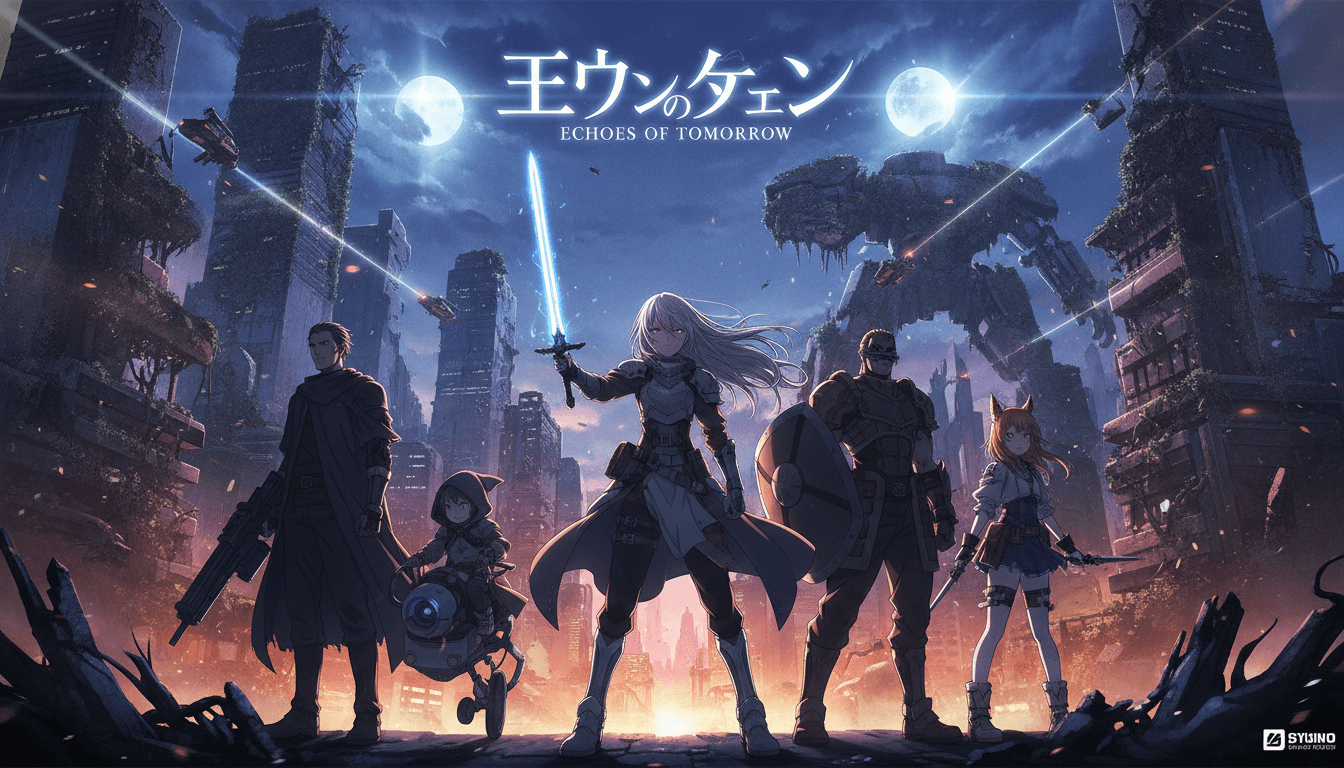
How C2Anime renders a Seedance 2 anime scene
Three stages, always in this order. The order is what keeps the output from falling apart halfway through.
The Director plans the scene
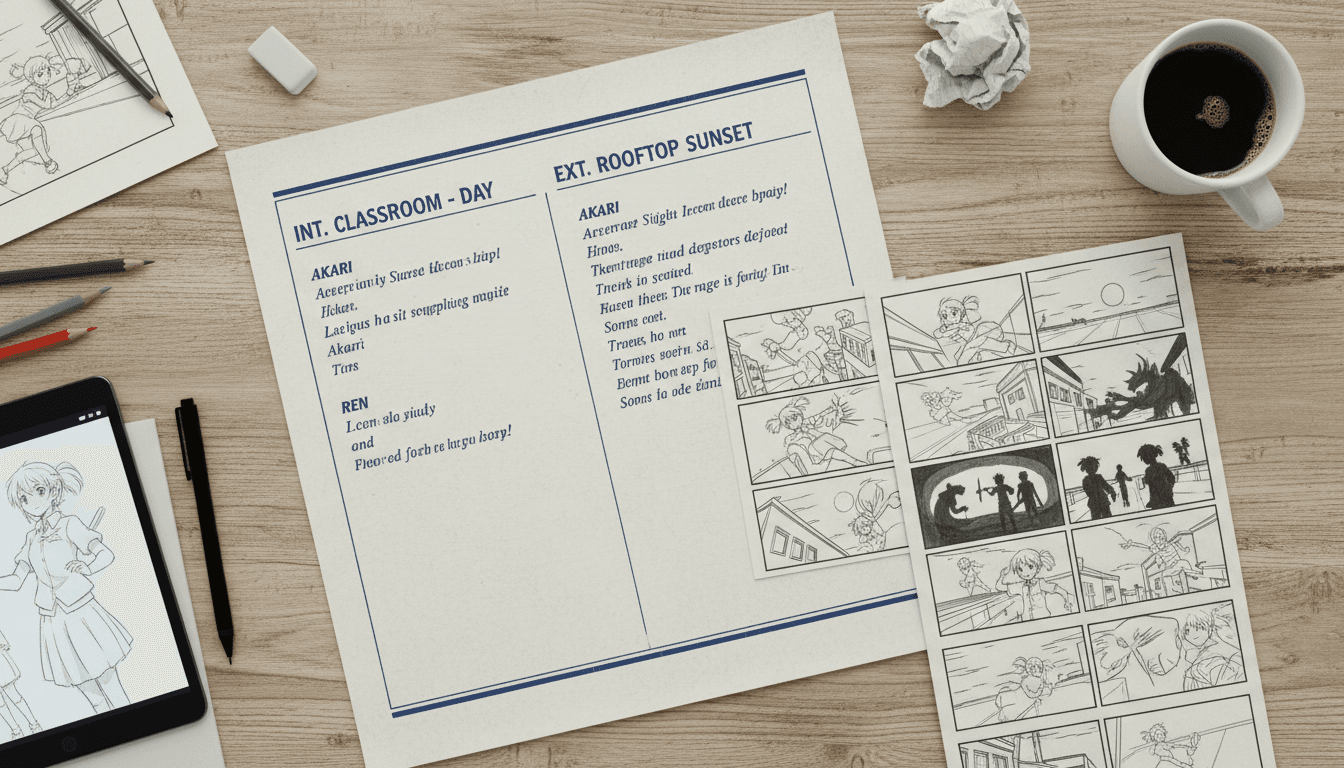
Your story is broken into acts, scenes and a cast before any model runs. Seedance 2 never sees a loose paragraph — it gets a structured, time-coded shot.
The cast becomes references
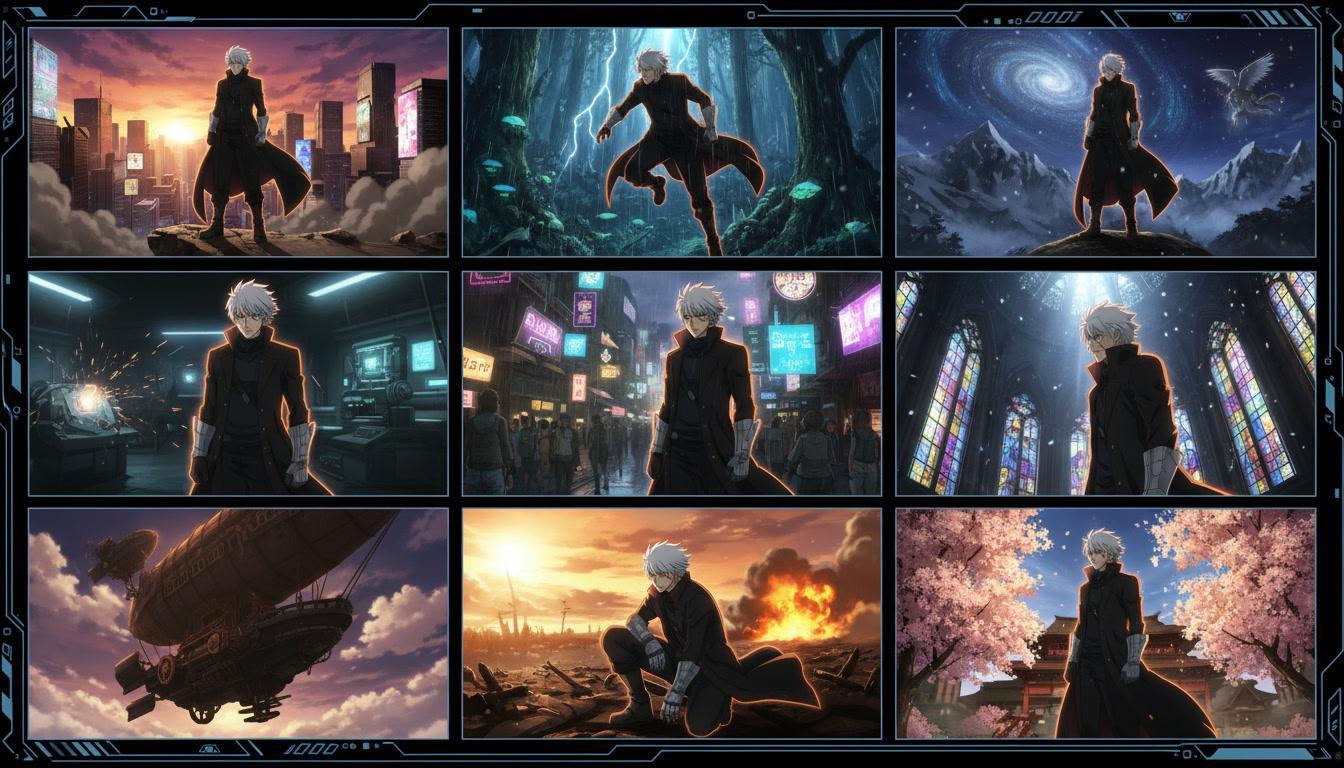
Each character is resolved to one clean portrait and passed in as a reference image, so the model has a single face to hold rather than a design to invent.
Seedance 2 renders the shot
The clip comes back at 5, 10 or 15 seconds with voices and ambience already in it. Scenes you are unhappy with re-render on their own.
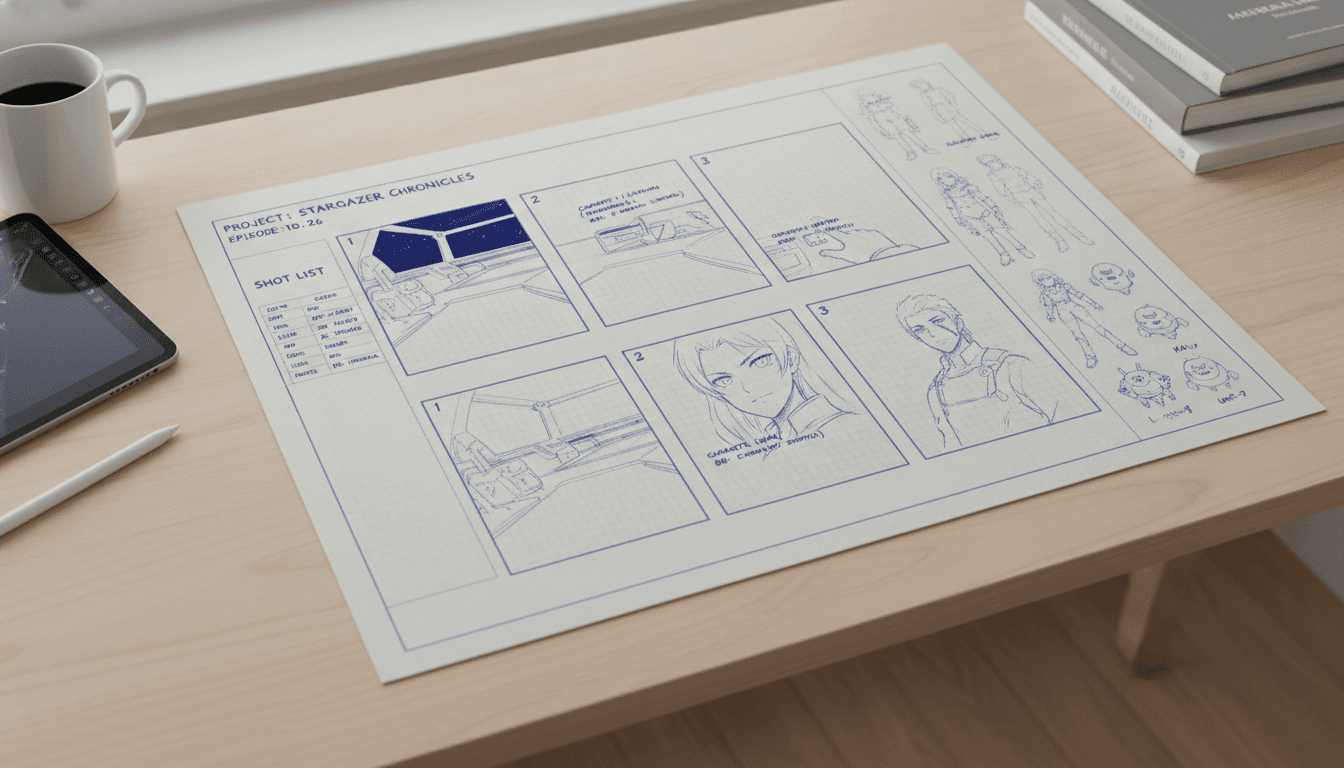
What Seedance 2 is genuinely good at
Two things make it a reasonable choice for anime. The first is reference handling: it takes several reference images in one request and reads them closely, which is exactly the behaviour you want when a specific face has to survive a cut. The second is audio — voices, ambience and music are rendered in the same pass as the picture, so dialogue is performed by the character rather than laid over finished footage.
It also responds to direction more than to description. Action density, a stated camera move and time-coded beats get you a stable shot; a paragraph of adjectives does not. That is a pleasant property if something upstream is willing to write professional shot prompts for you, and a frustrating one if you are typing them yourself.
What it will not do is remember. Each request is its own world, with no knowledge of the scene before it or the scene after. That gap is the whole reason C2Anime exists as a director rather than a prompt box.
Where Seedance 2 anime output drifts
These are the specific failures that show up when you push the model at a long, character-driven story, and what C2Anime does about each one. None of them are fixed by re-rolling the shot.
A character sheet renders as a crowd
Seedance 2 reads a reference image literally. Hand it a multi-pose turnaround and it can decide those poses are different people — worst in group scenes, where you end up with four of your protagonist. C2Anime never sends the sheet to video. It derives one clean single-person portrait per character, caches it, and sends that.
It defaults to live action
Ask Seedance 2 for a scene without saying how it should look and you tend to get photoreal footage with real actors. Every C2Anime render wraps the shot in an explicit style directive — a heading line and a trailing lock that both state the whole clip is animated, never live-action and never a real camera.
Reference faces leak onto extras
Supply a reference for your lead and an unnamed shop clerk two scenes later can come out wearing her face, purely because that image was in the request. The Director writes extras into their own labelled block, described as their own distinct people, plus an anti-leak lock that forbids reusing a referenced face.
Narration can switch language mid-clip
Seedance 2 has no language parameter, so the only control over what a voice speaks is the prompt text. C2Anime compiles a hard language lock into every scene prompt — name a language and the narrator is held to it; leave it on auto and drift to a second language is still forbidden.
Keyframes and references are mutually exclusive
You cannot send reference images and a first or last frame in the same Seedance 2 request. Because character consistency is the thing that matters most in anime, C2Anime spends that slot on references and builds the scene from the cast rather than from a pre-rendered frame.
A shot is capped at fifteen seconds
The model works in 5, 10 and 15 second clips. A two-minute sequence is therefore a planning problem, not a prompting one — the Director decides where the cuts fall, how many beats fit each clip, and which line of dialogue lands in which beat.
How the Film Director compensates
Everything the model forgets, the plan remembers. Before a single frame renders, C2Anime holds a cast list, a scene list, a screenplay with real dialogue, and a record of what has already happened on screen. Each render request is compiled against that state instead of against a sentence you just typed.
Concretely, a scene goes out as labelled sections: the cast present and which reference image each one is, the extras as their own people, the location, the format and duration, the ordered action beats with timings, the dialogue lines tied to the beat they are spoken in, the audio rule, and a closing block of continuity locks. That shape is what the model is good at following.
The payoff is cumulative. One shot does not need a plan. A twelve-scene episode with four recurring characters, consistent wardrobe and dialogue that pays off a setup from scene two cannot be done any other way.
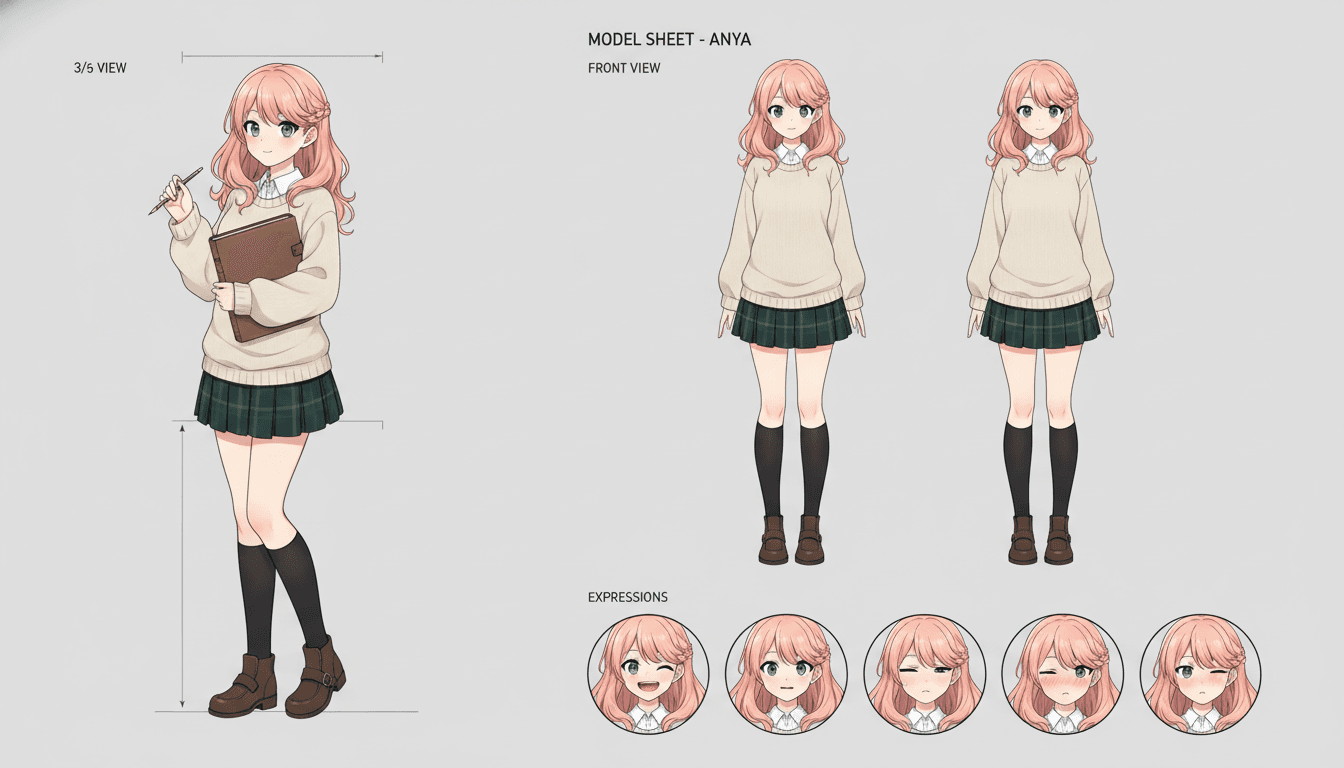
Seedance 2 anime features you actually get
Audio in the same pass
Seedance 2 bakes dialogue, ambience and score into the clip it renders, so lines are lip-synced to the performance instead of dubbed over finished footage.
Time-coded beats
The model responds to action density and camera direction far better than to adjectives. Each shot goes out as two to four ordered beats with the cut style stated.
Wardrobe you control
Lock a character into one outfit for the whole story, or lock identity only and let each scene dress them for its own occasion, weather and time of day.
Voices that stay put
Each character keeps a distinct voice and a fixed spoken language across scenes, because the voice assignment lives in the plan rather than in a single prompt.
One cast across episodes
The same reference portraits carry into the next video, which is what makes a series possible rather than a run of unrelated clips.
Quality tiers per scene
Draft a scene fast while you are still editing the screenplay, then re-render the shots that carry the story at a higher-quality tier.
Should you pick the model or a director?
If you want one striking clip, use the model directly. A good reference image and a tight prompt will get you ten seconds you can post, and nothing about a planning layer makes that faster.
If you want a scene that connects to another scene, the calculus flips. The work stops being prompt craft and becomes continuity bookkeeping: which face, which outfit, which voice, which language, which setup is being paid off. That is a plan, and the plan is the product.
If you are adapting something you wrote, you need faithfulness as well as consistency. A novel chapter has beats that have to land in order, in the right scenes, in the characters' own words — which means the screenplay has to exist before the renderer is ever called.
Seedance 2 anime: common questions
- What is Seedance 2 and why use it for anime?
- Seedance 2 is ByteDance’s image-to-video model family. For anime it has two properties that matter: it accepts several reference images per shot and reads them closely, and it renders audio in the same pass as the picture. That combination is what lets a Seedance 2 anime scene keep a face on model and have the characters actually speak.
- Does C2Anime run Seedance 2 directly?
- C2Anime runs the Seedance 2 family as its render step, with faster and higher-quality tiers available per scene. You do not pick a model id or write model prompts. You work on the story, the cast and the screenplay, and the Film Director compiles the request the model needs.
- Where does Seedance 2 anime output drift the most?
- Characters, first and worst. The failure modes are specific: a multi-pose reference sheet can be read as several different people, and a reference face supplied for one character can get handed to an unnamed extra. Both are fixed by how the request is built, not by re-rolling the shot.
- How long can one Seedance 2 clip be?
- Clips run 5, 10 or 15 seconds. Longer sequences are assembled from planned shots, which is why the screenplay and shot list come before rendering — the cut points are a directing decision rather than something the model chooses.
- Can I get anime rather than photorealistic video?
- Yes, but it has to be stated explicitly every time. Left to itself the model leans photoreal. C2Anime heads and tails every render with a style directive that fixes the clip as animated, so the anime look is not something you have to re-prompt for.
- What if one scene comes out wrong?
- Re-render that scene. The plan, the cast references and the rest of the video are untouched, so a bad shot costs you one shot rather than the whole episode.
- Is Seedance 2 the only model C2Anime uses?
- No. The render step is deliberately swappable, and the pipeline also runs other native-audio video models. Everything upstream of the render — structure, cast, screenplay, voices — is model-agnostic, so a better model becomes a configuration change rather than a rebuild.
Bring the story. The model is our problem.
C2Anime is in invite-gated Early Access with paid credit tiers. You stay the director.
Start your animeUsing Seedance 2 for anime video, in practice
Searching for Seedance 2 anime results usually means one of two questions: is the model good enough, and why do my characters keep changing. The first answer is yes, within limits — it handles reference images well, it renders voiced dialogue and ambience in the same pass as the picture, and it follows time-coded action beats and camera direction more reliably than it follows adjectives. The second answer has nothing to do with the model's quality. Each request is stateless, so consistency is a property of what you send, not something the renderer can supply on its own.
C2Anime treats Seedance 2 as the render step of an anime production rather than as the product. An AI Film Director reads your story, proposes act breaks and a scene list, designs a cast, and writes a screenplay with dialogue you can read and edit. Only then does a shot get compiled: cast and their reference images, extras as separate people, location, duration, ordered beats with timings, dialogue tied to beats, the audio rule, and a closing set of continuity locks. The anime render style is stated at the top and locked again at the bottom, because the model leans photoreal if nobody tells it otherwise.
The failure modes worth knowing before you start are concrete. A multi-pose character sheet sent as a reference can be read as several different people, which is why video gets a single clean portrait per character instead of the sheet. A reference face supplied for your lead can be handed to an unnamed extra unless extras are described as their own distinct people and an anti-leak lock forbids reuse. There is no language parameter, so the spoken language has to be locked in the prompt text or narration can switch mid-clip. Reference images and first or last frame keyframes are mutually exclusive, and C2Anime spends that slot on the cast. Clips cap at fifteen seconds, so a long sequence is a cutting decision made during planning.
If your ambition is a single arresting clip, go to the model directly. If it is an episode with a recurring cast, a faithful adaptation of something you wrote, or a series people come back to, the production has to be planned as a whole and the renderer has to be told everything it has no way of remembering. That is the job C2Anime does around Seedance 2 anime rendering — and the reason the last shot still looks like the first.