Shonen Anime Generator for Dialogue-Driven Video Scenes
C2Anime takes your story or script and builds a finished shonen anime video: an AI Film Director plans the structure, designs a consistent cast of heroes and rivals, writes a real screenplay, and renders voiced scenes. Your characters keep the same faces, hair, and outfits from the first punch to the final frame.
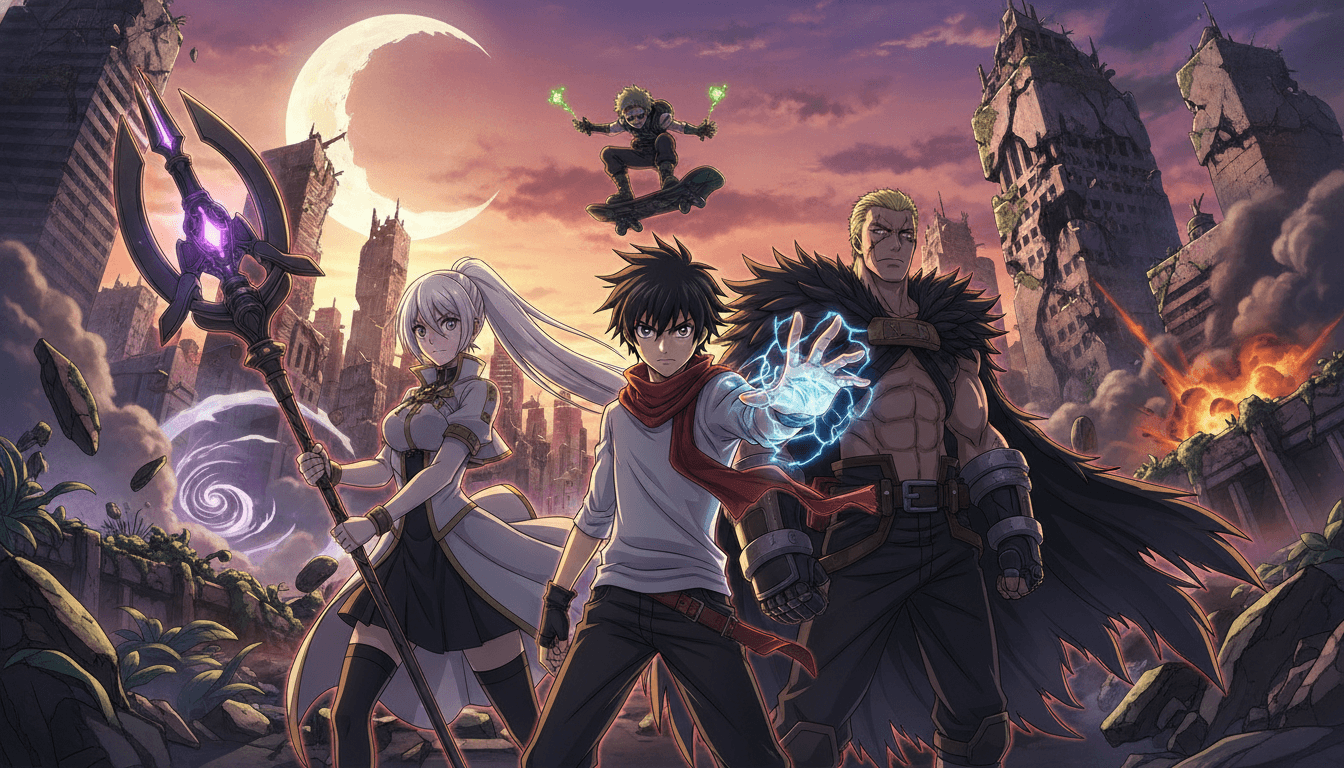
How the Shonen Anime Generator Builds a Scene
You bring the story; the AI Film Director handles structure, casting, and rendering. Here is the path from script to a voiced shonen anime video.
Drop in your story or script
Paste a scene, a chapter, or a full arc beat. The AI Film Director reads it for turning points and decides how many shots the moment needs.
Lock the cast
The generator designs your hero, rival, and supporting fighters once, then reuses those exact designs across every shot so faces, hair, and outfits stay consistent.
Render the voiced scene
A real screenplay is written with dialogue and action lines, then rendered as video with voices. You get a finished shonen anime video, not a set of still frames.
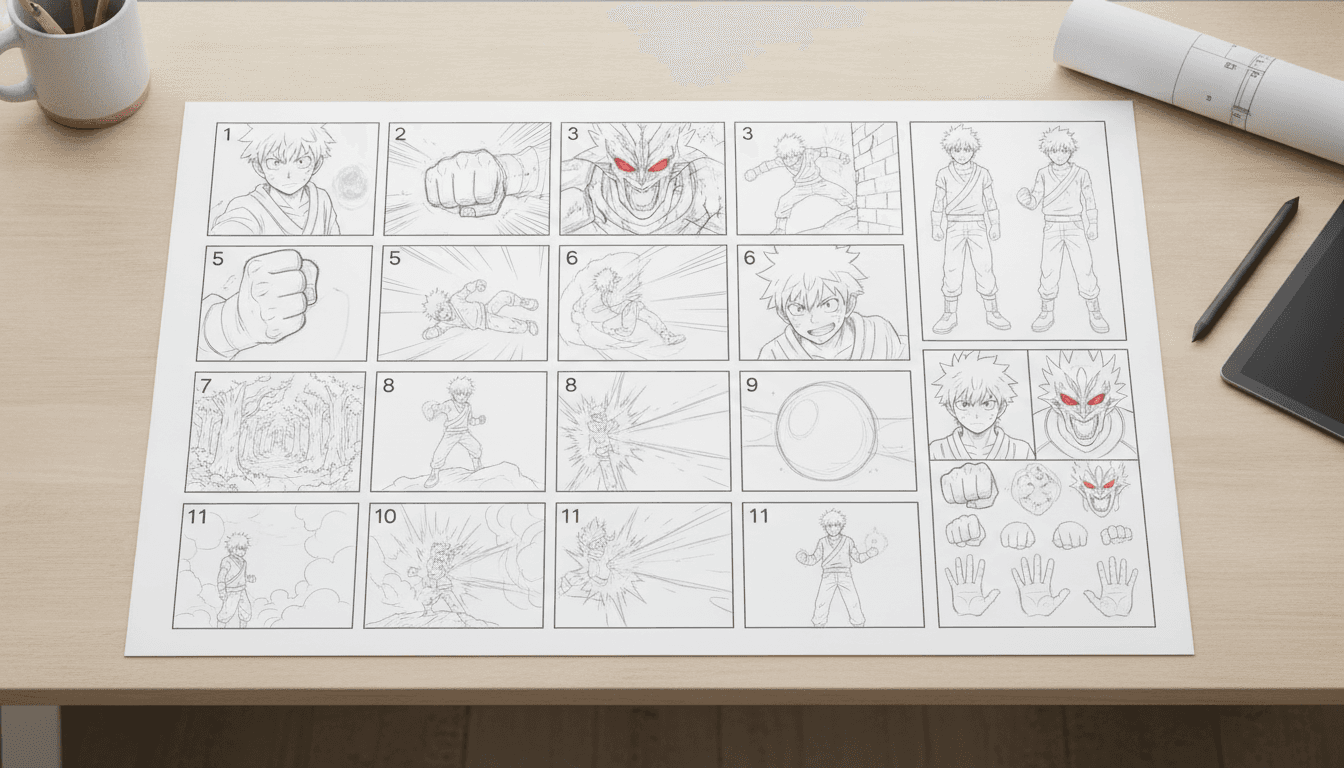
Why a Dedicated Shonen Anime Generator Changes the Workflow
A general-purpose video tool treats every frame as a fresh prompt, so your hero's hair color drifts and his jacket changes between shots. A shonen anime generator built around a persistent cast solves that first: the AI Film Director holds one design per character and applies it to every scene, which is the difference between a coherent fight and a slideshow of strangers.
Shonen lives on escalation: the rival appears, the training montage lands, the technique finally connects. C2Anime plans structure before rendering, so those beats get their own shots and their own dialogue instead of being flattened into one long prompt. The screenplay is written as a screenplay, with spoken lines the characters actually deliver.
It is video, and it is voiced. You are not assembling a sequence of images afterward or recording dialogue separately. The generator renders dialogue-driven anime scenes with voices attached, which means a 30-second confrontation or a few-minute arc beat arrives as something you can watch and share.
Inside the Shonen Anime Generator: Cast, Screenplay, Render
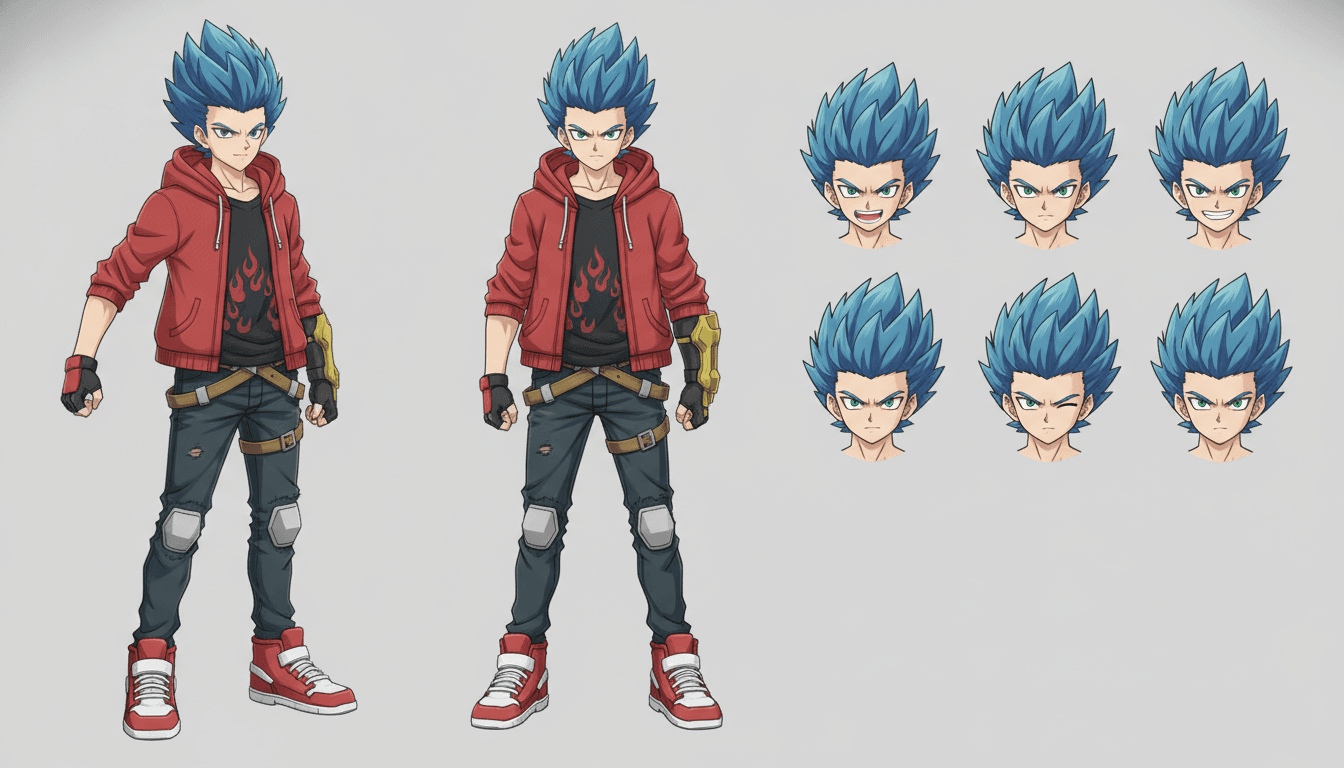
Consistency is the hard problem in AI anime video, and it is where the cast system earns its place. Each character gets a fixed design — face shape, hair, eye color, signature outfit — and the generator references that design for every shot the character appears in. A rival who shows up in episode one looks like the same rival in the tournament final, even if you generate those scenes weeks apart.
The AI Film Director works from your source material the way a director works from a script: it identifies the dramatic question, breaks the scene into shots, and assigns action and dialogue to each. That plan is what lets a shonen anime video hold together across cuts. You can keep pieces in the 30-second to few-minute range, and longer runtimes are composed from multiple scenes rather than one endless clip.
Rendering runs on Seedance and MiniMax models, chosen for motion and character fidelity in action-heavy shots. Voices are generated as part of the scene, so dialogue lands with the action instead of being pasted on later. Everything is invite-gated Early Access with paid credit tiers, so you know what you are getting before you commit a project.
Features That Make the Shonen Anime Generator Useful
Persistent cast design
Design your hero and rival once. The same faces, hair, and outfits carry across every shot and every scene you generate.
AI Film Director
Structure, shot planning, and pacing are handled before rendering, so escalation beats get room to land.
Real screenplay with dialogue
Scenes are written with spoken lines and action, then rendered with voices — dialogue-driven anime video, not silent clips.
Scene-based runtimes
Work in 30-second to few-minute pieces and compose longer arcs from multiple scenes, keeping each shot controlled.
Who the Shonen Anime Generator Is Built For
Webcomic and manga creators Test a fight scene or a rivalry beat as motion video before you commit pages to it, using the same character designs you already draw.
Fan-arc writers Turn a training montage or tournament chapter into a voiced shonen anime video you can share with readers who want to see it move.
Small animation teams Previsualize a sequence with consistent characters and real dialogue before production, so the whole team is working from the same scene.
Shonen Anime Generator FAQ
- Is this a shonen anime generator that produces actual video?
- Yes. C2Anime renders voiced, dialogue-driven anime scenes as video. You get a finished shonen anime video with action and spoken lines, not a sequence of separate frames to assemble yourself.
- How does the shonen anime generator keep characters consistent?
- The AI Film Director designs each character once — face, hair, eye color, signature outfit — and reuses that design across every shot the character appears in. That is what keeps your hero and rival recognizable from the first scene to the last.
- What models power the shonen anime AI rendering?
- Rendering runs on Seedance and MiniMax. They were chosen for motion and character fidelity in action-heavy shots, which is where shonen scenes put the most strain on a model.
- How long can a generated scene be?
- The stable sweet spot is roughly 30 seconds to a few minutes per piece. Longer runtimes are composed from multiple scenes rather than one long clip, which keeps each shot controllable.
- Can I write my own dialogue for the characters?
- The AI Film Director writes a screenplay from your source material, including spoken lines. You can shape the story and script you feed in, and the rendered scene delivers those lines as voiced dialogue.
- How do I get access to C2Anime?
- C2Anime is invite-gated Early Access with paid credit tiers. Start from the create page to request access, or check the pricing page for the credit tiers available to Early Access users.
- Does it work for genres other than shonen?
- The same cast-consistency and screenplay system works across anime genres. Shonen is one use case; the generator adapts structure and pacing to the story you provide.
Turn your shonen script into a voiced scene
Bring a fight, a rivalry, or a training beat and let the AI Film Director build it into a consistent, dialogue-driven shonen anime video. Early Access is invite-gated with paid credit tiers.
Start your animeAbout the C2Anime Shonen Anime Generator
C2Anime is a shonen anime generator built for creators who need motion, not stills. The AI Film Director plans structure, designs a consistent cast, writes a screenplay, and renders voiced anime video on Seedance and MiniMax.
Character consistency is the core of the product: the same faces, hair, and outfits carry across every shot, so a rivalry that builds over several scenes still looks like the same two fighters. Scenes run from about 30 seconds to a few minutes, with longer arcs composed from multiple pieces.
It is video with dialogue and voices, not a picture-based format, and it is not a converter for live-action footage. C2Anime is invite-gated Early Access with paid credit tiers; there is no free tier or unlimited plan.
If you write shonen arcs and want to see them move, start on the create page or review the credit tiers on the pricing page.