Zombie Anime Generator: Turn Your Script Into a Voiced Anime Video
C2Anime reads your story or script and builds a finished anime video — not a set of stills. An AI Film Director plans the structure, writes a real screenplay, and keeps your survivor and zombie cast consistent across every scene, then renders voiced, dialogue-driven shots with Seedance and MiniMax.
How the Zombie Anime Generator Works
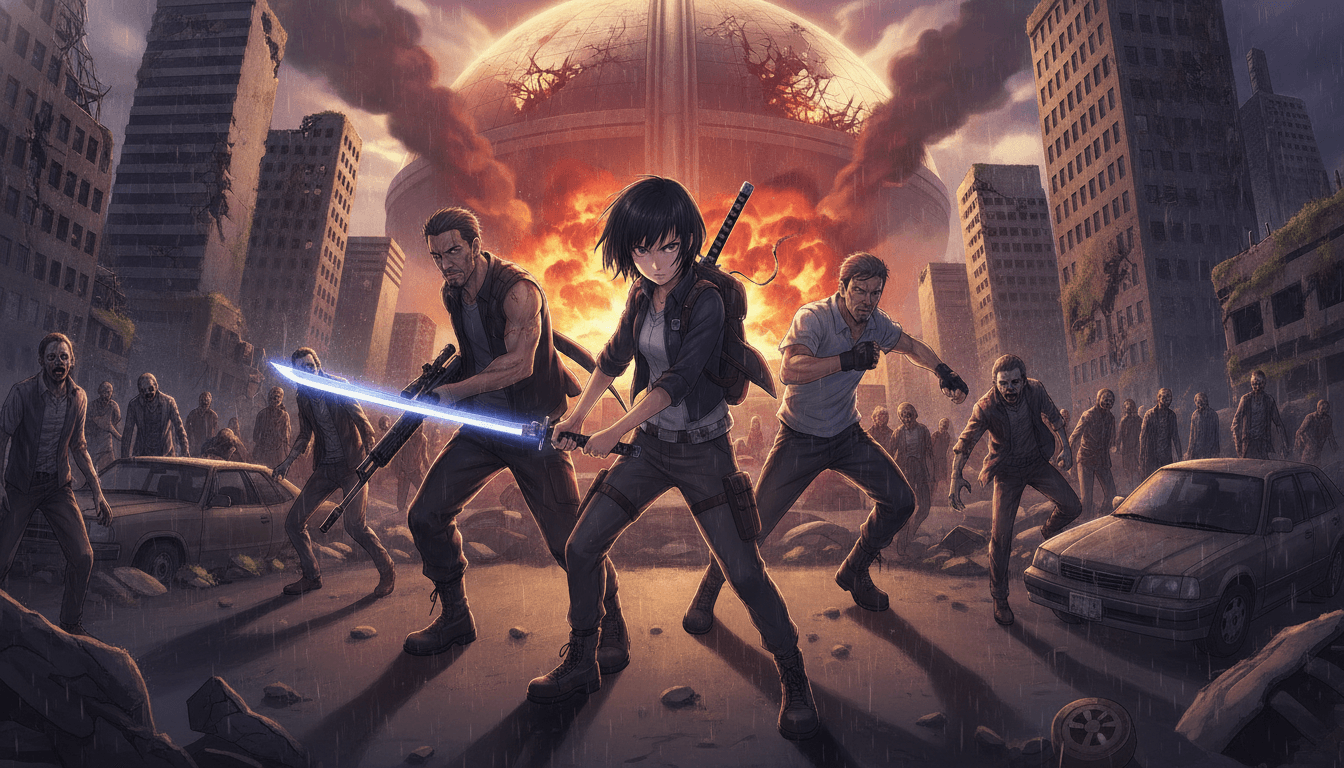
You bring the story; C2Anime handles direction, casting, and rendering. The pipeline is built for genre work, so a zombie outbreak reads like a zombie outbreak instead of a generic action clip.
Paste your story or script
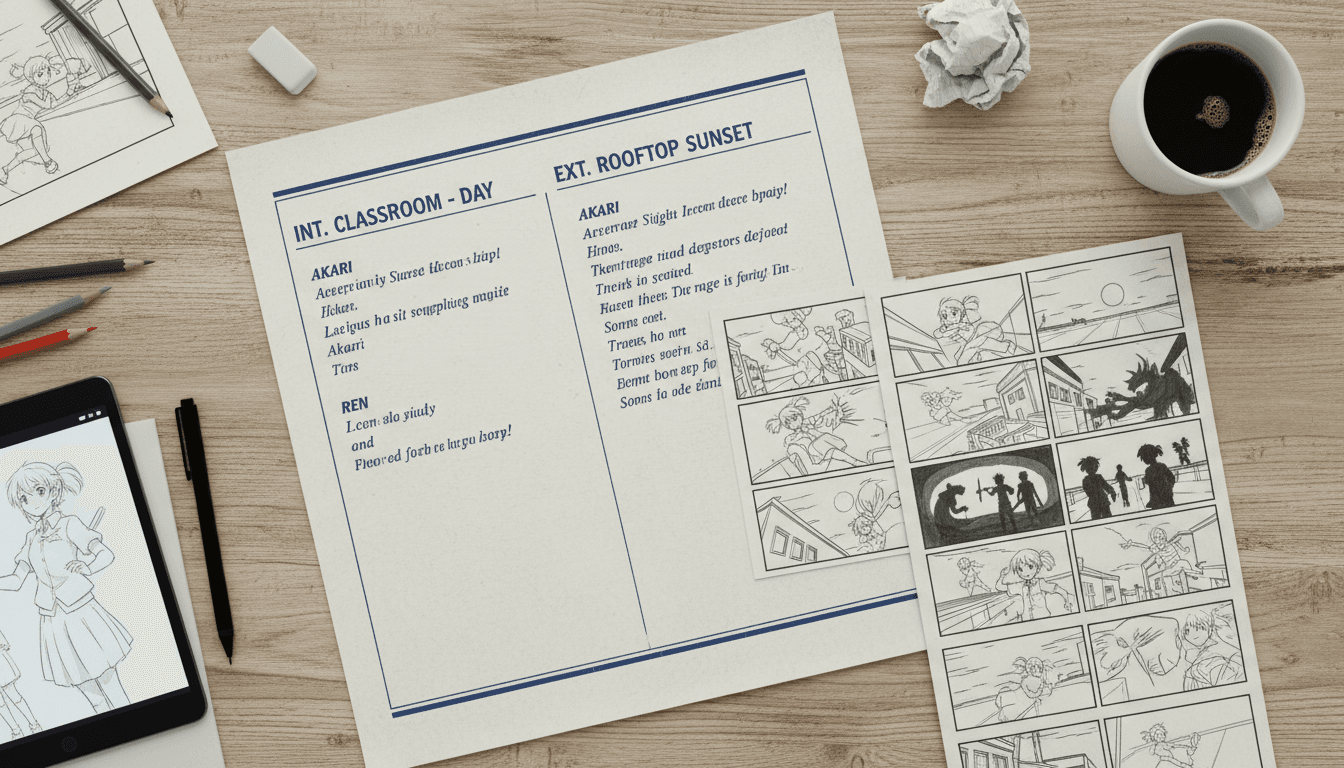
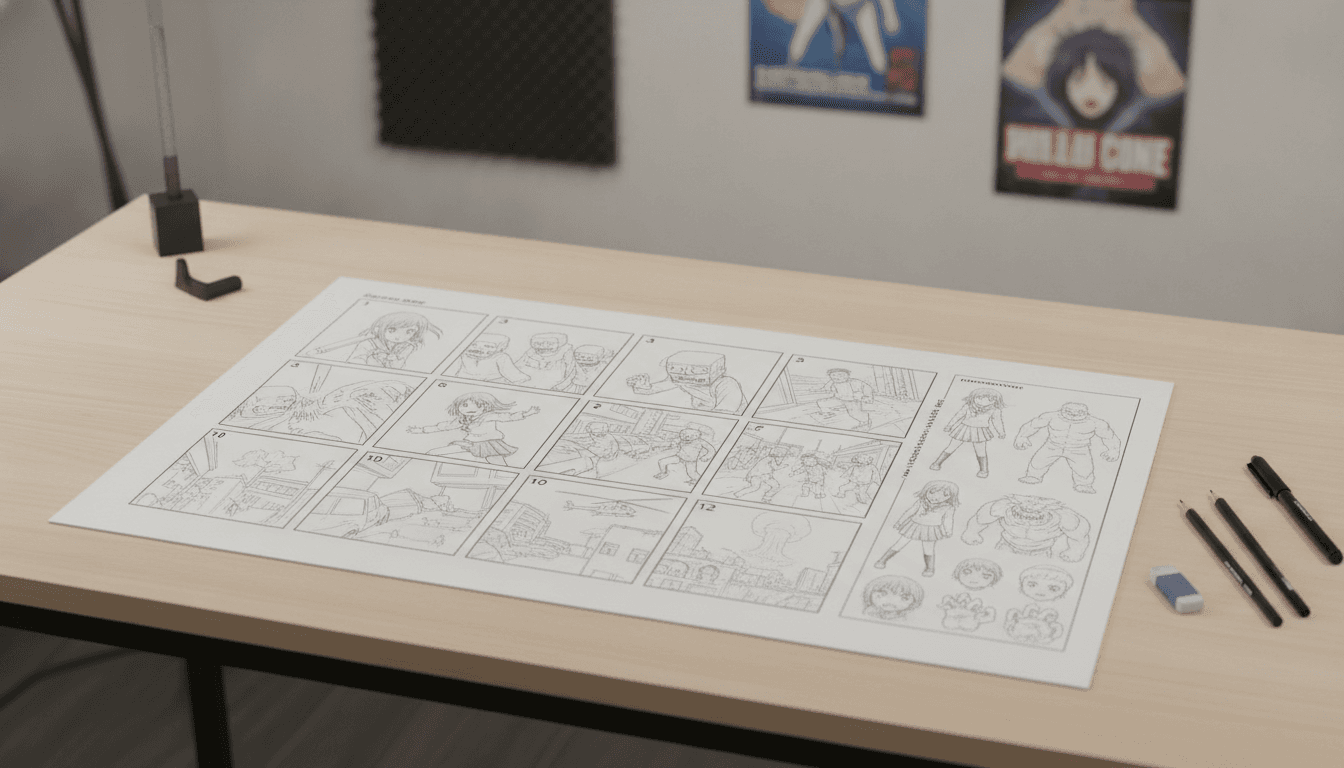
Drop in a short story, a scene outline, or a full script. The AI Film Director breaks it into beats and decides where tension, dialogue, and the outbreak itself belong.
Lock your cast
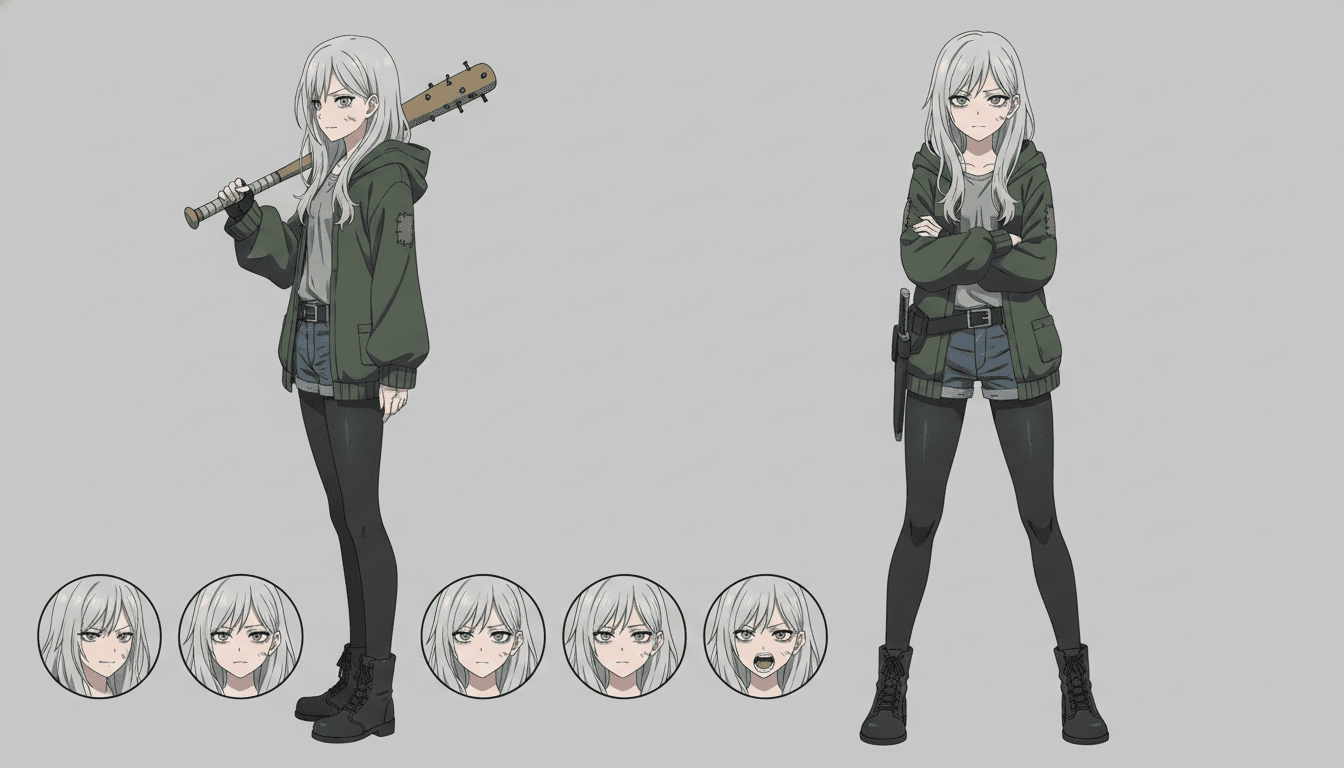
The director designs your survivor, your antagonist, and your zombie variants, then holds their faces, hair, and outfits consistent from the first shot to the last. That consistency is what makes a zombie anime video feel like one story instead of disconnected clips.
Render voiced scenes
Each scene is rendered with spoken dialogue and matched performance, then assembled into a finished piece. Most runs land between 30 seconds and a few minutes; longer episodes are built from multiple scenes.
Why Use a Dedicated Zombie Anime Generator
A general-purpose video tool treats a zombie anime generator request like any other prompt, so you get moody footage with no continuity — a different survivor in every shot and zombies that change design between cuts. C2Anime is built around the thing genre work lives or dies on: a cast that stays the same person, in the same clothes, with the same wound and the same torn jacket, across every scene.
The second difference is that this is video, not a stack of images. The AI Film Director writes an actual screenplay with dialogue, then renders voiced anime scenes where characters speak and react. For zombie stories that matters — the quiet argument in the barricaded room, the radio call that goes wrong, the last words before the door gives way are all performance, not caption text.
Third, the length model is honest. C2Anime is tuned for roughly 30 seconds to a few minutes per piece, and longer runtimes are composed from multiple scenes rather than one impossible continuous take. That suits zombie anime ai work well: an outbreak short, a cold open, a character vignette, or a multi-scene episode assembled scene by scene.
What a Zombie Anime Video Needs That Generic Tools Miss
Zombie stories run on continuity of damage and decay. A bite on the forearm in scene one has to still be there in scene four. A shirt torn at the shoulder should stay torn. C2Anime's consistent cast design carries those details forward, so your zombie anime video doesn't reset the world every time the camera moves.
They also run on pacing. The genre depends on held silence before the break, on a horde that arrives in waves rather than all at once. Because the AI Film Director plans structure before rendering, you can shape a slow build and a hard turn instead of hoping a single prompt produces both. Dialogue-driven scenes let characters carry the dread out loud.
Finally, the genre needs a cast you can tell apart under bad lighting. Consistent faces and outfits mean a viewer can follow who is still alive, who is turning, and who is already gone. That is the difference between a clip that looks like zombie anime and a scene that plays like one.
Zombie Anime Generator Features Built for Genre Work
Consistent cast across every shot
The same faces, hair, outfits, and injuries carry from scene to scene, so your survivor and your zombies stay recognizable through the whole piece.
A real screenplay, not a prompt
The AI Film Director plans structure and writes dialogue, giving you voiced scenes where characters speak, argue, and react instead of standing in silence.
Scene-based length you can plan around
Pieces run about 30 seconds to a few minutes, and longer zombie anime ai episodes are composed from multiple scenes you can order and build up.
Rendered with Seedance and MiniMax
Scenes are rendered on Seedance and MiniMax models chosen for anime motion and character work, then assembled into a finished video.
Who This Zombie Anime Generator Is For
Anime creators exploring a genre If you want to test a zombie concept before committing to a full production, a short voiced scene tells you fast whether the tone and cast work.
Writers with a script and no crew You have the outbreak, the survivors, and the ending. C2Anime handles direction, casting, and rendering so the script becomes a watchable scene.
Channel and series builders Use the zombie anime generator to produce a cold open, a character vignette, or a multi-scene episode, then build a series from consistent cast designs.
Zombie Anime Generator FAQ
- Is this a zombie anime generator or a still-image tool?
- It is a video tool. C2Anime renders voiced, dialogue-driven anime scenes and assembles them into a finished piece. You are not getting a set of stills to animate yourself.
- How long can a zombie anime video be?
- The stable sweet spot is roughly 30 seconds to a few minutes per piece. Longer runtimes are composed from multiple scenes rather than one continuous clip, so you build an episode scene by scene.
- Will my characters look the same in every scene?
- Yes — consistent cast design is the core of the product. The AI Film Director holds faces, hair, outfits, and visible injuries across every shot so your zombie anime ai piece reads as one story.
- What models does the zombie anime generator run on?
- Scenes are rendered with Seedance and MiniMax. Those are the models behind the output, chosen for anime motion and character consistency.
- Can I use the zombie anime generator right now?
- C2Anime is in invite-gated Early Access with paid credit tiers. You can review plans on the pricing page and request access; there is no instant open signup.
- Does it handle dialogue and voices?
- Yes. Scenes are voiced and dialogue-driven, so characters speak their lines as part of the rendered performance. There is no lip-sync feature — the focus is on voiced anime scenes, not mouth-shape matching.
- Can I make a zombie story inspired by a real case?
- Keep dramatized, inspired-by material general: change or omit names, avoid identifiable real victims, never accuse a named person, and stay general on open or living cases. Zombie fiction is usually safer ground, but the same care applies to any real-world reference.
Turn Your Outbreak Script Into a Voiced Anime Scene
Bring your story to C2Anime, lock a consistent cast, and render a zombie anime video with real dialogue. Early Access is invite-gated with paid credit tiers — check pricing, then start your script.
Start your animeAbout This Zombie Anime Generator
C2Anime is a zombie anime generator built for creators who want a finished anime video from a script, not a folder of disconnected clips. The AI Film Director plans structure, designs a consistent cast, writes a screenplay, and renders voiced scenes on Seedance and MiniMax.
Use it for zombie anime ai shorts, cold opens, character vignettes, and multi-scene episodes. Pieces run about 30 seconds to a few minutes, and longer runtimes are composed from multiple scenes so pacing stays under your control.
Consistent faces, hair, outfits, and injuries carry across every shot, which is what makes a zombie anime video feel like one continuous story. Dialogue-driven scenes let your survivors argue, plan, and react out loud.
C2Anime is in invite-gated Early Access with paid credit tiers. Review plans on the pricing page and request access, or head to the create page to start shaping your first scene.