How to Make an Anime Opening That Feels Like the Real Thing
C2Anime turns your script or story into a finished anime opening video. An AI Film Director plans the structure, designs a consistent cast, writes the screenplay, and renders voiced, dialogue-driven scenes. You focus on the creative direction; the system handles the production pipeline.
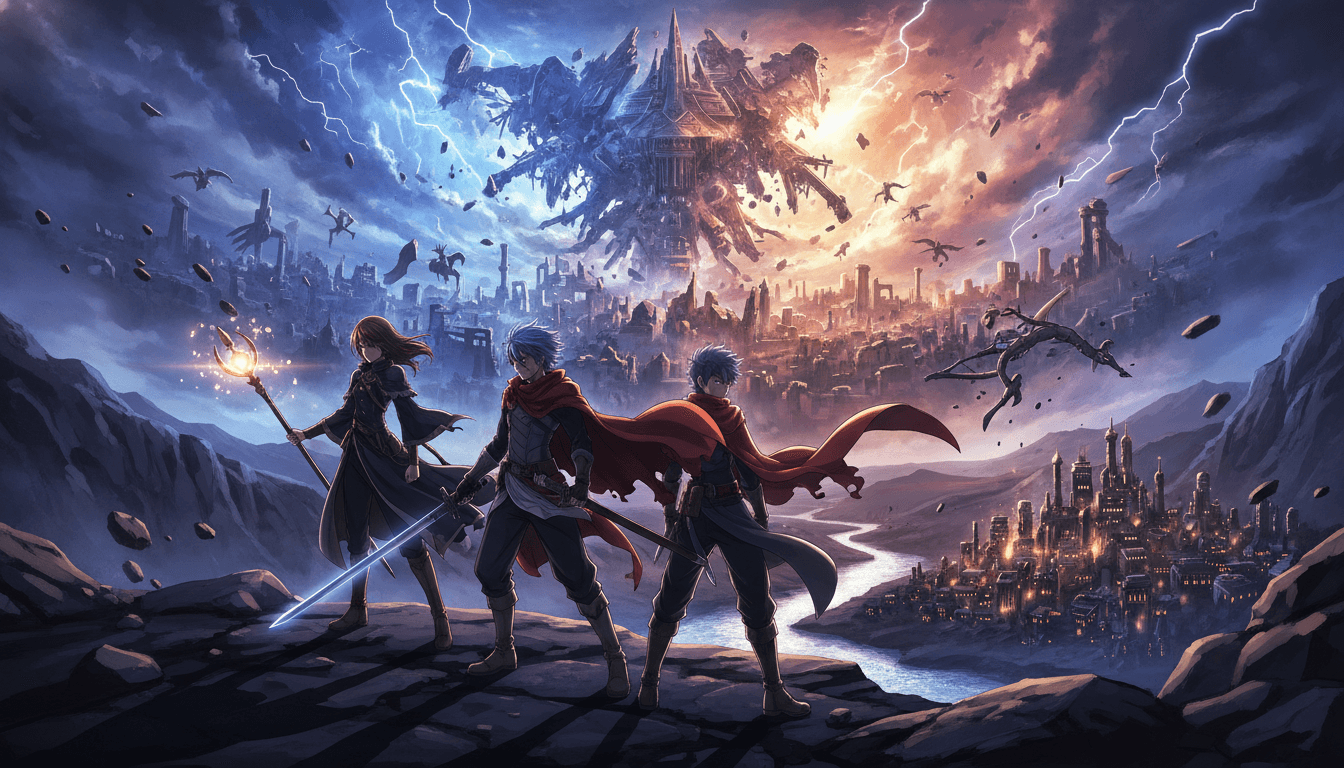
How to Make an Anime Opening in Three Steps
Making an opening is less about one perfect shot and more about a repeatable pipeline. Here is the workflow C2Anime is built around.
Write the treatment and hook
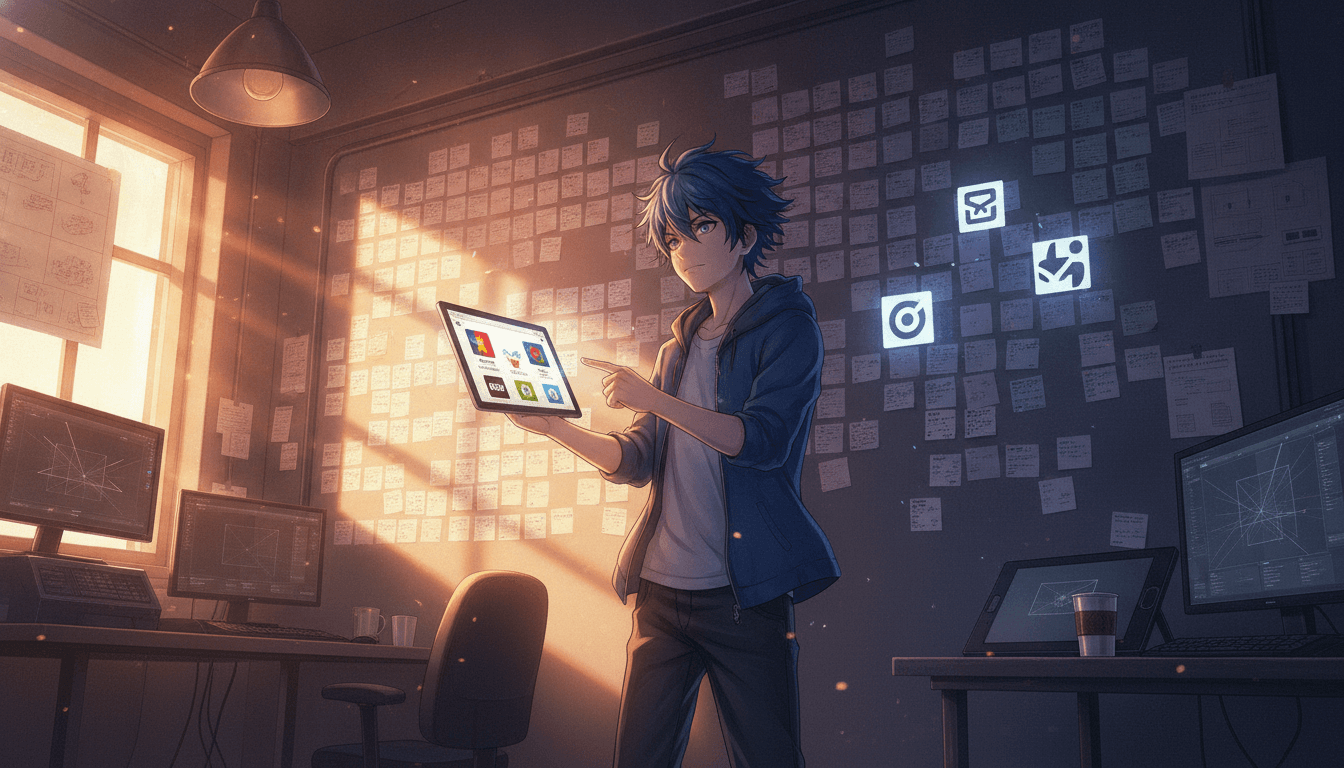
Start with a short treatment: the mood, the central character, and the 20-second hook that will make someone keep watching. Paste your script or story into C2Anime and the AI Film Director maps it into beats, scene order, and runtime.
Lock the cast and screenplay
The director designs your lead and supporting cast, then keeps the same faces, hair, and outfits across every shot. A real screenplay follows, with dialogue and action written for the opening's pacing rather than a single static scene.
Render, review, and cut
Scenes render as voiced anime video using Seedance and MiniMax models. Review each scene, adjust lines or framing, then assemble the final opening at your target length — usually 30 seconds to a few minutes, built from multiple scenes.
Why Consistency Is the Real Test of How to Make an Anime Opening
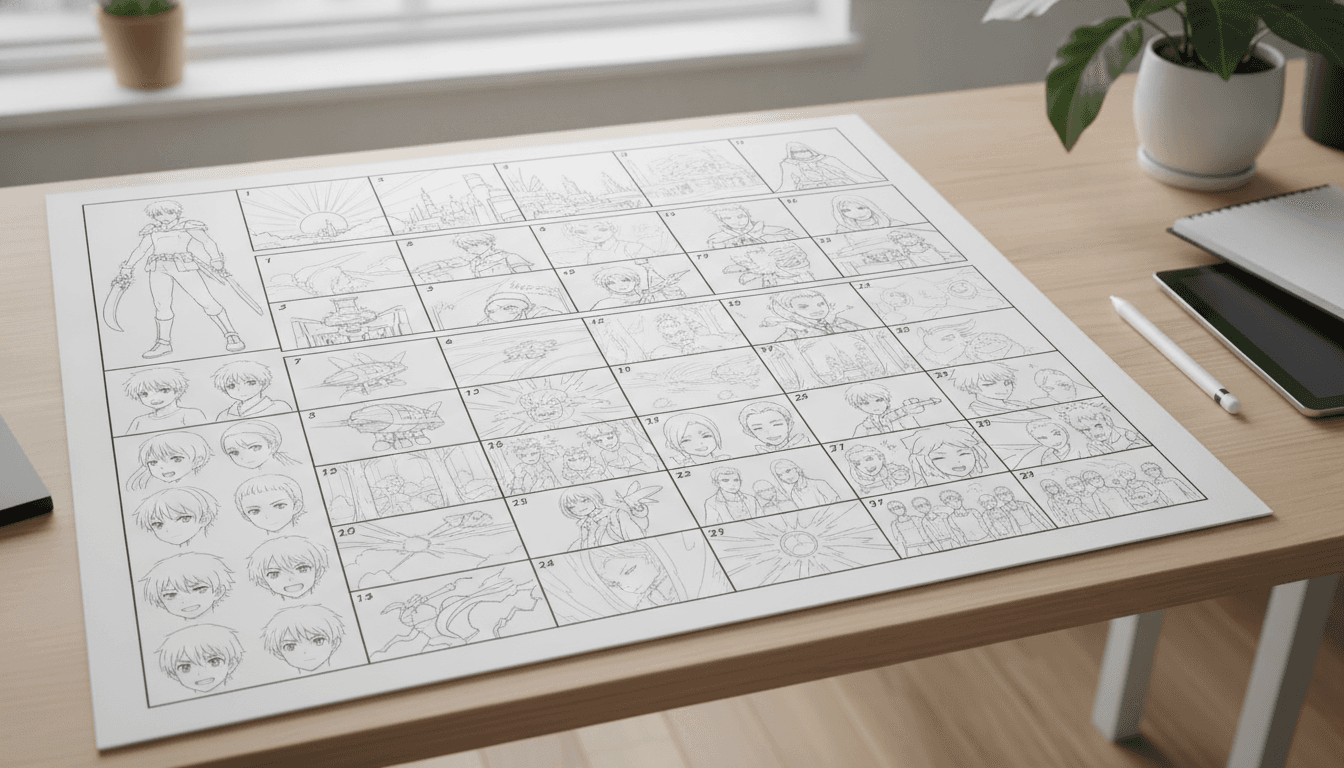
If you search how to make an anime opening, most advice focuses on music and editing. Those matter, but the first thing viewers notice is whether the character looks like the same person from shot to shot. C2Anime treats cast consistency as the core problem: the same faces, hair, and outfits are maintained across every scene, so your opening reads as one story instead of a slideshow of unrelated frames.
A second reason is structure. An opening is a compressed piece of storytelling — a cold open, a verse, a chorus, a final button. C2Anime's AI Film Director plans that structure before rendering, which keeps your runtime honest and your pacing deliberate. You are not stitching random clips and hoping they cohere.
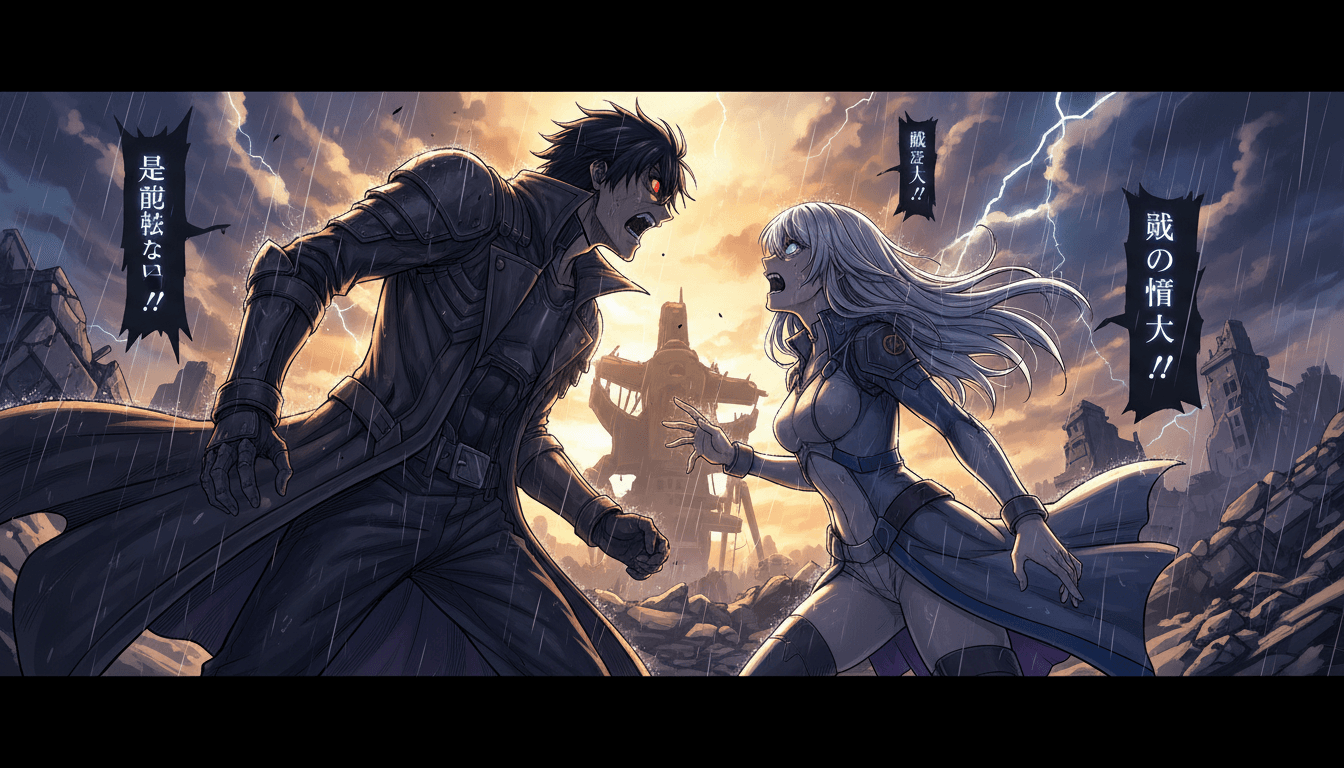
Finally, voice and dialogue change the feel. A silent montage can look like an anime opening, but a voiced scene with written dialogue feels like one. C2Anime renders dialogue-driven anime scenes, so your opening has performance, not just imagery.
A Deeper Look at How to Make an Anime Opening With a Real Screenplay
An opening is a promise. It tells the viewer what kind of show they are about to watch, who the hero is, what the stakes are, and what the tone will be. That is why the screenplay step matters more than any single render. C2Anime writes a screenplay for your piece — beats, lines, and action — so the opening has a beginning, a build, and a final image that lands.
Runtime is where most tutorials get vague. C2Anime's stable sweet spot is roughly 30 seconds to a few minutes per piece. If you need something longer, you compose it from multiple scenes rather than expecting one long continuous clip. Think of it like cutting a trailer: each scene is a unit, and the opening is the assembly.
The models behind the render are Seedance and MiniMax. They handle motion, framing, and the anime look, while the director layer handles story and cast. That separation is what lets you revise a line of dialogue without redesigning your character, and revise a character without rewriting the whole script.

Features That Support How to Make an Anime Opening
Consistent cast across every shot
The same faces, hair, and outfits are maintained from the first scene to the last, which is the difference between an opening and a collection of clips.
AI Film Director with real structure
Your story is mapped into beats and scene order before rendering, so the pacing of your opening is planned rather than accidental.
Voiced, dialogue-driven scenes
Scenes render as anime video with dialogue and performance, not silent stills. Write lines, review the read, and adjust.
Scene-based runtimes from 30 seconds up
Build a tight 30-second hook or a multi-minute opening assembled from scenes. Longer pieces are composed from multiple units, not one long clip.
Who This Guide Is For
Trailer and teaser creators You need a hook, a hero, and a final button in under a minute. The treatment-first workflow keeps the cut tight.
AMV and music-video editors You already think in beats. Use the screenplay step to give your edit a narrative spine, then cut scenes to your track.
Writers and storytellers You have a script or novel excerpt and want to see it as a voiced anime opening rather than a static cover.
FAQ: How to Make an Anime Opening
- How long should an anime opening be?
- Most openings run about 30 seconds to a minute and a half. C2Anime's stable sweet spot is roughly 30 seconds to a few minutes per piece. If you need something longer, compose it from multiple scenes rather than one long clip.
- Can I keep the same character across every shot when I make an anime opening?
- Yes. Cast consistency is the core of the system: the same faces, hair, and outfits are maintained across scenes. That is what makes the opening read as one story instead of a montage of different-looking characters.
- Do I need to know how to make an anime opening before I start?
- No. Start with a short treatment and paste your script or story. The AI Film Director plans the structure and writes a screenplay, so you can learn the workflow by doing it. This guide is meant to give you the mental model first.
- What models render the video?
- C2Anime runs on Seedance and MiniMax for the anime video render. The director layer handles story, cast, and screenplay, so you are not tuning model settings to get a coherent opening.
- Is there a free tier?
- C2Anime is invite-gated Early Access with paid credit tiers. There is no free tier and no instant signup, so plan to request access and choose a credit tier when you are ready to render.
- Can I use this for AMVs and music videos?
- Yes. The scene-based structure works well for music-driven pieces: write a treatment, lock the cast, then cut scenes to your track. Voiced dialogue scenes can be used or omitted depending on the style you want.
Ready to Make Your Opening?
Start with a treatment and a short script. C2Anime will plan the structure, design a consistent cast, and render voiced anime scenes you can assemble into a finished opening.
Start your animeKeep Learning How to Make an Anime Opening
If you want to learn how to make an anime opening, the fastest path is to build one small piece end to end: a treatment, a cast, three scenes, and a final cut. This guide gives you the workflow; C2Anime gives you the pipeline to run it.
For more walkthroughs, pair this guide with our notes on writing a short treatment, designing a consistent cast, and cutting scenes to a track. Each one maps to a step in the workflow above, so you can go deeper without losing the thread.
When you are ready to render, head to /create to start a project or /pricing to review credit tiers. C2Anime is invite-gated Early Access, so request access early if you are planning a deadline.
Keep the scope honest: openings are short, scenes are units, and consistency is the goal. That mindset will serve you whether you are making a trailer, an AMV, or a full opening.