The Anime Music Video Generator for Trailers, AMVs and Openings
C2Anime's anime music video generator takes your script and builds a finished, voiced anime video: a consistent cast, a real screenplay, and scenes cut for your track. You direct the story; the AI Film Director handles structure, shot design, and dialogue-driven performance.
How the Anime Music Video Generator Works
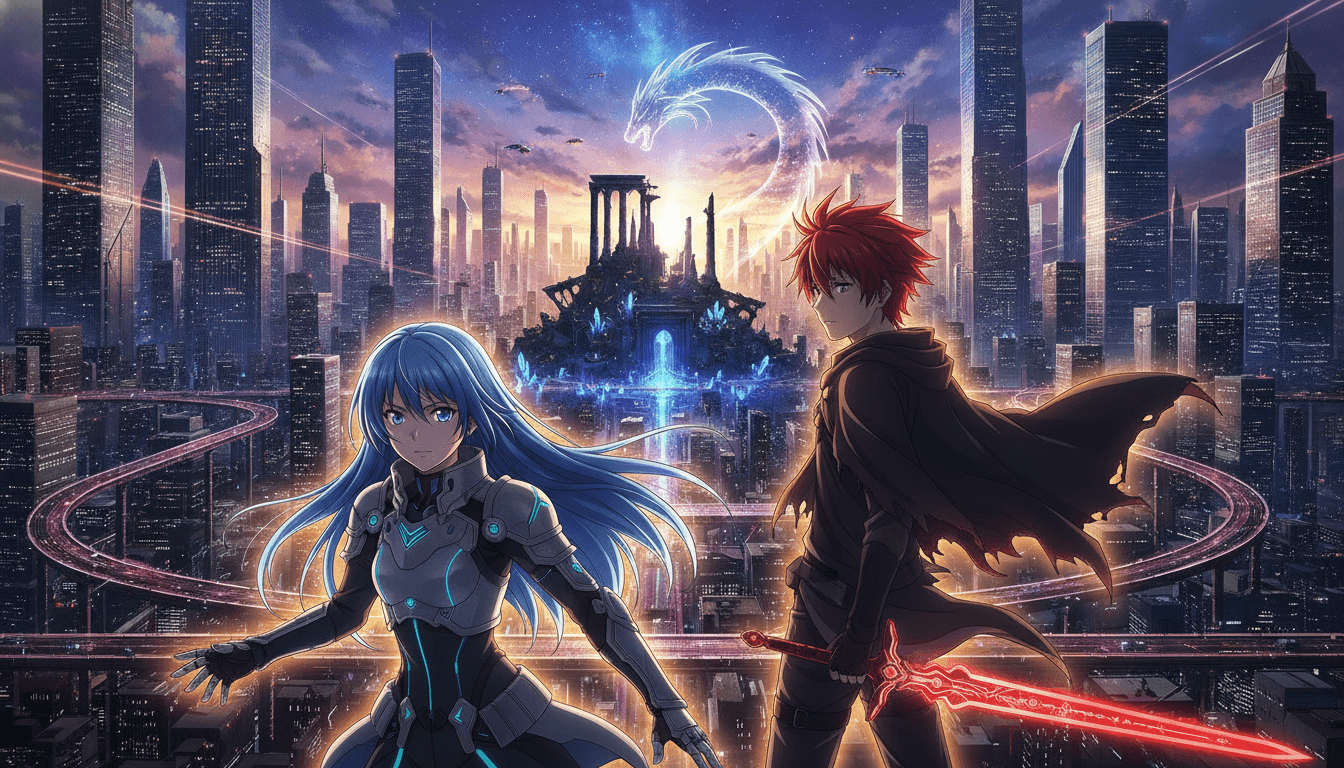
You bring the story idea and the mood of your track. C2Anime plans the structure, keeps the same cast across every shot, and renders voiced scenes you can assemble into a music video.
Write or paste your story
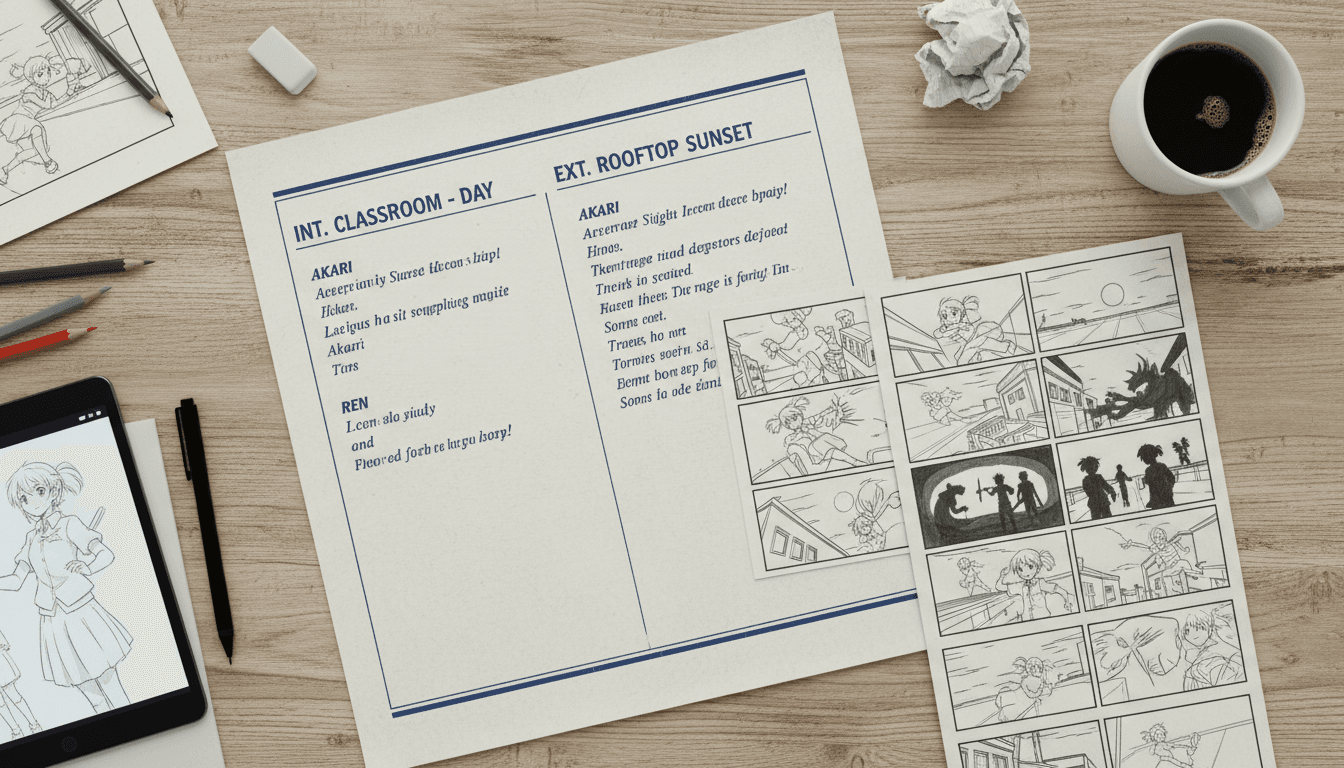
Drop in a script, a treatment, or a short story beat sheet. The AI Film Director reads it and proposes a scene structure sized for your target runtime.
Lock your cast
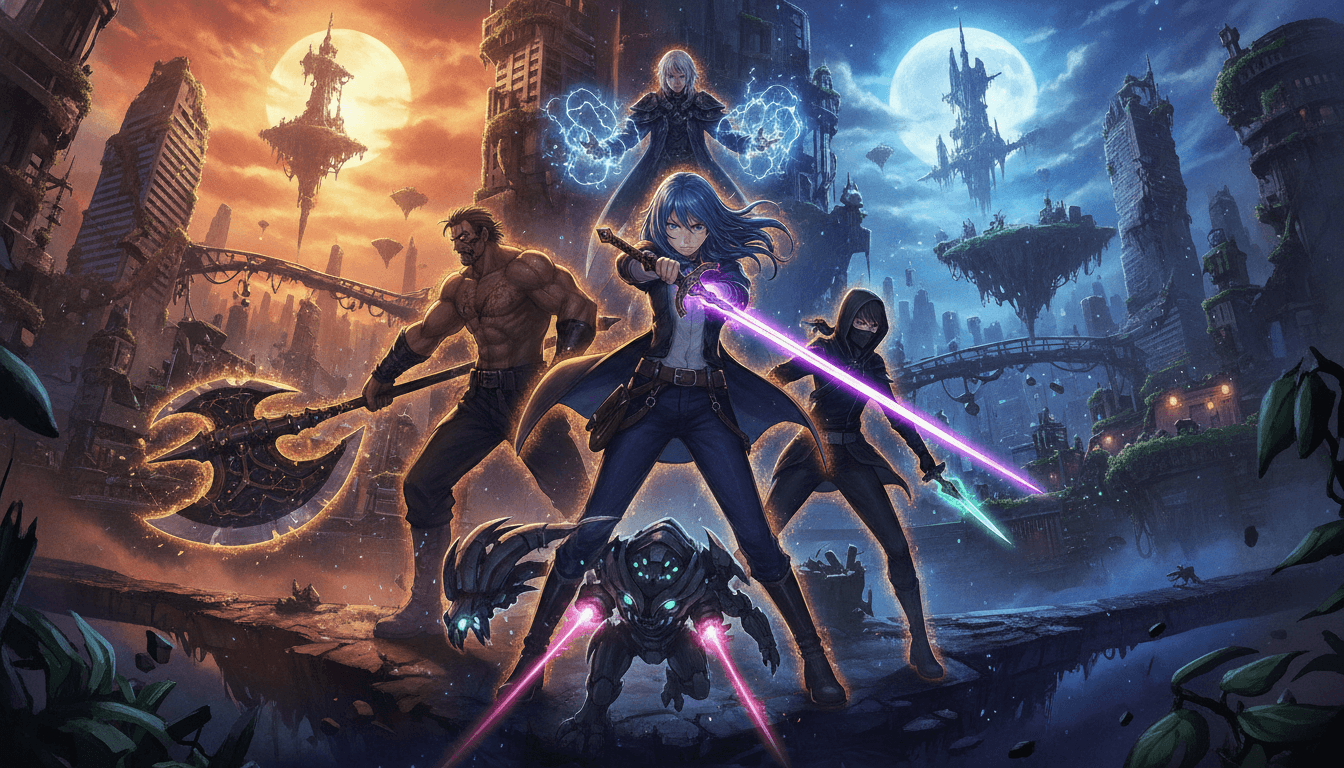
Design the characters once and keep the same faces, hair, and outfits across every shot. Consistency is the core of the tool, so your AMV cast never drifts between scenes.
Render voiced scenes
C2Anime writes the screenplay and renders dialogue-driven anime scenes with voice. Compose multiple short segments into a longer music video piece.
Why Creators Use This Anime Music Video Generator
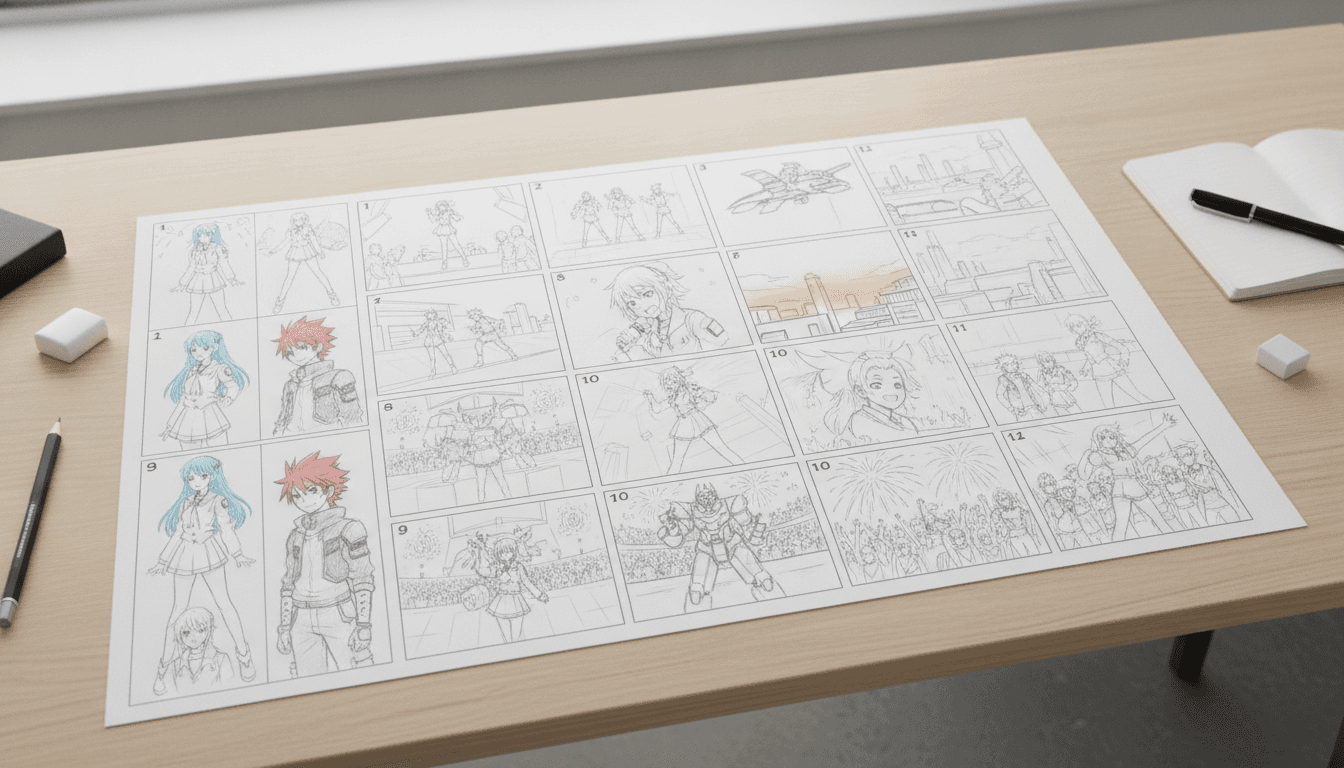
Most AI tools give you disconnected clips. An anime music video generator has to hold a cast together across cuts, and that is the problem C2Anime is built around. The AI Film Director plans the structure first, then designs a consistent cast so the same faces, hair, and outfits carry from the opening shot to the final chorus. That continuity is what makes an AMV feel like one video instead of a slideshow of unrelated frames.
C2Anime produces finished, voiced anime video, not a set of stills you have to animate yourself. Each scene is dialogue-driven and rendered with voice, so your trailer, opening, or music video has performance and pacing baked in. You are not stitching together silent loops and hoping the timing lands.
The tool is honest about its shape. It runs on Seedance and MiniMax models and works best in the 30-second to few-minute range per piece. Longer music videos are composed from multiple scenes rather than one long clip. That constraint keeps quality high and gives you a clear production rhythm: plan the beats, render the scenes, assemble the cut.
Inside the Anime Music Video AI Pipeline
The anime music video AI workflow starts with structure. Instead of asking a model for one long shot, C2Anime's AI Film Director breaks your story into a sequence of scenes with clear beats. Each scene has a purpose: establish the character, land the hook, build the chorus, resolve the ending. That planning layer is what lets a short-form generator produce something that reads as a music video rather than a random clip.
Cast consistency is handled at the design stage, not patched afterward. Characters are defined once with fixed faces, hair, and outfits, and that definition is carried into every rendered scene. For AMVs and openings, where the same hero appears across many cuts, this is the difference between a coherent video and a cast that changes identity every few seconds.
Rendering is voiced and dialogue-driven, running on Seedance and MiniMax. You get anime scenes with performance, not silent plates. Because the sweet spot is roughly 30 seconds to a few minutes per piece, longer music videos are built by composing multiple scenes into a final edit. You keep control of the cut while the generator handles the heavy visual and voice work.
Features of the Anime Music Video Generator
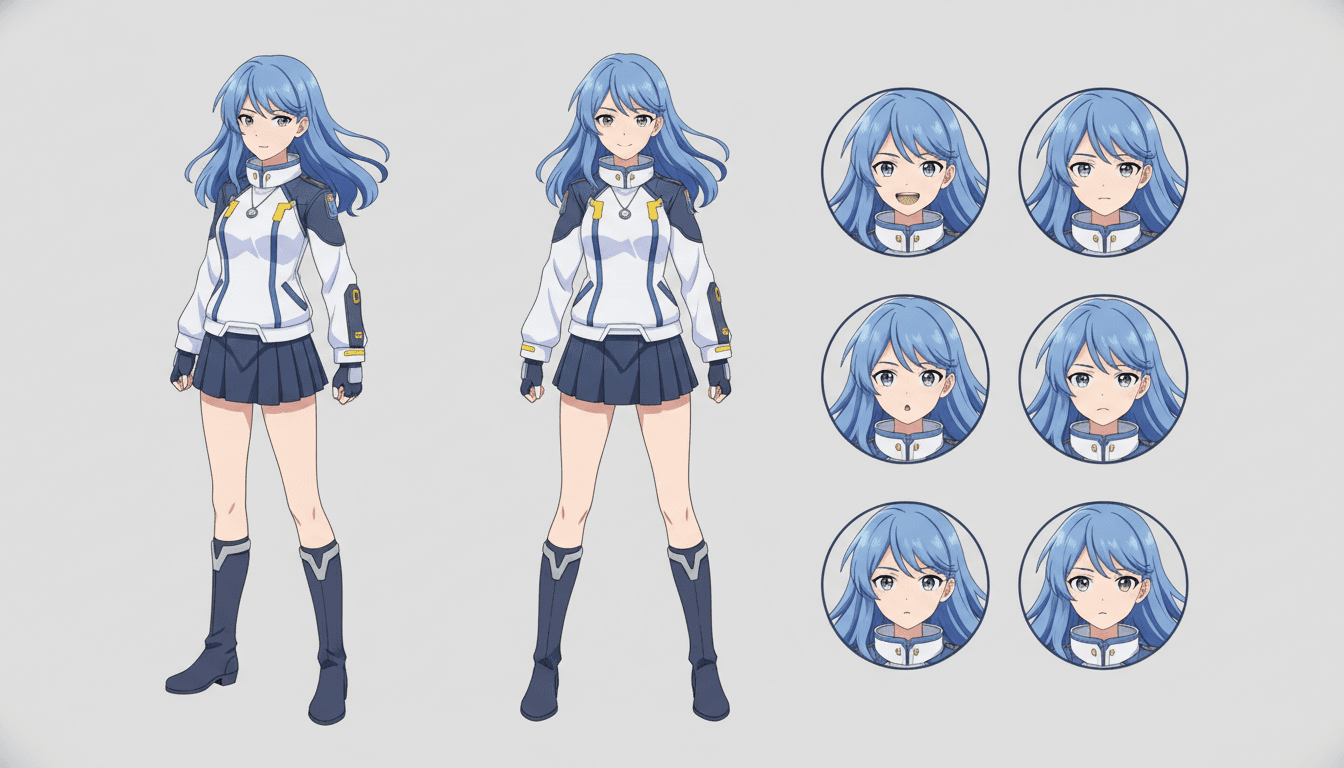
Consistent cast across shots
Define faces, hair, and outfits once and keep them stable from the first frame to the last. Your AMV hero stays recognizable through every scene.
AI Film Director planning
The tool structures your story into scenes with beats and pacing before rendering, so the video has a shape instead of a pile of clips.
Voiced, dialogue-driven scenes
Scenes are rendered with voice and performance, giving trailers and openings the emotional delivery that silent clips lack.
Composable runtimes
Work in the 30-second to few-minute range per piece, then combine multiple scenes into a longer music video cut.
Who This Anime Music Video AI Is For
AMV editors Creators who cut anime footage to music and want original, consistent scenes instead of reused source material.
Trailer and opening makers Teams building anime-style trailers or opening sequences who need a cast that holds together across fast cuts.
Story-driven musicians Artists and writers who want a voiced anime music video that follows a script rather than a mood board.
Anime Music Video Generator FAQ
- What exactly does this anime music video generator produce?
- It produces finished anime video scenes: voiced, dialogue-driven, and planned around your script. You assemble those scenes into a music video, trailer, or opening. It is not a still-image or illustration tool.
- Can the anime music video AI keep my character consistent?
- Yes. Cast consistency is the core design goal. You define faces, hair, and outfits once, and the same design is carried into every rendered scene so your hero does not change between cuts.
- How long can a single anime music video be?
- The stable sweet spot is about 30 seconds to a few minutes per piece. Longer music videos are composed from multiple scenes rather than one long continuous clip, which keeps visual quality high.
- Which models power C2Anime?
- C2Anime runs on Seedance and MiniMax models. It does not use Sora, Kling, Veo, Runway, or Pika.
- Is there a free tier?
- C2Anime is in invite-gated early access with paid credit tiers. There is no free tier, unlimited plan, or instant signup. You can review tiers on the pricing page and request access.
- Can I make a dramatized mystery or ghost-story AMV?
- Yes, but frame true-crime, mystery, or ghost content as dramatized and inspired-by. Change or omit real names, avoid identifiable real victims, never accuse a named person, and stay general on open or living cases.
- Does it do lip-sync or convert live-action to anime?
- No. C2Anime does not offer lip-sync and does not convert live-action footage into anime. It generates voiced anime scenes from your script and designed cast.
Build Your First Anime Music Video
Join the invite-gated early access, pick a credit tier, and turn your script into a voiced anime cut with a cast that stays consistent.
Start your animeAbout the C2Anime Anime Music Video Generator
C2Anime is an anime music video generator built for creators who need a coherent cast, a real screenplay, and voiced anime scenes rather than disconnected clips. The AI Film Director plans structure, designs consistent characters, and renders dialogue-driven video you can compose into AMVs, trailers, and openings.
The anime music video AI pipeline runs on Seedance and MiniMax and works best in the 30-second to few-minute range per piece. Longer music videos are assembled from multiple scenes, giving you a clear production rhythm from planning to final cut.
C2Anime is in invite-gated early access with paid credit tiers. There is no free tier or unlimited plan, and signup is not instant. Review the pricing tiers and request access when you are ready to produce.
For dramatized true-crime, mystery, or ghost-story music videos, change or omit real names, avoid identifiable real victims, never accuse a named person, and stay general on open or living cases.