Reference to anime video, with your design held
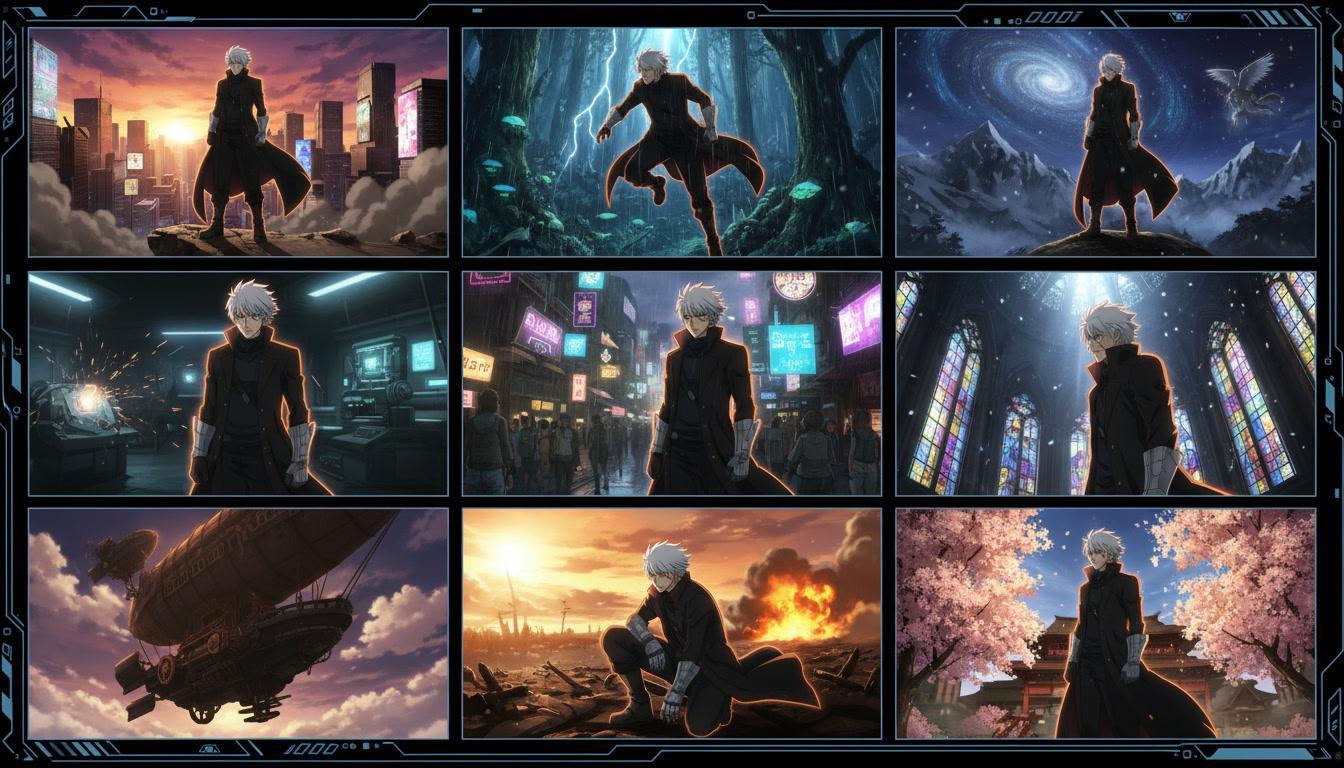
If you already have character art, you should not have to describe it in words and hope. C2Anime's reference to anime video workflow takes the designs you upload, builds the screenplay and the cast around them, and renders scene after scene with that exact character — same face, same hair, same outfit, from the first shot to the last.
How reference to anime video works
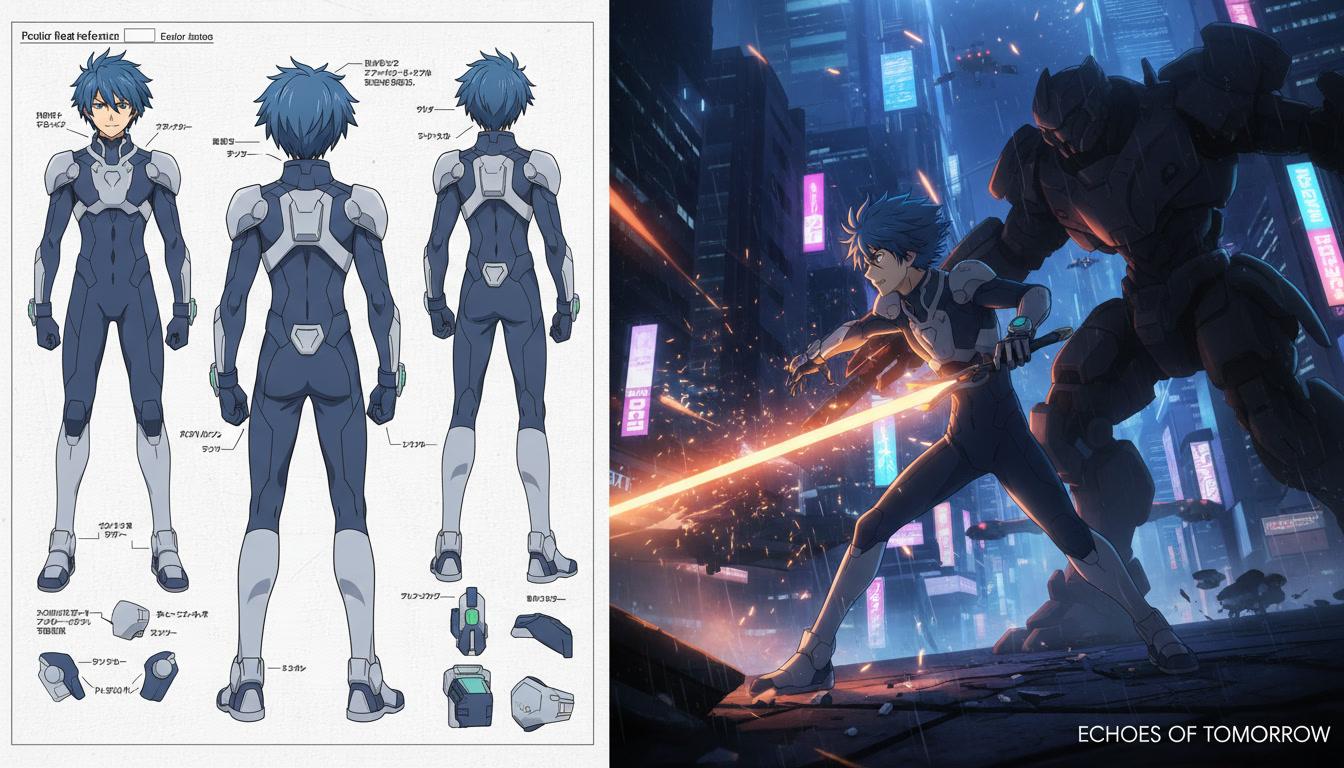
Three stages. The references come first so everything rendered afterwards has something fixed to match against.
Upload your references
Bring the art you already have — a model sheet, a couple of illustrations, a single clean portrait. One good reference per character is enough to lock a design.
Give it the story
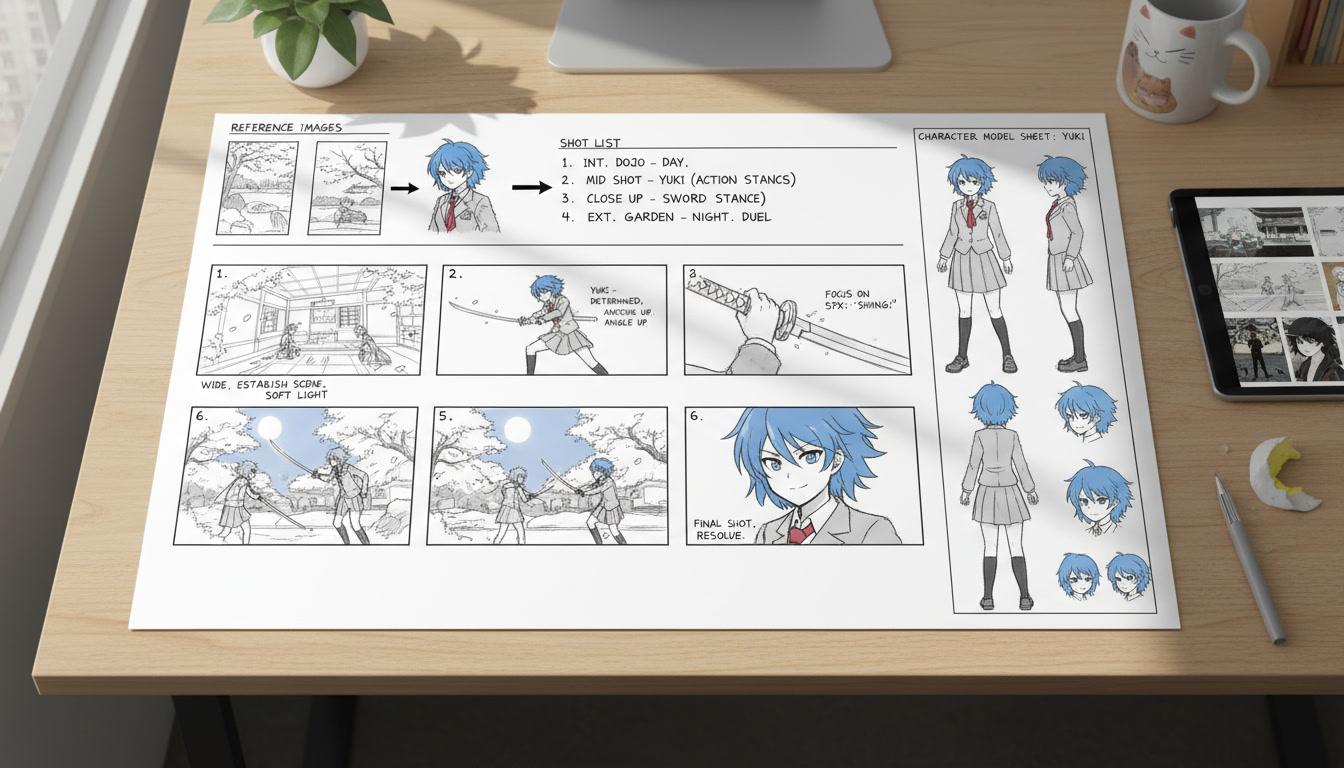
Paste the scene, the script or the chapter those characters belong to. C2Anime plans the structure and writes a screenplay before anything renders.
Watch the scenes render
Every shot is generated against your references, so the character who walks into scene nine is the same one you drew.
Why a text prompt loses your character
A description is lossy. “Silver-haired girl in a navy coat” covers a thousand different girls, and a generator picks a different one every time you run it. The jacket gains a collar. The eyes change shape. By shot six you are looking at someone else wearing the same colours.
An image does not have that problem. A reference pins down everything a sentence cannot: the exact hair volume, where the fringe sits, the proportions of the face, the details on the outfit that make the character recognisably yours.
That is the whole argument for going reference to anime video instead of prompt to video. You stop re-rolling shots hoping the face comes out right, because the face was decided before rendering started.
What to give the reference to anime video tool
A clean portrait. One unobstructed image of the character, well lit, front or three-quarter view. This is the minimum and it is usually enough.
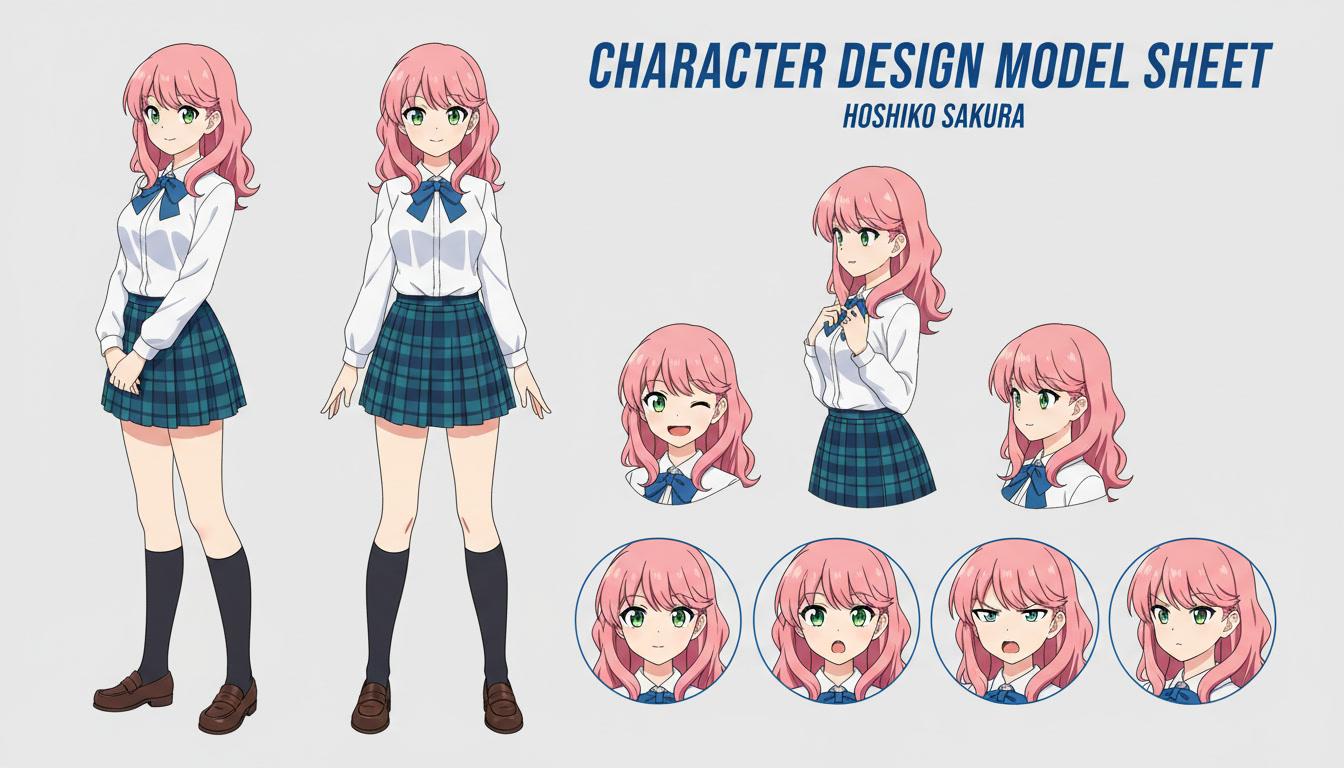
A model sheet, if you have one. Several angles plus an expression row gives the most control, because nothing about the design is left for the model to guess.
One reference set per character. Keep each character's art separate rather than uploading a group shot. Separate references are what keep two characters from bleeding into each other on screen.
The story they belong to. References decide what your cast looks like; the script decides what they do. C2Anime plans act breaks, scenes and dialogue from the text you paste in, then casts your referenced designs into it.
What the tool handles once the references are in
Your design, not an interpretation
The reference is treated as the source of truth for hair, face, outfit and silhouette, instead of being re-imagined each time a shot is generated.
Multiple characters at once
Reference each member of the cast separately and they stay distinguishable when they share a frame — no blending two designs into one.
Voices attached to the design
A referenced character gets a voice and keeps it, so the design and the performance stay attached to the same person across the video.
Built for more than one shot
References persist across the whole production, which is what makes an episode — or a second episode — possible rather than a one-off clip.
Who starts from a reference
Artists with an existing cast. You have been drawing these characters for years and you are not interested in a video of someone who nearly looks like them. Your sheets go in, your characters come out.
OC creators. An original character only works if it is recognisable. Referencing the design is the difference between animating your OC and animating a generic anime protagonist.
Webcomic and manga authors. The cast is already designed and already on the page. Adapting the story to video is a casting problem, not a design problem, and references solve it directly.
Anyone building a series. Episode two has to look like episode one. Holding a reference set across productions is what makes that possible.
Reference to anime video: common questions
- What is reference to anime video?
- Reference to anime video means starting from character artwork rather than from a text description. You supply reference images of your characters, C2Anime builds the production around those designs, and the rendered scenes keep the design you uploaded instead of inventing a new one each shot.
- What kind of reference images work best?
- A clear, well-lit image where the character is unobstructed. Front or three-quarter views read best. A proper model sheet with several angles gives the most control, but a single clean illustration is usually enough to hold a design.
- How many references can I give per character?
- More than one helps. A front view plus a three-quarter view resolves ambiguity about hair volume, outfit details and proportions that a single flat image leaves open.
- Does reference to anime video work for more than one character?
- Yes. Each character is referenced separately and kept separate through the production, so two characters in the same scene stay on their own designs rather than drifting toward each other.
- Can I use my own original character?
- That is the main reason people use this. If you have an OC you have been drawing for years, referencing it is how you get that specific character into a video rather than a generic anime lookalike.
- What if I do not have reference art?
- C2Anime can design the cast for you from the story, then treat those designs as the references for the rest of the video. You get the same consistency, you just are not supplying the starting art.
- Will the video have dialogue?
- Yes. Scenes are built around a written screenplay with spoken dialogue, not narration laid over stills, so referenced characters actually talk to each other.
Bring the reference. Leave with the anime.
Your design, your story, rendered as scenes that hold together.
Upload your referencesGoing from character reference to anime video
Reference to anime video is the workflow for people who already know what their characters look like. Instead of writing a description and accepting whatever the model imagines, you upload the art — a model sheet, a portrait, a page from your comic — and that design becomes the fixed point the rest of the production is built around. C2Anime reads your story, plans the act breaks and the scene list, writes a screenplay with real dialogue, and then renders each scene with the characters you supplied rather than characters it invented.
The reason this matters is continuity. Anime depends on recognition: the viewer has to know instantly who is on screen. Tools that generate each shot from a fresh prompt cannot deliver that, because nothing in the system remembers what the character looked like a shot ago. A reference set does remember. It is the same principle a studio uses when it hands every animator the same model sheet, applied to a generated production.
A reference to anime video workflow also changes what you spend your time on. Without it, most of the work is re-rolling shots and rejecting the ones where the face came out wrong. With the design locked before rendering, that entire loop disappears and your attention goes to the things that actually decide whether the video is good — the structure, the dialogue, the pacing of the scenes.
You can bring as much or as little as you have. One clean image per character is enough to start; a full model sheet with multiple angles gives finer control; and if you have no art at all, C2Anime will design the cast from your story and then treat those designs as the references for everything that follows. Either way the result is a voiced, dialogue-driven anime video where your cast stays on model from the opening shot to the final frame.