Already have a screenplay? Turn your script to anime video
You did the writing. C2Anime converts a script to anime video by reading your scene headings as shots, your action lines as staging, and your dialogue as lines a voiced character actually speaks — in the order you wrote them, with a cast that stays on model scene to scene.
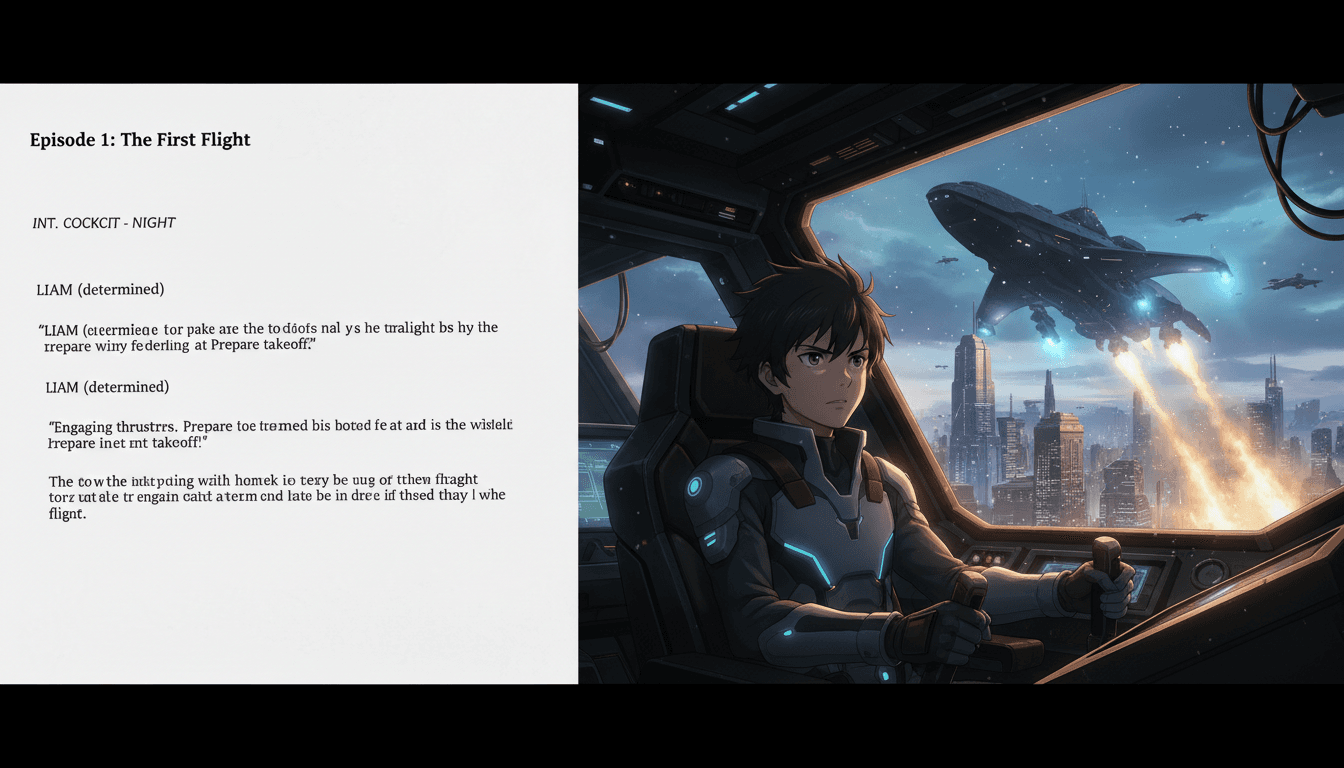
How a script to anime video conversion works
Three stages, in order. Your screenplay is the source of truth the whole way through.
Paste in your screenplay
Standard screenplay format works fine — scene headings, action lines and dialogue. C2Anime reads the script to anime video pipeline the way a script supervisor would.
Scene headings become shots
INT./EXT. lines and action become staged scenes with camera choices, while your dialogue stays attached to the character who speaks it.
It shoots the script
Each scene is cast, voiced and rendered in script order, so the finished video follows the screenplay you wrote rather than a rough paraphrase of it.
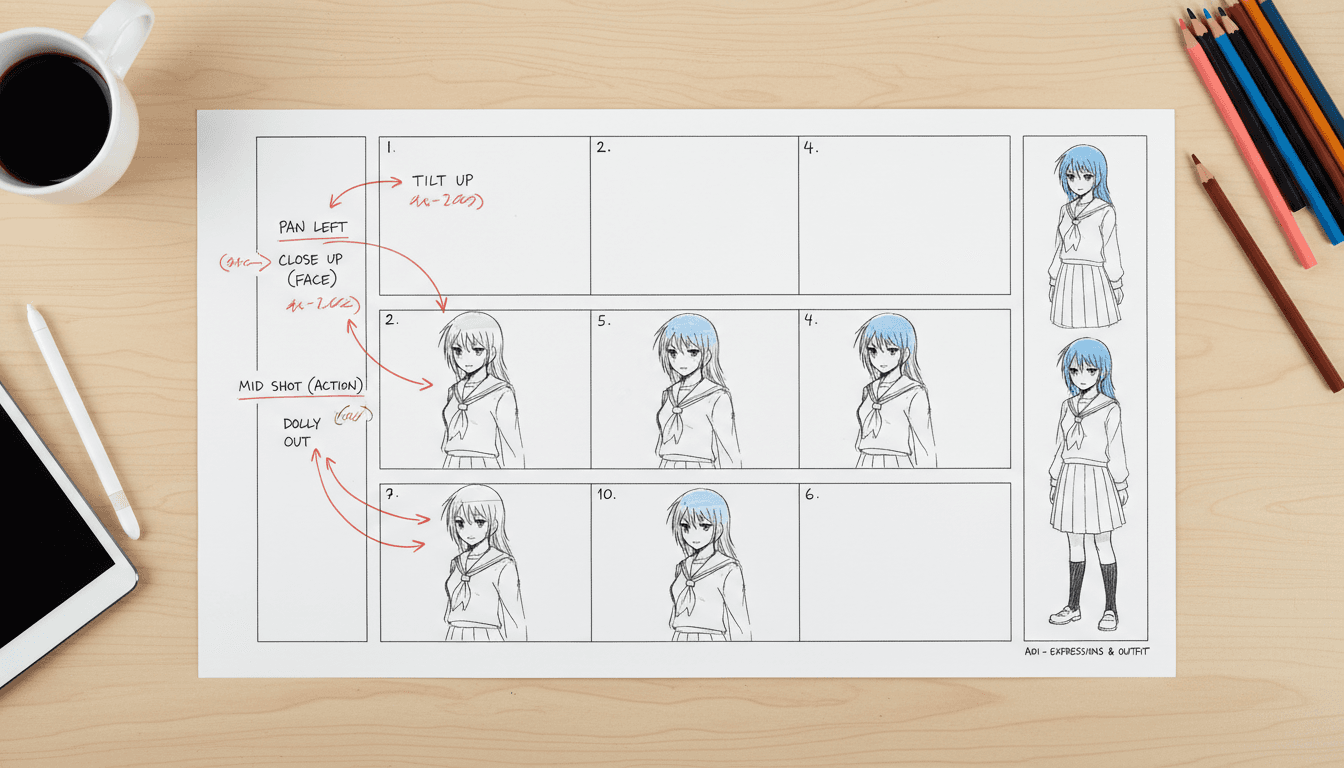
Why a screenplay is a better starting point than a prompt
A prompt describes one shot. A screenplay already carries scene order, who is in each scene, what they say and where the scene is set. When you convert a script to anime video, you are handing over structure that a single-prompt tool has no way to infer.
C2Anime reads your scene headings and action lines the way a script supervisor would, then stages each scene against that information instead of guessing from a paraphrase. Your INT./EXT. lines, your character names and your dialogue attribution all carry through to the render.
That is why a properly formatted script converts more faithfully than a loose description of the same story — the tool is not reconstructing your intent, it is reading it.
Your character list becomes the cast
Screenplays name their characters in the dialogue block, and that naming is exactly what a script to anime video conversion needs to keep people straight across scenes.
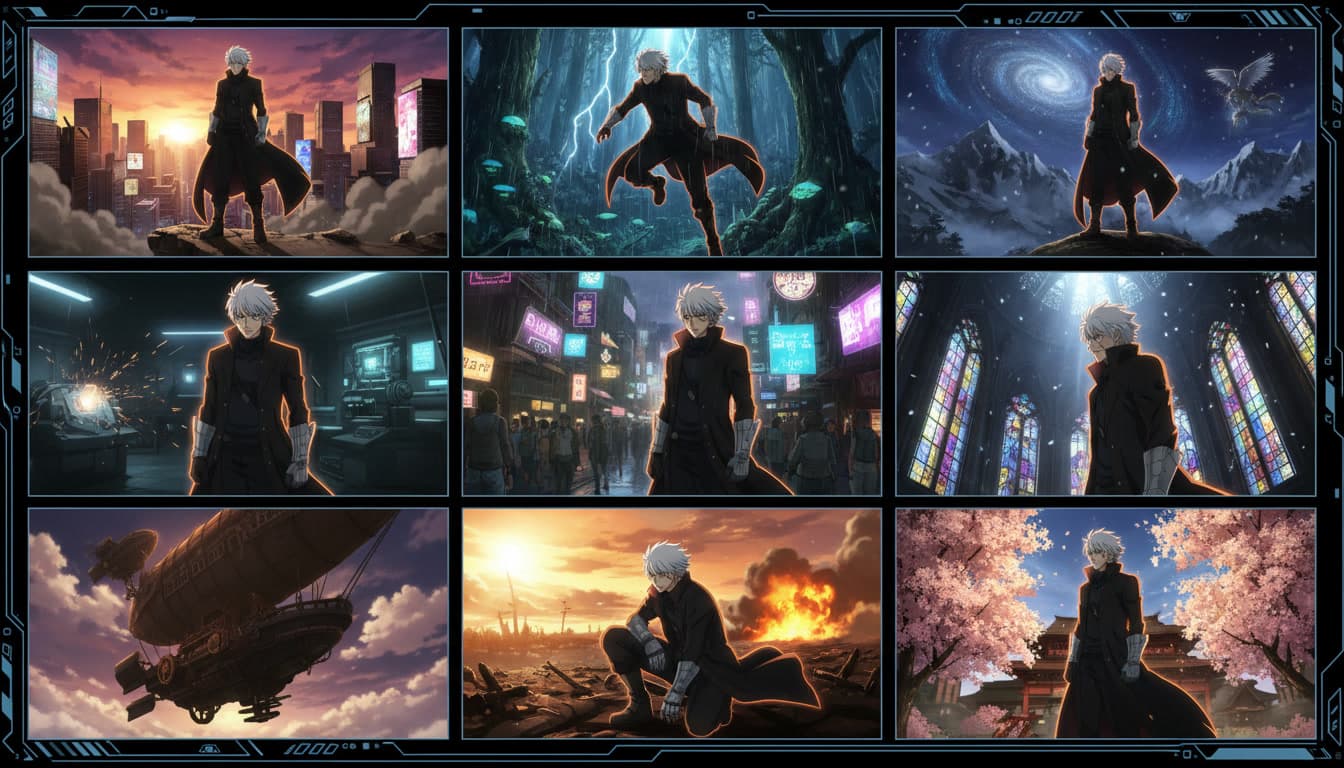
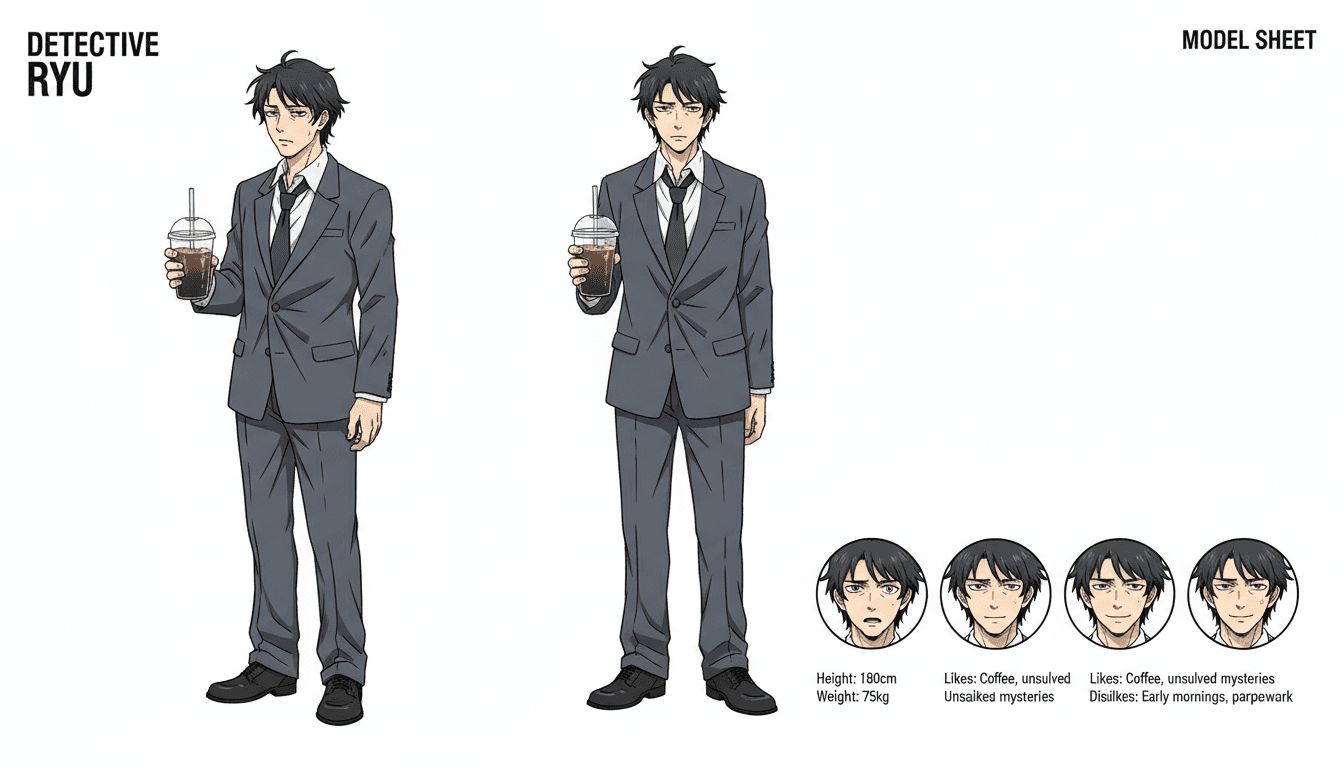
C2Anime designs each named character once, from how your script describes and writes them, and reuses that design for every scene they appear in — whether that is one scene or twenty.
A detective who shows up in the cold open and again in the final confrontation should be the same detective both times. That continuity comes from treating your script's cast list as fixed, not from re-imagining the character per scene.
What the script to anime video engine handles
Your scene headings, respected
The script to anime video engine keeps your scene order and slug lines intact instead of collapsing the screenplay into a single summary prompt.
A cast that matches your character list
Every named character in your script is designed once and reused for every scene they appear in, so the detective in scene one is still the detective in scene twenty.
Dialogue performed, not summarized
Lines are spoken by the character who has them in your script, with a voice that stays theirs, rather than flattened into narration.
A script stays editable
If a scene does not land, edit that scene and re-render it. You never have to rewrite the whole screenplay to fix one beat.
Who this is for
Screenwriters. You already wrote scene headings, action and dialogue. See the script move instead of leaving it as pages on a desk.
Film students. Shoot a scene from a class assignment without a crew, a location or a cast, and see how your blocking choices actually read.
Writers pitching a project. A rendered scene from your screenplay makes a stronger pitch than a page of description on its own.
Script to anime video: common questions
- What format should my script be in?
- Standard screenplay format works best — scene headings like INT. or EXT., action description and character-attributed dialogue. A script to anime video conversion is most faithful when the source script already separates action from dialogue.
- Does it follow my scene order exactly?
- Yes. Scene headings in your script map to shots in the finished video in the order you wrote them, rather than being reordered or condensed into a single montage.
- What happens to my dialogue?
- Each line is assigned to the character your script attributes it to, and that character keeps a consistent voice across every scene, so a script to anime video conversion plays as performed dialogue rather than narration.
- Will my characters look consistent across the whole script?
- Yes. Characters named in your screenplay are designed once before rendering and reused for every scene they appear in, so a character introduced on page two still looks like themselves on page twenty.
- Can I convert an unfinished script or just a scene?
- Yes. A single scene, a sequence or a full script all work. Shorter input just means a shorter finished video.
- Can I change a scene after rendering?
- Yes. Both the screenplay and the scene plan stay editable, and you can re-render one scene without redoing the entire script to anime video conversion.
- Do I need animation or directing experience?
- No. If you already know how to write a scene, that is the skill this tool uses. Staging, casting and voicing are handled for you.
Bring the script. Leave with the shot.
Scene headings become shots. Dialogue becomes performance.
Convert your scriptTurning a written screenplay into a script to anime video render
A script to anime video tool has an advantage most anime generators do not get: a document that already contains structure. Your scene headings mark where and when each scene happens. Your action lines describe staging. Your dialogue is already attributed to a character. C2Anime reads all of that directly, rather than asking you to compress a scene into a single-sentence prompt and hoping the result matches what you had in mind.
That structure is also why the conversion holds together across a longer piece. A screenplay's characters recur by name, its scenes have an order, and its dialogue belongs to specific people. C2Anime designs each named character once and keeps that design fixed, so a script to anime video render stays faithful to your character list from the first page to the last.
This is different from prompting a video model with a rough description of your script. A description flattens your choices — who is in the scene, what they say, how the scene is staged — into guesswork. Feeding in the actual screenplay keeps those choices yours.
Paste in a scene, a sequence or a full screenplay and C2Anime will cast it, voice it and render it in the order you wrote it. Bring the script — the shot is already in there.